DOIT DT-06: Wi-Fi Setup and Two-Way UART Transmission
Setup, programming checks, troubleshooting and documentation for DOIT DT-06.
On this page
Power and UART wiringOpen web configurationConfigure serial and network settingsTest both directionsConnect to a routerTroubleshootingProductManufacturer reference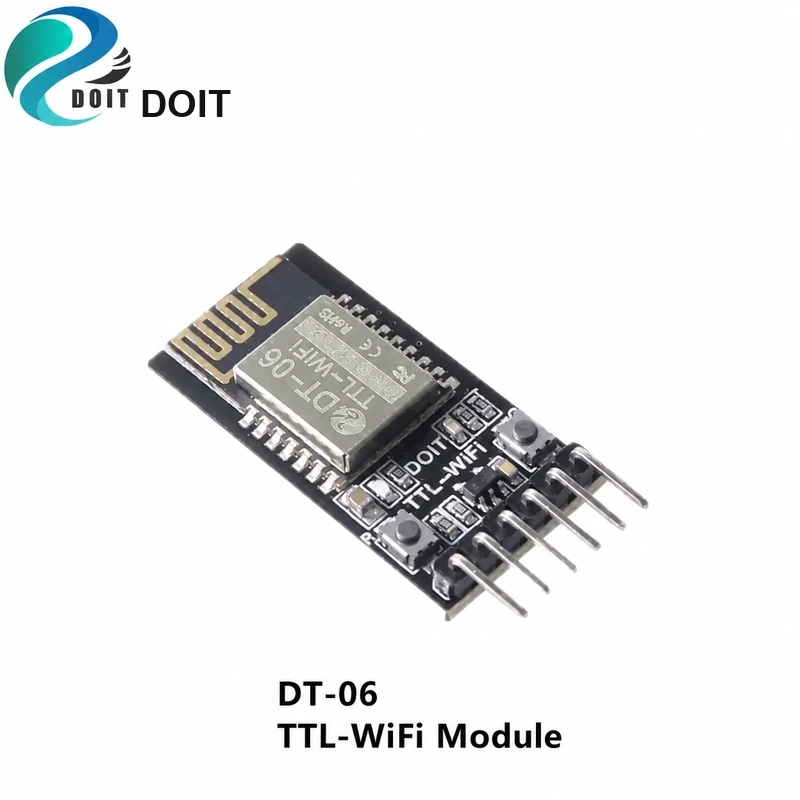
This procedure applies to DOIT transparent-transmission firmware V3.0. DT-06 AT and probe firmware options must use their own instructions; they are not assumed to expose this web interface.
Power and UART wiring
The manufacturer specifies 4.5–6.0 V input for the complete DT-06 carrier and recommends 5 V. This is not the bare ESP-M2 supply rating. Identify VCC/GND by board labels, cross host TX to RXD and host RX to TXD, and share ground. Use 3.3 V TTL signaling for this first test, not RS-232 levels.
Open web configuration
- Power the identified carrier and scan for its access point. The V3.0 factory SSID is Doit_WiFi_xxxxxx.
- Connect to it and open http://192.168.4.1. Different firmware or saved settings can change these defaults.
- Record the firmware version and current configuration. Set an AP password before normal use.
Configure serial and network settings
- Under MODULE → Serial, match host baud rate, bits, parity and stops. V3.0 factory settings are 9600, 8 data bits, no parity, 1 stop bit.
- For a local test, use AP mode and TCP Server. Confirm the listening port; the factory value is 9000.
- Save and restart so settings take effect.
Test both directions
Connect a TCP client to the actual module IP and port. Open a UART terminal using the saved serial format. Send a unique short line from each side and check it appears at the other. A single PC can run both programs, but they use separate Wi-Fi/TCP and USB/UART connections.
Connect to a router
After the local test works, configure STA credentials and DHCP, restart, and obtain the assigned address from the status page or router. Update the TCP destination. If AP and STA remain enabled together, use distinct subnets.
Troubleshooting
- No expected AP: check the ordered firmware and whether saved settings disabled AP mode.
- Web page works but UART does not: check crossed wires, common ground and matching serial formats.
- Do not overwrite DT-06 with an arbitrary ESP-M2 image. Obtain firmware and recovery instructions matching your revision.
Product
| Product / variant family | SKU |
|---|---|
| DT-06 Wireless Serial-to-Wi-Fi Transparent Transmission Module, HC-06 Interface and ESP-M2 Compatible | AC41353 |
Manufacturer reference
Documentation reviewed: 17 November 2026. Hardware instructions are based on the linked manufacturer documents; no physical bench test is claimed.
Share the product link, hardware revision, software version and any error messages.
Contact ESP32S support →