ESP32-S3 3.5-inch touch display: getting started
Identify your display board and select a compatible software project.
On this page
Identify the display boardFirst connectionDevelopment environmentSelect a display exampleBuild and uploadVerify the displayFiles and support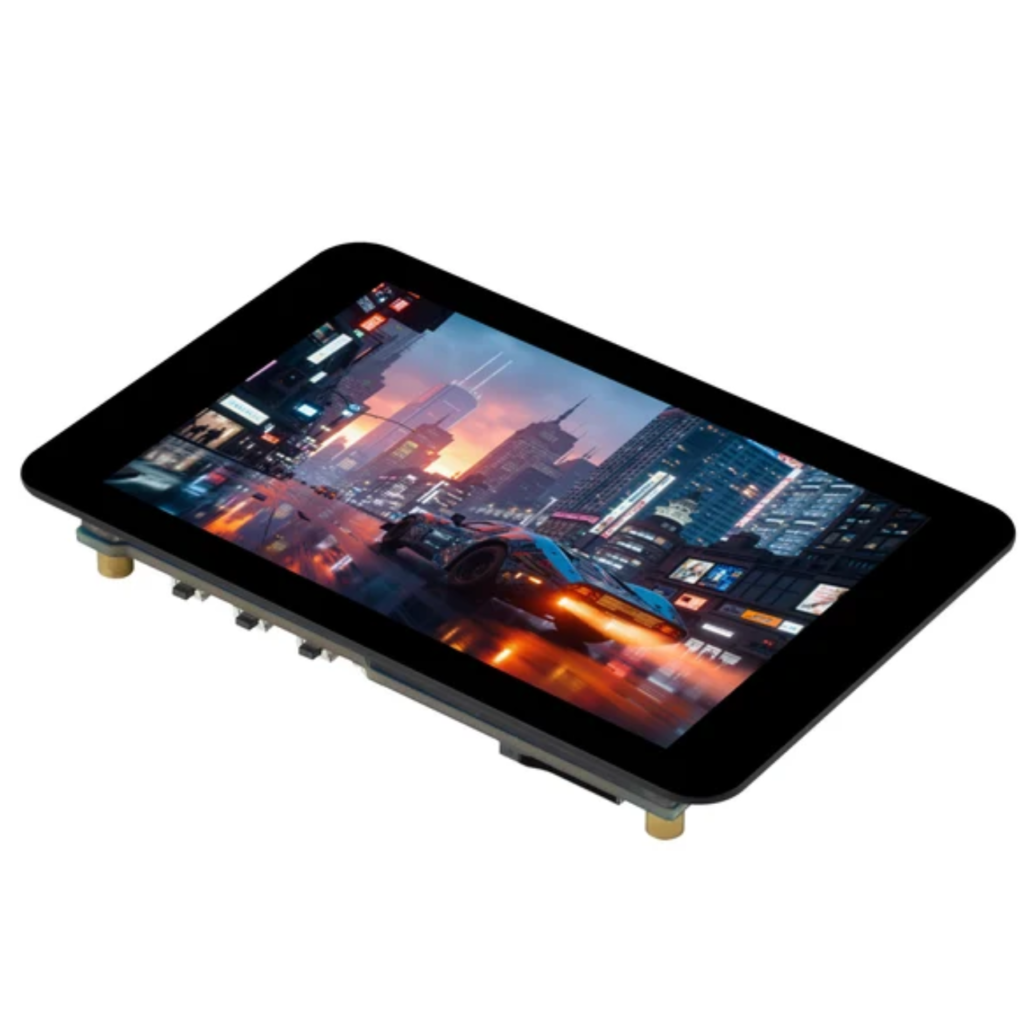
Identify the display board
This guide is associated with our ESP32-S3 3.5-inch capacitive touch display product. Compare the product model, PCB marking and hardware revision before using a demonstration project.
First connection
Use a USB data cable and follow the board power instructions. Identify its USB interface and serial port. Keep peripheral wiring disconnected during initial setup.
Development environment
For Arduino, follow the ESP32 setup guide. For ESP-IDF, use the version and dependencies specified by the example project.
Select a display example
Use an example for the exact hardware revision. Confirm the display and touch controllers, interfaces, pin assignments and memory configuration against the manufacturer files.
A generic serial example checks microcontroller communication; it is not a screen or touch demonstration.
Build and upload
Follow the project dependency and upload instructions. Record toolchain and library versions so the setup can be reproduced.
Verify the display
- Read the startup log after reset.
- Check screen updates using the supplied demonstration.
- Check touch input using the project test screen.
- Record any orientation or coordinate issues before changing configuration.
Files and support
Request the exact example or schematic using the product link and board photographs when it is not included with your order. Contact support · Flashing guide
Share the product link, hardware revision, software version and any error messages.
Contact ESP32S support →