
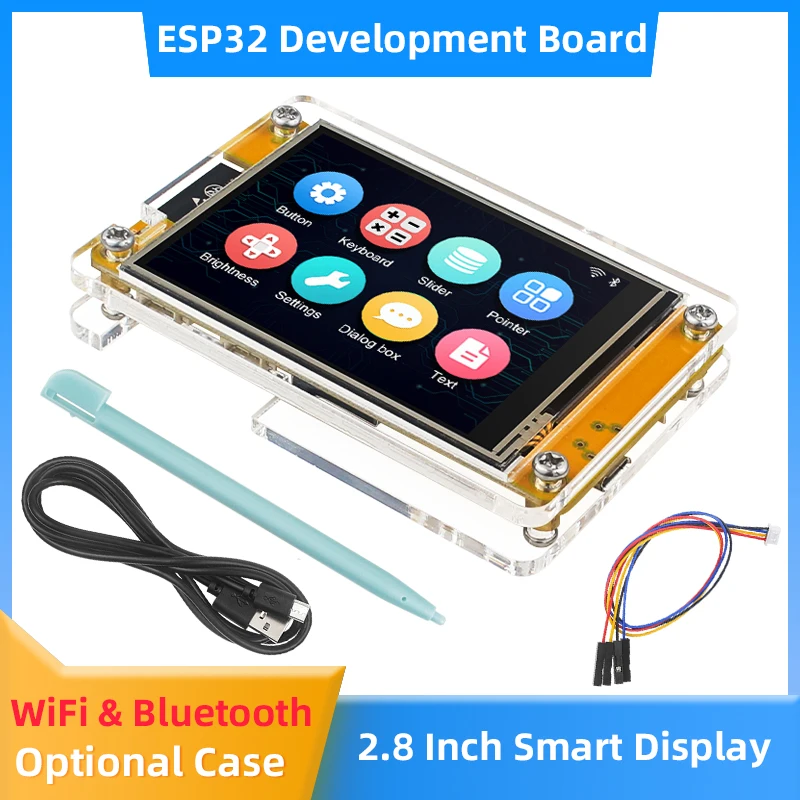
ESP32 CYD ILI9341 vs ST7789: Identify the Right Display Driver
Identify the CYD board and LCD controller before changing drivers. Follow a repeatable display test and separate LCD faults from touch configuration.
Partial refresh changes a supported area of an e-paper display without using the same full-screen update sequence as a cleaning refresh. It can be useful for a clock or changing sensor value, but it is not a universal fast mode for every panel. Match the panel, controller and software before enabling it.
| Mode | Purpose | Important distinction |
|---|---|---|
| Full refresh | Initialize or update the whole screen using the panel-supported full sequence | May be part of managing residual image patterns |
| Fast full update | Use a faster whole-screen sequence where the panel and driver support it | Not automatically the same as a partial window |
| Partial update | Update a supported region or use the panel-supported partial sequence | Needs matching driver state, waveform and operating conditions |
“Full screen” and “full refresh” are also different ideas: a full-screen drawing region does not by itself describe which physical refresh waveform will run.
The following examples correspond to products with existing ESP32 tutorials:
| Panel | Resolution | Controller | Matching GxEPD2 class |
|---|---|---|---|
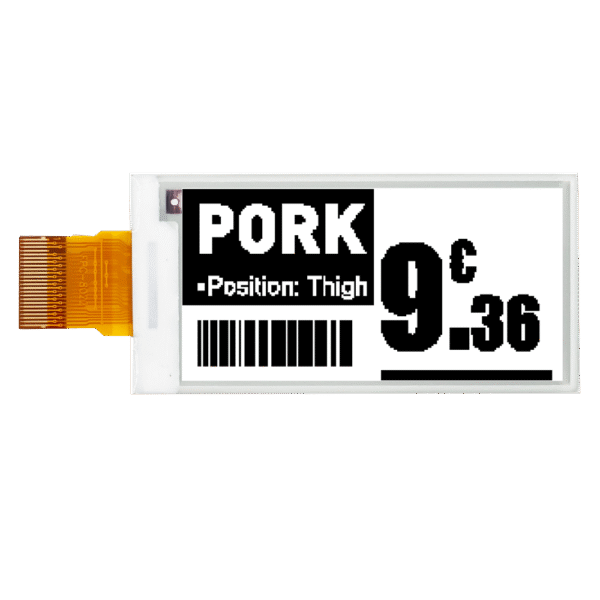
| GDEY029T94 | 296×128 | SSD1680 | GxEPD2_290_GDEY029T94 |
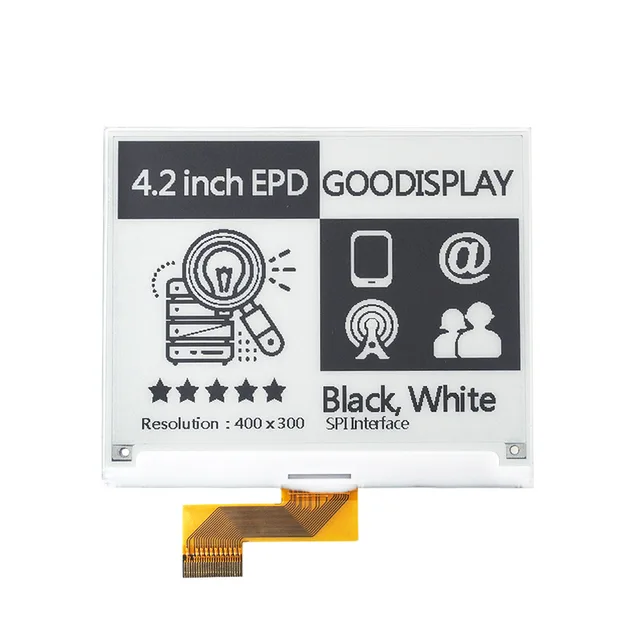
| GDEY042T81 | 400×300 | SSD1683 | GxEPD2_420_GDEY042T81 |
The current GxEPD2 definitions for these named panels declare partial-update support. This does not establish support for another display with the same size or controller family. The driver revision, panel marking and supplied adapter still matter.
Use the 2.9-inch panel tutorial or the 4.2-inch panel tutorial for wiring and the first image before adding partial updates.
Do not assume that a retained picture means controller memory is initialized after power loss or deep sleep. Re-establish the display state as documented by the driver before resuming partial updates.
Residual patterns can involve both application drawing and physical display behavior. If changing “100” to “9” leaves a sharp “00,” the application may not have cleared the old text area. If a faint previous shape remains after a correctly drawn update, examine the supported refresh sequence, operating conditions and full-refresh strategy.
| Symptom | Next check |
|---|---|
| Old characters remain sharply visible | Clear and redraw the old field/background; check update-window coverage |
| Faint previous content remains | Use the recommended full-refresh strategy and matching driver |
| First partial update after wake fails | Check initialization and previous/current framebuffer state |
| Only one region changes or is clipped | Check rotation, window coordinates and library alignment rules |
| BUSY timeout or no new image | Resolve power, wiring, reset and exact driver selection first |
There is no single cleaning interval appropriate to all panels. Follow the panel guidance, then evaluate the actual image content, temperature and update schedule. Do not apply a monochrome demonstration's interval to a color panel without matching documentation.
Likewise, do not promise one universal update time from a product's fastest quoted mode. A complete device cycle can also include waking the MCU, fetching data and waiting for the display.
A panel advertising grayscale does not make every black/white GxEPD2 example a grayscale application. Use a supported mode and matching software for that purpose. Keep the first partial-refresh test monochrome so you can diagnose one variable at a time.
Measure energy for the complete device, including the ESP32, regulator and adapter. Partial refresh is not by itself a guarantee of longer battery life if Wi-Fi retries or powered peripherals dominate consumption.
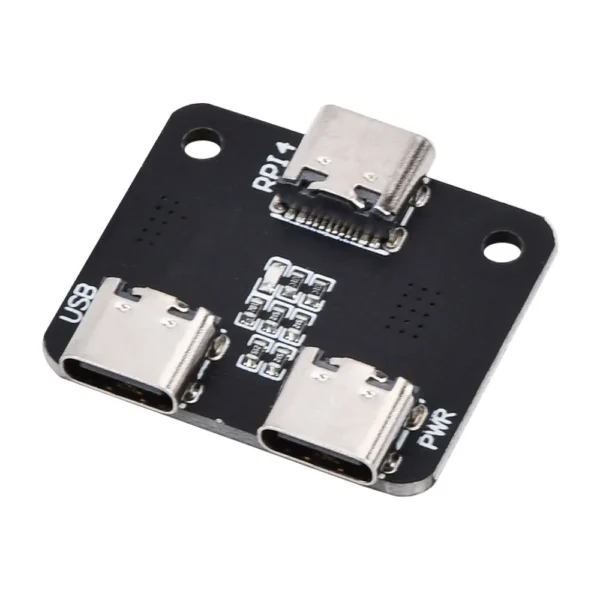
A bare FPC panel requires compatible drive circuitry. The GDEY029T94 listing identifies the 2.9-inch panel, while GDEY042T81 options distinguish panel, adapter and demonstration-kit packages. Match the selected hardware to the Wiki before wiring.
No. Select a panel and driver that explicitly support the intended mode.
No. Use the supported update strategy and assess the actual application rather than relying on a universal promise.
No. The panel-specific definition and physical revision must match, not only the controller family.
Identify the CYD board and LCD controller before changing drivers. Follow a repeatable display test and separate LCD faults from touch configuration.
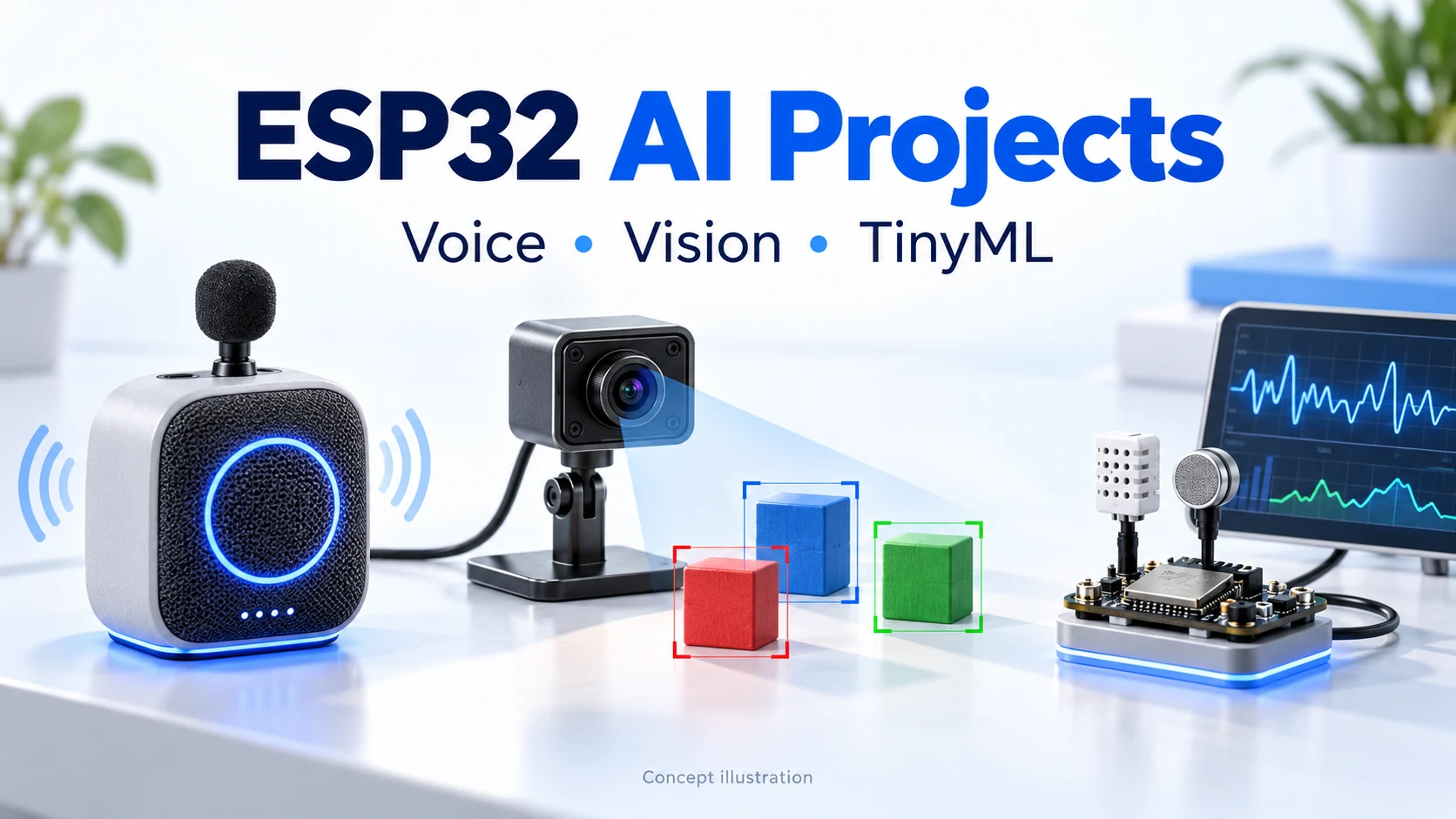
Explore XiaoZhi, ElatoAI, ESPHome, ESP-SR, ESP-WHO, ESP-Detection, Edge Impulse and SenseCraft AI. Compare hardware, local inference and backend requirements before your first build.
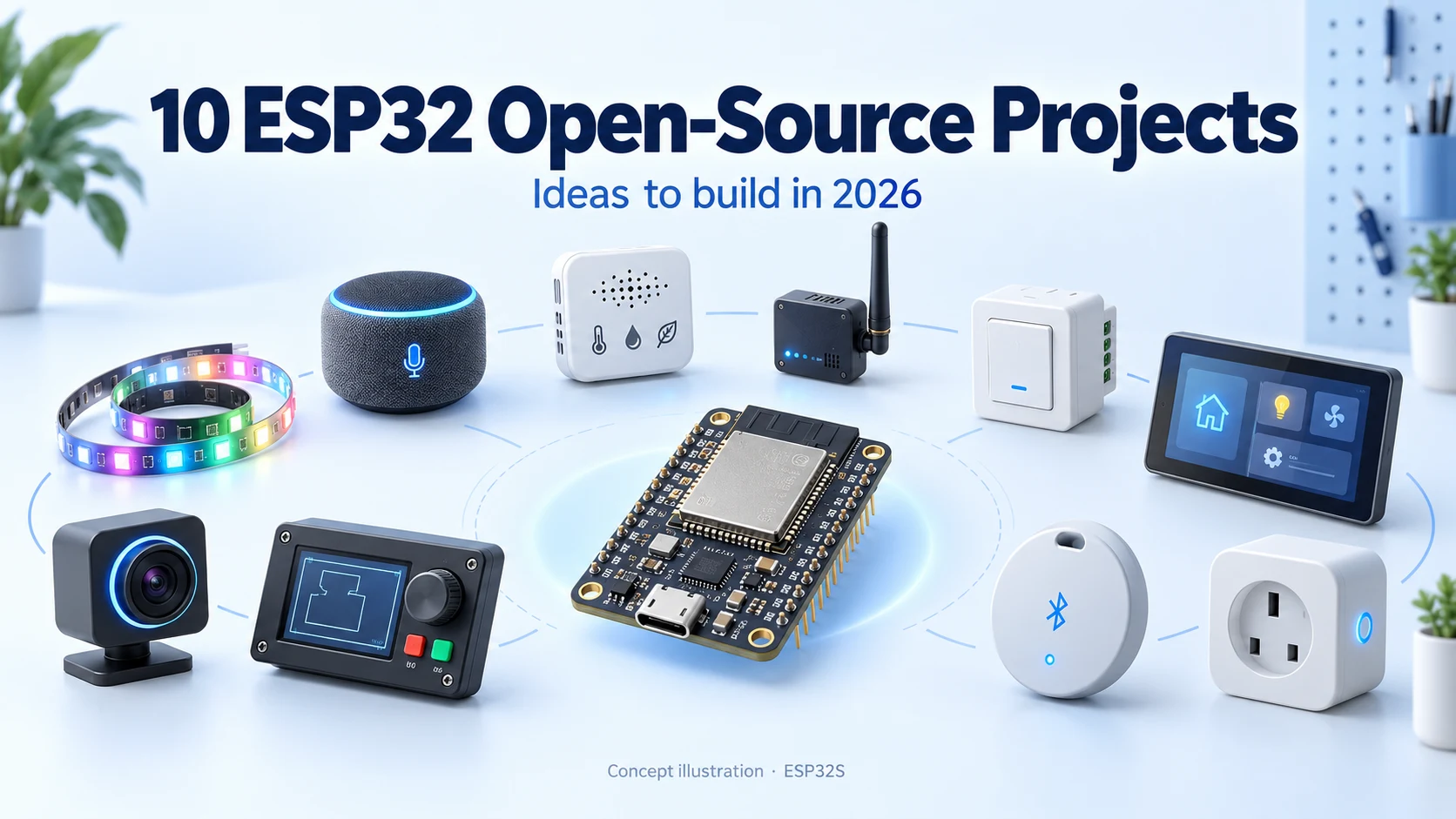
Discover ten active ESP32 open-source projects for 2026, from XiaoZhi AI and WLED to ESPHome, Meshtastic and touchscreen control. Includes GitHub popularity, hardware considerations and first-build ideas.
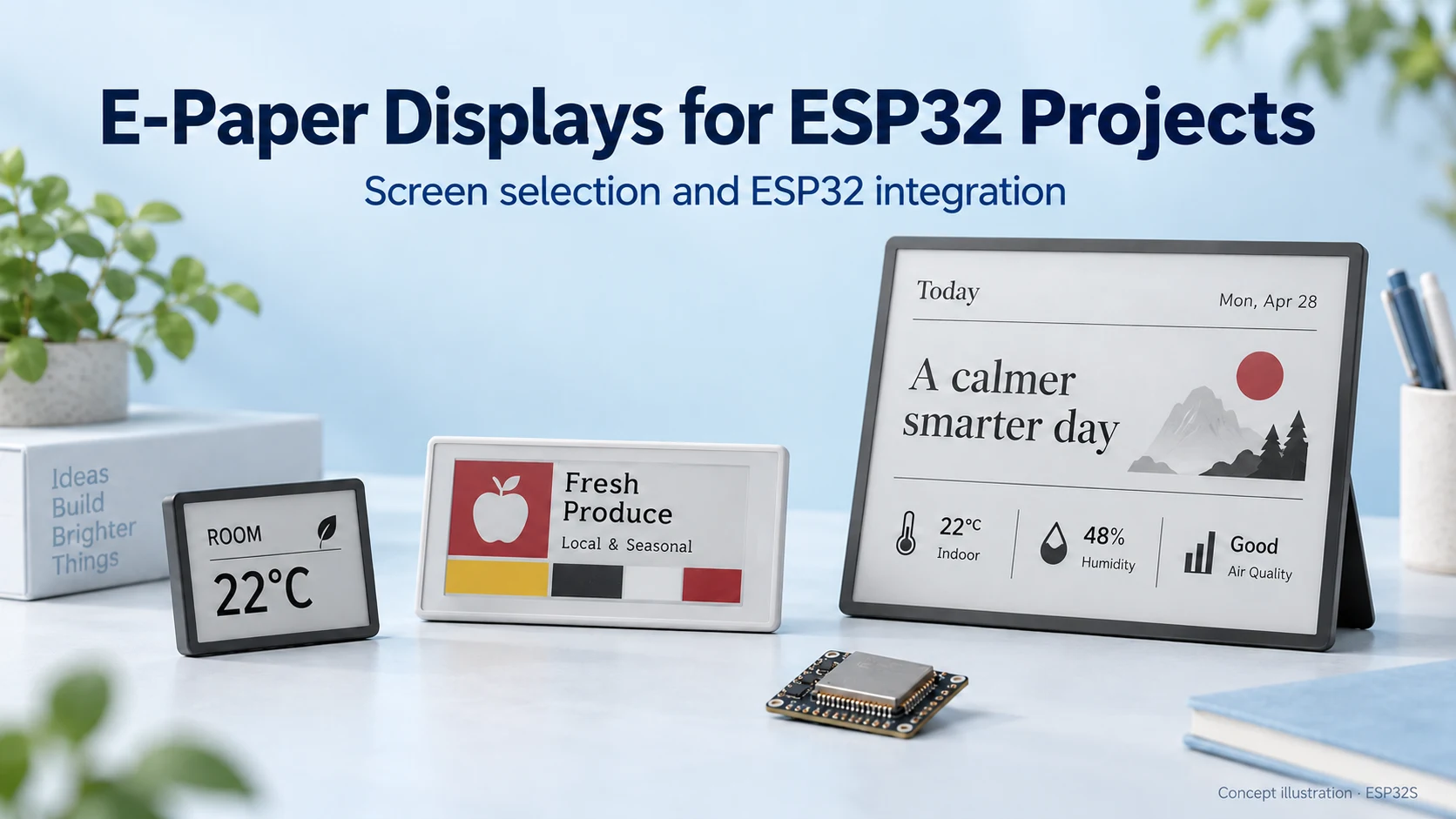
Choose an e-paper display for your ESP32 project: compare screen types, raw panels and modules, refresh modes, memory needs and power considerations.
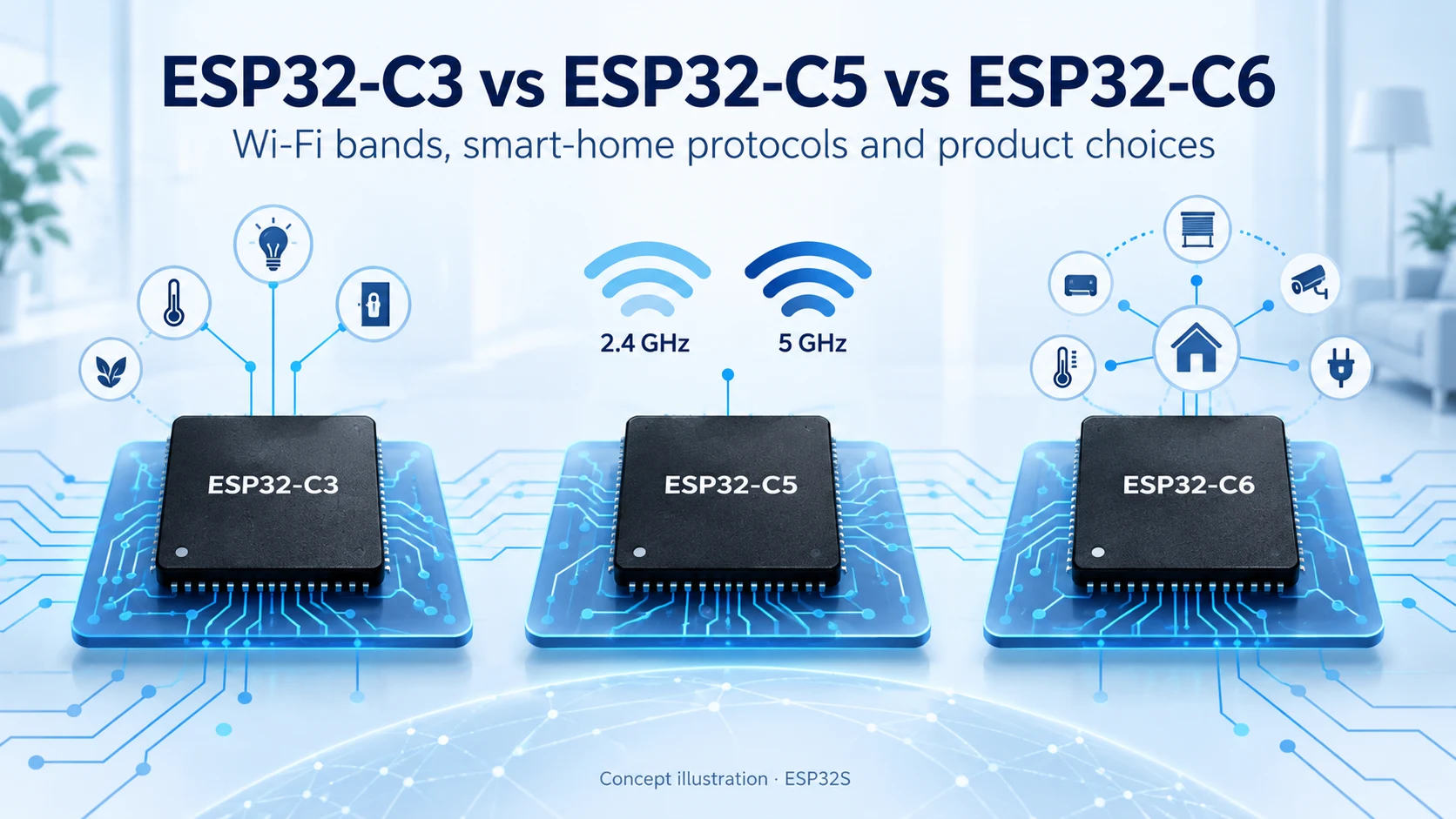
Compare ESP32-C3, ESP32-C5 and ESP32-C6 for Wi-Fi bands, Bluetooth LE, Thread, Zigbee, memory and Matter product design. Find the right connectivity for your project.
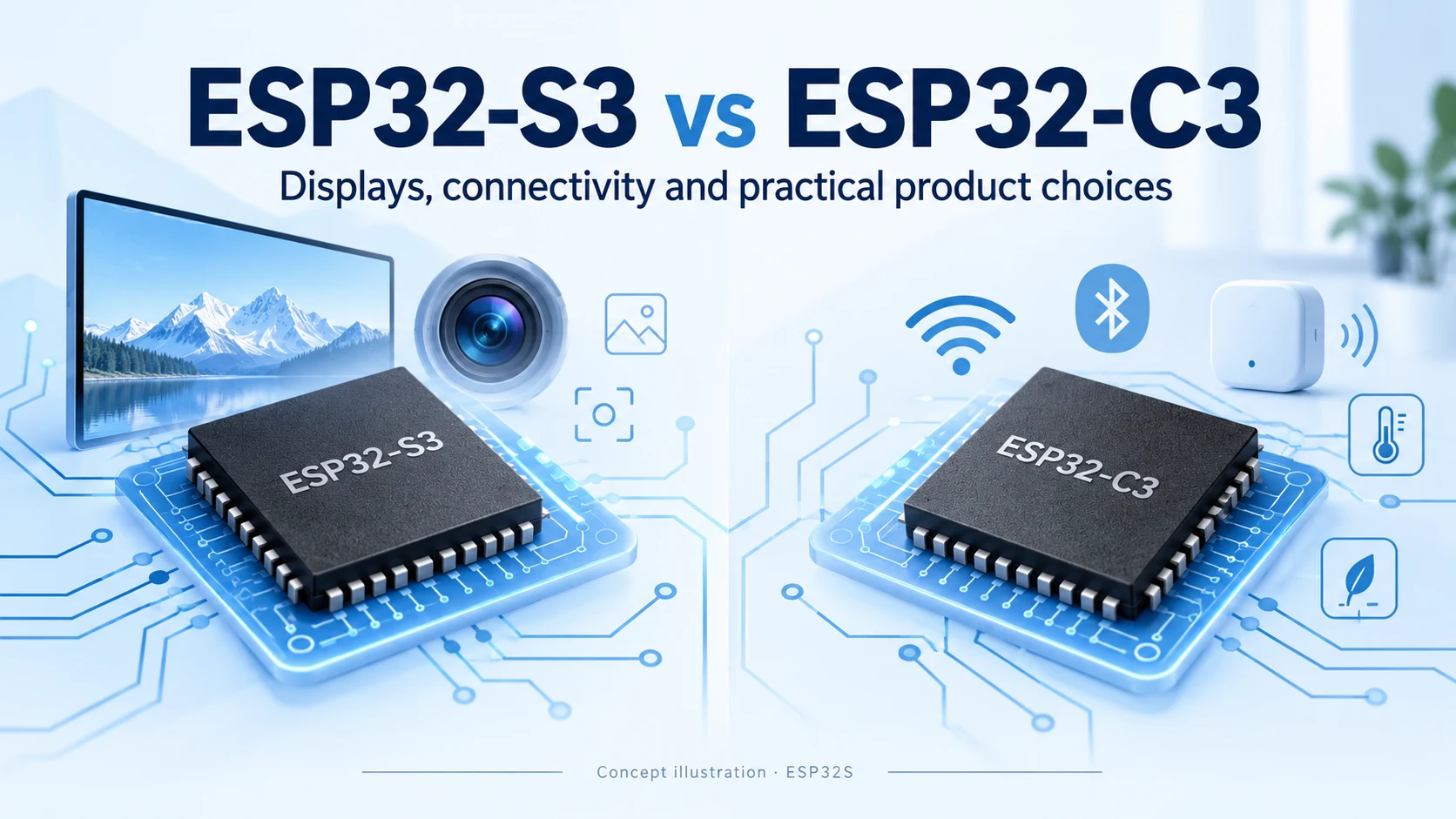
Compare ESP32-S3 and ESP32-C3 for CPU, memory, displays, cameras, USB and wireless connectivity. Practical advice for choosing your next connected product platform.