8 Popular ESP32 AI Projects for 2026: Voice, Vision & TinyML
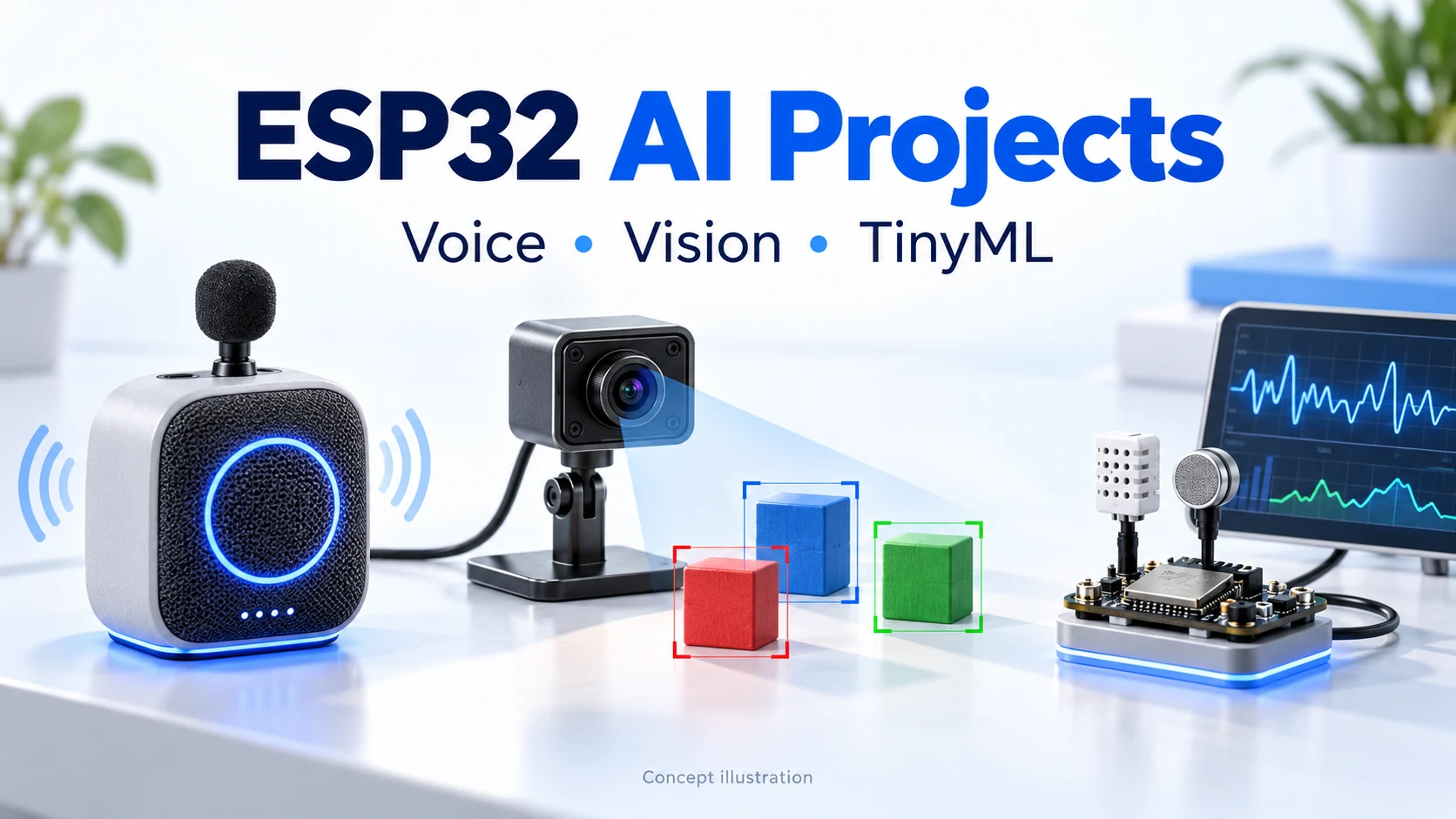
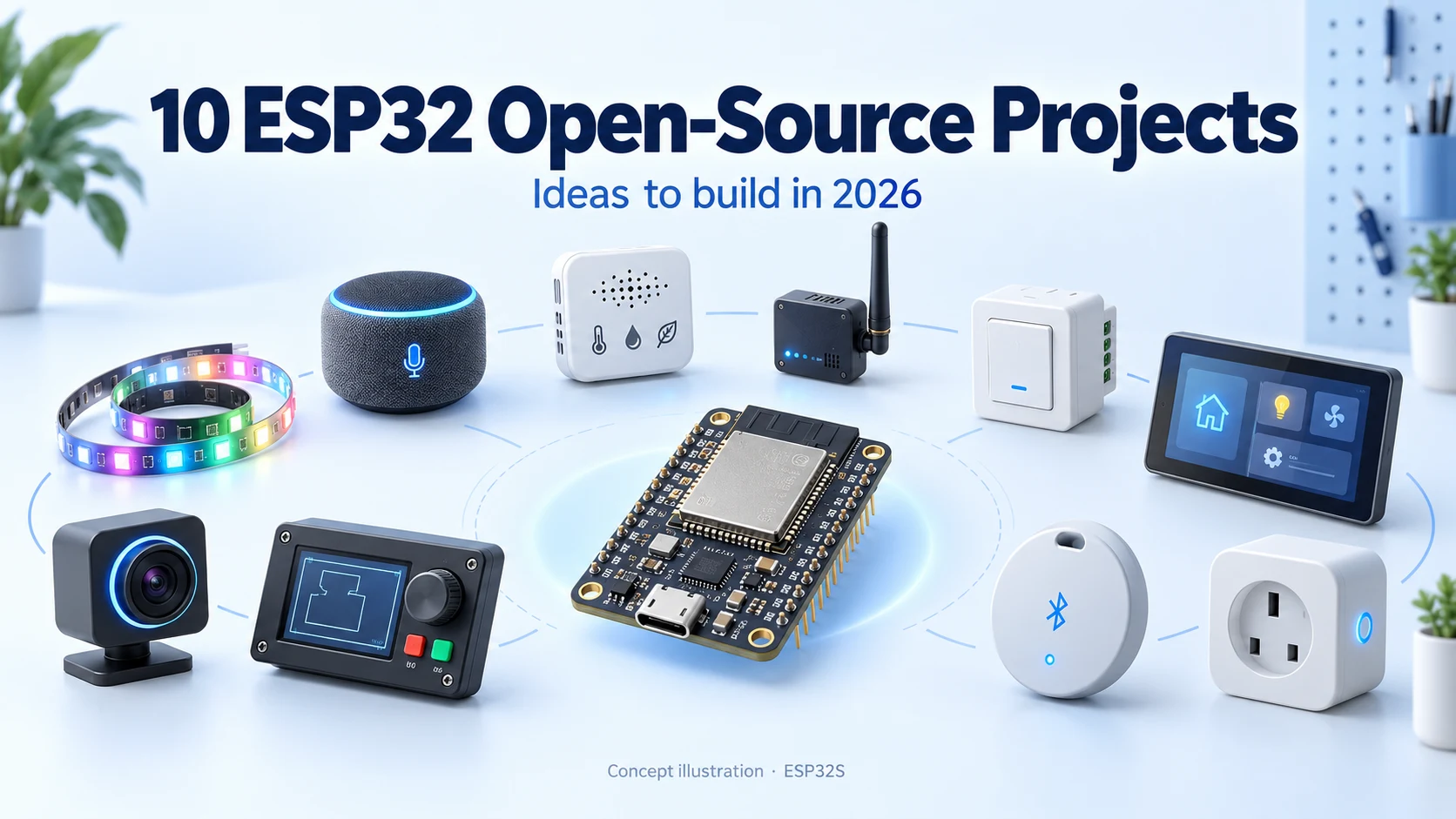
Concept illustration of voice, vision and sensor AI projects; the devices shown are not photographs of specific products.
What can you actually build with ESP32 and AI? A talking desk companion, a Home Assistant voice satellite, an offline command controller or a small camera that recognizes objects are all useful starting points. The important choice is where the intelligence runs: on the microcontroller, on a computer in your network, or through a cloud service.
This October 2026 selection brings together widely followed community projects and practical official frameworks. XiaoZhi and ESPHome have particularly large GitHub communities; the more specialized tools below help turn those ideas into working voice, vision and TinyML devices. The order groups related applications rather than ranking every ESP32 AI project.
Reading the table: an ESP32 voice client can capture audio, play replies and control peripherals while a server runs the conversational model. A compact wake-word detector or image classifier can instead run locally. “Local server” means another computer on your network; it does not mean the large model fits inside the ESP32.
1. XiaoZhi AI: build a talking desk companion
XiaoZhi combines an ESP32 device interface with backend AI conversation. Its documented features include offline wake-up, streamed audio, displays and device control through MCP on suitable hardware. It is a strong choice when your goal is an interactive physical assistant with buttons, expressions and useful actions.
First build: use an explicitly supported board and firmware variant, get microphone capture and speaker playback working, then add one action such as changing an on-screen indicator. Match the release to the board's audio codec, pin map and memory configuration. Backend access and connectivity remain part of the build.
Project:78/xiaozhi-esp32 · GitHub Stars: 31,436. Follow the selected release's SDK instructions; the current development branch and older video tutorials may require different environments.
2. ElatoAI: explore realtime voice interaction
ElatoAI is useful for builders who want to connect an ESP32 audio device to realtime voice services. The project includes ESP32-S3 Arduino/PlatformIO firmware and backend components, with secure WebSocket communication and several model-provider paths.
First build: create a push-to-talk desktop device and prove one complete audio round trip. Tune microphone level, speaker playback and turn-taking before adding a display or additional tools. Follow the project's own hardware example and backend setup. The conversational model runs in the selected backend/service architecture, so hosting and provider requirements belong in your project plan.
Project:akdeb/ElatoAI · GitHub Stars: 2,064. Check its current deployment options and model-provider documentation when choosing a service.
3. ESPHome Voice Assistant: add a voice satellite to Home Assistant
ESPHome's voice-assistant component lets supported ESP32 hardware work as an audio endpoint for Home Assistant. The server's configured pipeline handles the wider assistant workflow; supported devices can also use on-device wake-word detection. This is particularly attractive if you already use Home Assistant for household automation.
First build: place one satellite in one room and use a simple voice request to control a test indicator. Begin with a documented microphone/speaker configuration. Audio consumes memory and processing resources, so add displays and other components after the voice path works. Choose the Home Assistant speech pipeline to suit your preferred local or cloud setup.
4. ESP-SR: recognize a small command vocabulary offline
Espressif's ESP-SR provides speech building blocks including an audio front end, WakeNet wake-word detection and MultiNet command recognition. It suits a device with a defined vocabulary: for example, a small desktop controller that responds to supported commands and changes a display state without a conversational backend.
First build: run the official example for your target, confirm audio input quality, then connect one recognition result to one application event. Check the target, language and model support separately. Wake-word support on a chip does not establish that every command-recognition model or audio configuration also supports it.
Project:espressif/esp-sr · GitHub Stars: 1,542. This is an embedded speech framework; plan the application behavior around the supported vocabulary.
5. ESP-WHO: start with face detection and recognition examples
ESP-WHO provides Espressif image-processing examples, including human face detection and recognition. It offers a practical route to a camera demo that overlays detections or shows recognition results on a compatible display.
First build: reproduce one official example on a supported board, then test it under different lighting and camera positions. The current branch documents boards including ESP32-S3-EYE and ESP32-P4-based hardware. It also notes that original ESP32 and ESP32-S2 support is not currently available in that branch; older hardware requires careful branch and example selection.
Project:espressif/esp-who · GitHub Stars: 2,166. A generic ESP32-CAM is not automatically a drop-in replacement for a documented reference board.
6. ESP-Detection: train a detector for a specific object
ESP-Detection focuses on lightweight object detection optimized for Espressif devices, with deployment through ESP-DL. Its examples and models make a useful starting point for a focused build, such as a pet-presence indicator or a camera that detects one class of tabletop object.
First build: reproduce a provided model before collecting a custom dataset. Then define the object class, camera position and expected background. Training, export and quantization happen in the development workflow; the deployed detector runs on the supported device. Compare the selected model's input resolution, memory needs and measured latency instead of assuming desktop YOLO performance.
Project:espressif/esp-detection · GitHub Stars: 168. Its documented optimized targets include ESP32-S3 and ESP32-P4; verify the camera and board-support package for your build.
7. Edge Impulse: train your own compact classifier
Edge Impulse provides a workflow for collecting sensor data, building an ML pipeline and deploying an embedded model. Its ESP32 documentation and open firmware give a concrete starting point for camera, microphone or other supported sensor experiments.
First build: make a small sound classifier or image classifier around two clear classes plus background examples. Collect data in the environment where the device will operate, and reserve a separate recording session for evaluation. Deployment still requires a model that fits the target's memory and timing budget.
Sources:official ESP32/ESP-EYE guide and ESP32 firmware (133 GitHub Stars). That repository's count represents the device firmware, not the entire Edge Impulse platform. Other ESP32 boards may require sensor and pin-map adaptations.
8. SenseCraft AI: turn a camera board into an AI sensor
SenseCraft AI offers a browser-based training and deployment path for supported hardware such as XIAO ESP32S3 Sense. It is approachable when you want to see a working visual classifier before building your own training tools.
First build: classify a few easily distinguished objects, deploy the model to the supported camera board, then read the result as a sensor output. Seeed's documentation also describes using model outputs in a larger application. Check the current firmware, browser connection requirements and camera revision when following the workflow.
Our practical starting choices are XiaoZhi for a conversational companion, ESPHome for an existing Home Assistant installation, ESP-SR for a defined offline vocabulary, and Edge Impulse or SenseCraft for a first custom classifier. Choose ESP-WHO or ESP-Detection when you want to work more directly with Espressif's embedded vision tools.
For an audio build, prove recording and playback before adding AI. For a camera build, prove stable capture before adding inference. Our ESP32-CAM troubleshooting guide helps separate upload, controller and sensor problems.
Choose hardware around the supported project
Compare the exact firmware target, microphone/codec, speaker interface, camera pinout, flash and PSRAM configuration. A larger memory label alone does not establish compatibility. For custom devices, also consider power stability, enclosure acoustics, camera placement and how inference results reach the rest of your application.
Sources and repository counts checked October 19, 2026. GitHub Stars are cumulative snapshots for the linked repositories, not measurements of installations, model accuracy or growth during 2026. Projects, frameworks and hosted platforms have different scopes. Hardware guidance is based on documentation review rather than bench testing every listed combination. Review each selected software release, model and service's requirements before building.
Discover ten active ESP32 open-source projects for 2026, from XiaoZhi AI and WLED to ESPHome, Meshtastic and touchscreen control. Includes GitHub popularity, hardware considerations and first-build ideas.
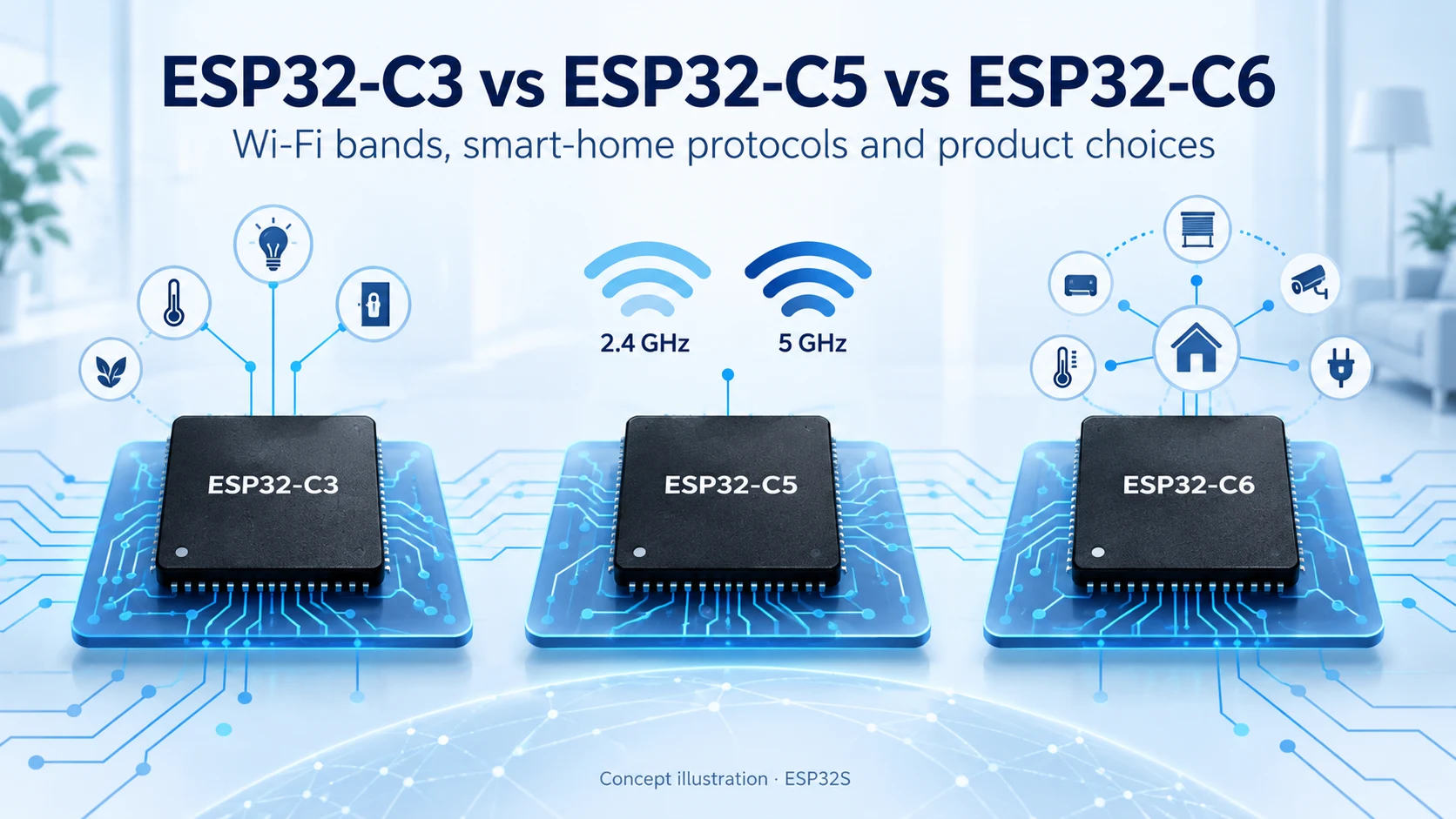
Compare ESP32-C3, ESP32-C5 and ESP32-C6 for Wi-Fi bands, Bluetooth LE, Thread, Zigbee, memory and Matter product design. Find the right connectivity for your project.
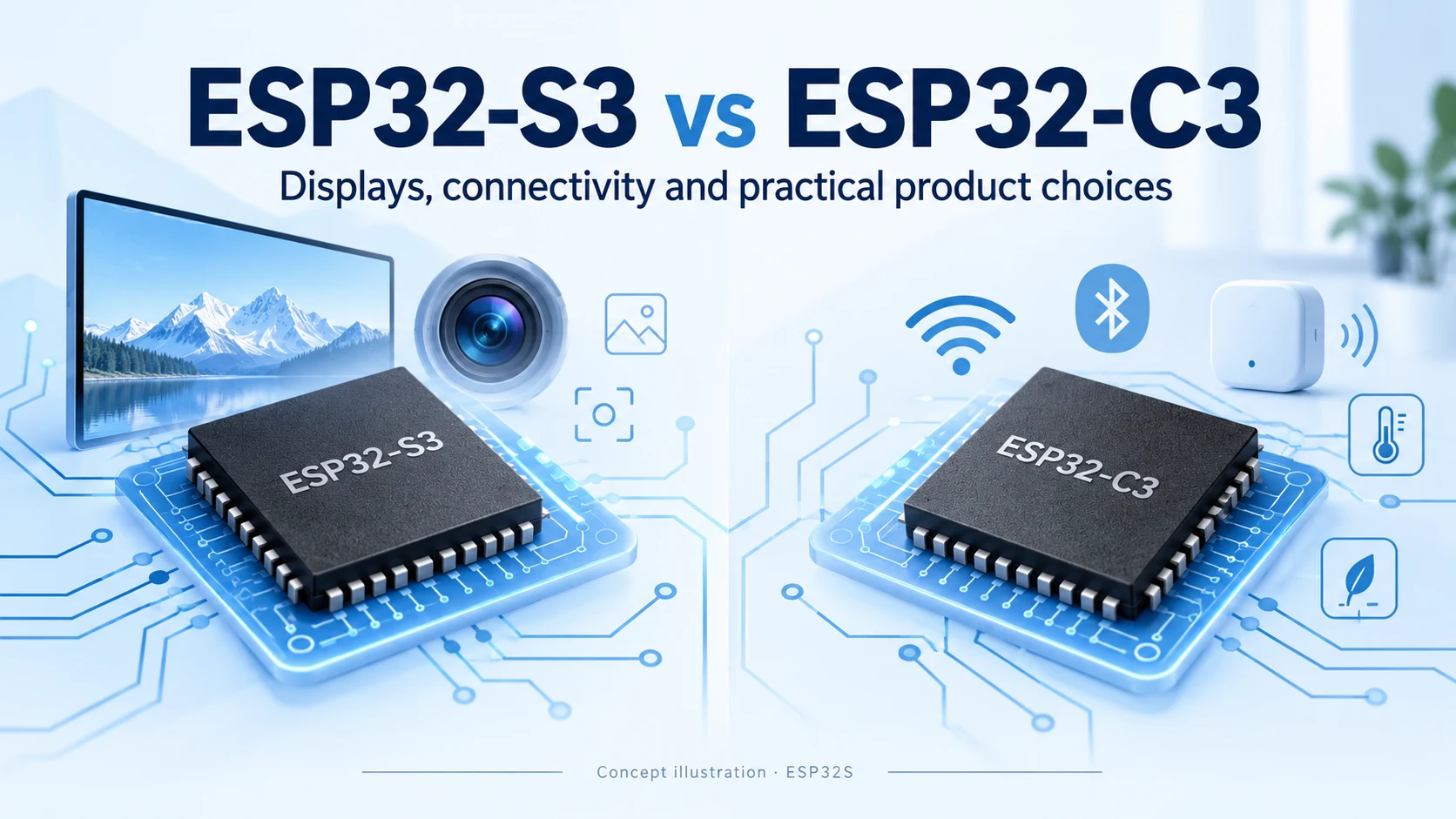
Compare ESP32-S3 and ESP32-C3 for CPU, memory, displays, cameras, USB and wireless connectivity. Practical advice for choosing your next connected product platform.
Compare ESP8266, ESP8285 and ESP32-C3 for Wi-Fi, Bluetooth LE, flash, security and migration. A practical guide for existing designs and new connected products.
Compare ESP32-S31, ESP32-P4 and ESP32-S3 for connectivity, displays, cameras and memory planning. Learn the key hardware differences and practical selection criteria.