
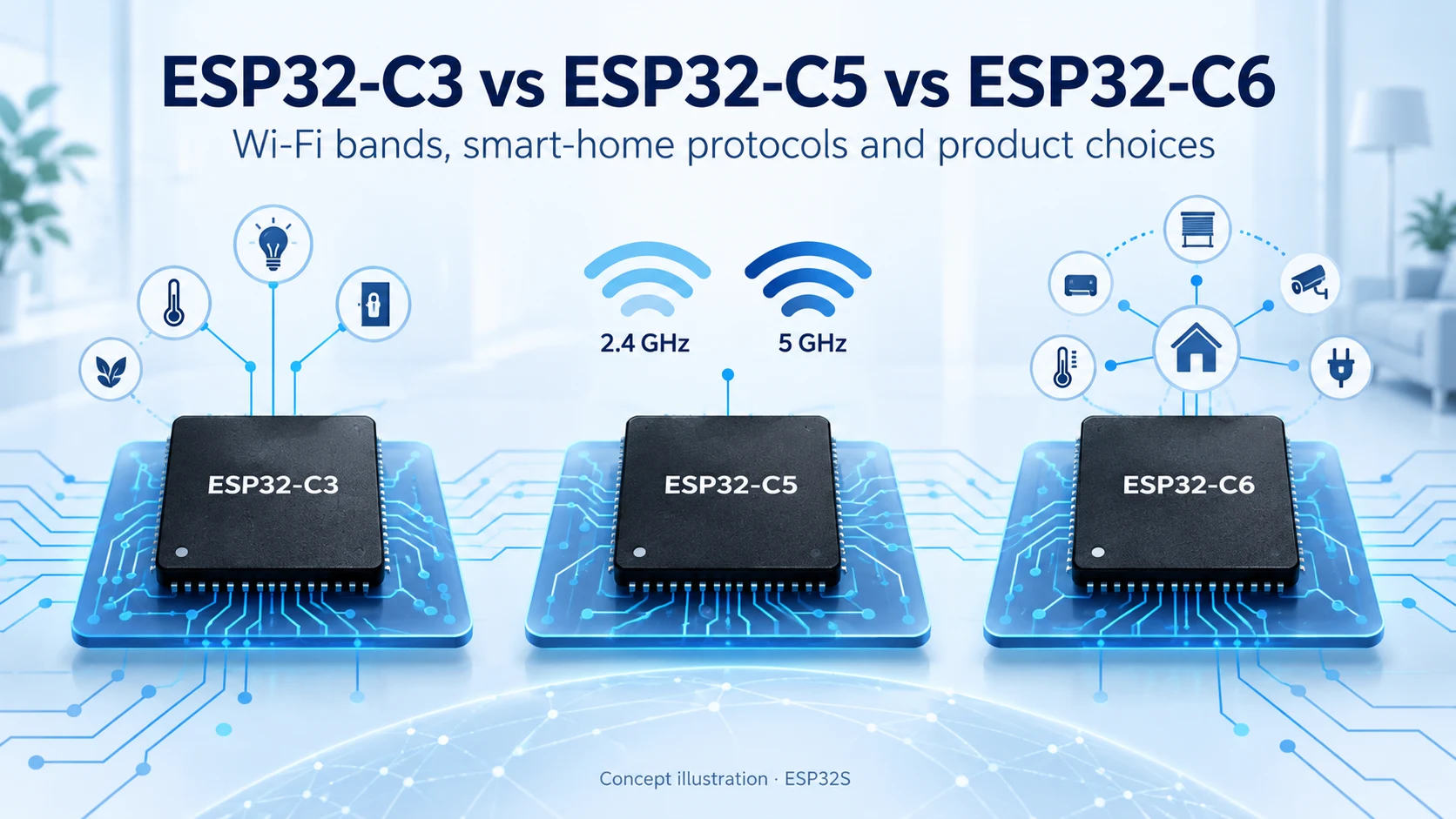
ESP32-C3 vs ESP32-C5 vs ESP32-C6: Which Connectivity Fits Your Product?
Compare ESP32-C3, ESP32-C5 and ESP32-C6 for Wi-Fi bands, Bluetooth LE, Thread, Zigbee, memory and Matter product design. Find the right connectivity for your project.
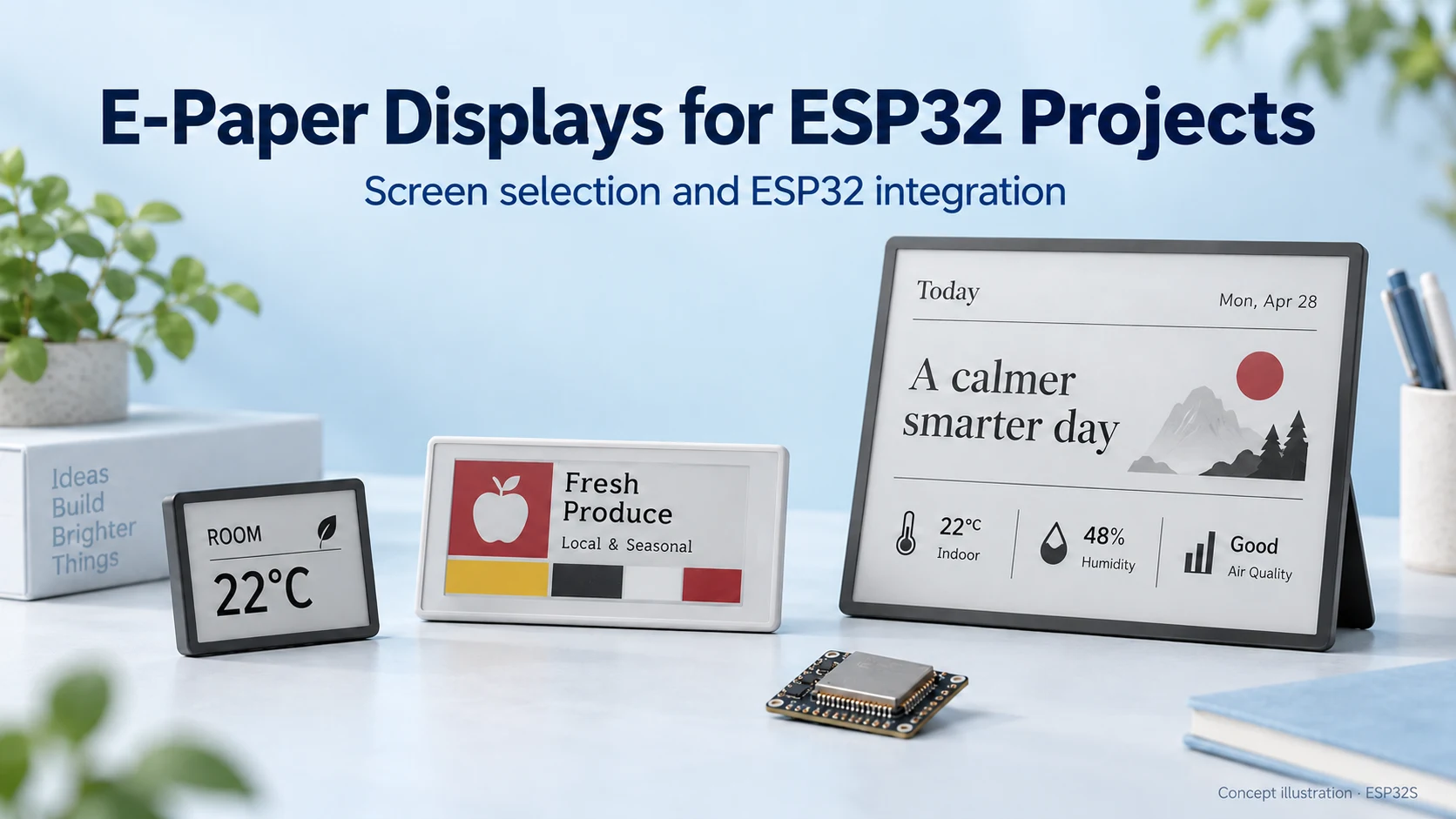
E-paper is a good fit when information needs to stay visible for a long time but changes only occasionally. A room sensor, shelf label or desk dashboard often benefits more from a clear, persistent image than from a fast animation. The right screen, however, depends on more than its diagonal size.
This guide explains how to choose an e-paper display for an ESP32 project, using examples from our E-Paper Screen collection. Reviewed October 15, 2026. Illustrations are conceptual; no battery-life or refresh-speed benchmark was performed.
Many e-paper displays use electrophoretic ink: an electric field moves charged pigment particles so that different colors become visible at the surface. The image is reflective rather than produced by a glowing backlight. E Ink describes several different particle systems for monochrome and color displays, so “e-paper” does not identify one universal panel technology. See E Ink’s explanation of electronic ink.
The bistable image can remain visible without continuously refreshing the panel. This is useful for persistent information, but it does not mean an entire Wi-Fi device consumes zero power. The ESP32, regulator, sensors, radio and display driver all contribute to the system’s energy budget.
| Project requirement | E-paper suitability | What to check |
|---|---|---|
| Sensor values, labels and schedules | Strong candidate for content that changes occasionally | Readability, update interval and stale-data indication |
| Colored alerts or product labels | Consider a suitable color panel | Actual palette, refresh behavior and image encoding |
| Animation or frequently changing controls | Consider an LCD instead | Required latency, refresh rate and visual transitions |
| Reading in darkness | Needs an appropriate lighting solution | Reflective screens require illumination; check whether lighting is included |
Our recommendation is to start with the information and its update frequency. A display that changes when a measurement meaningfully changes has different requirements from a continuously scrolling interface.
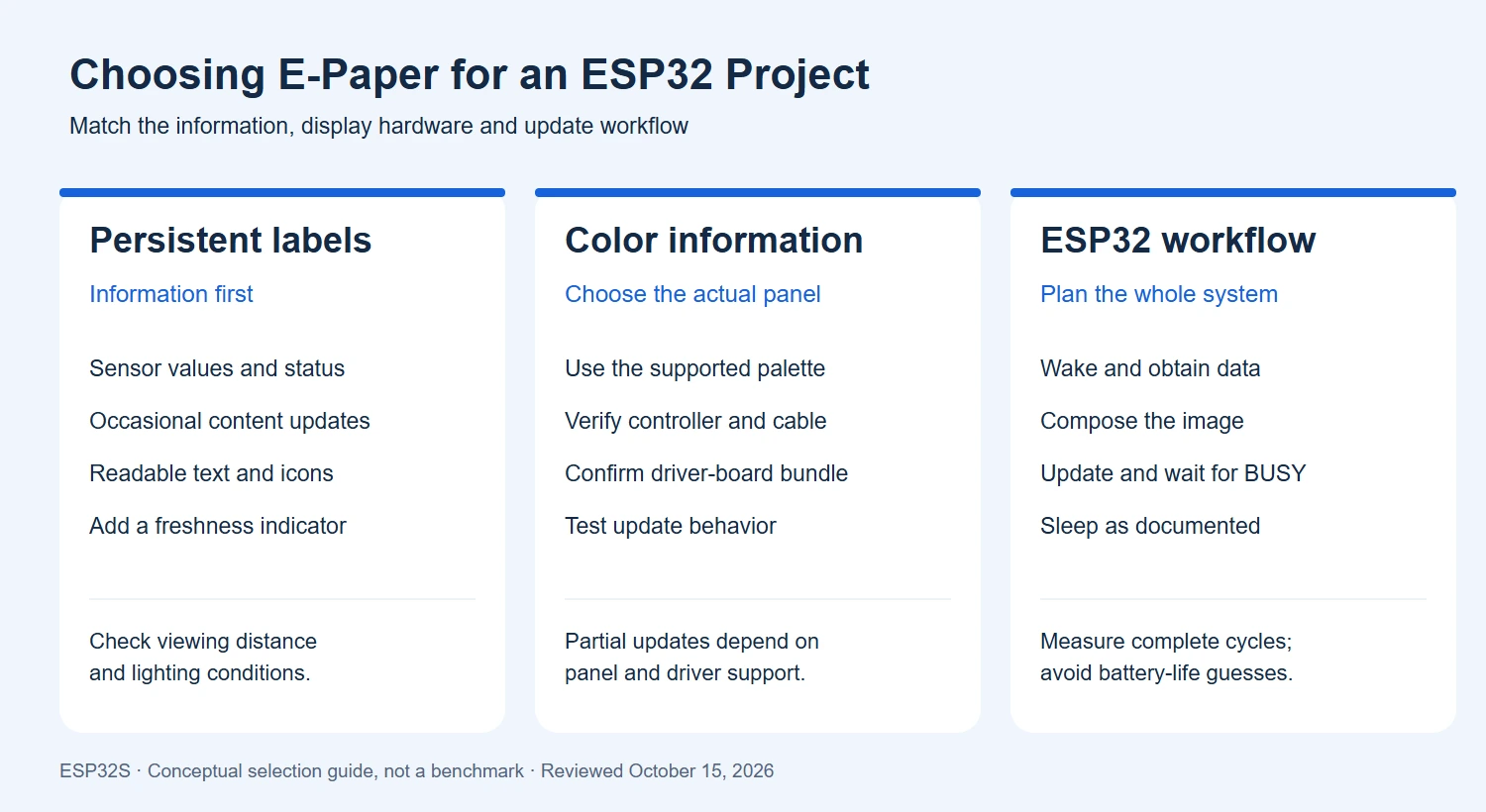
Diagonal size does not determine resolution or compatibility. Even two screens described as 1.54-inch can have different pixel counts, controller ICs and connectors. Plan your smallest text, viewing distance and enclosure opening before selecting a panel.
Black-and-white displays are a useful starting point for text and simple graphics. A panel with red or yellow adds a way to distinguish status or emphasis. More colors do not automatically mean photographic image quality, the same refresh time or support for the same update modes. Prepare sample artwork in the actual palette and inspect it on the intended hardware.
| Product example | Possible starting application | Before ordering |
|---|---|---|
| 1.54-inch black-and-white display | Compact status or sensor label | The listing specifies 152 × 152 pixels and SPI; verify the driver hardware and connector |
| 10.2-inch four-color display | Larger information panel or signage prototype | Confirm the exact panel/module option, driver and enclosure dimensions |
| 1.54-inch NFC-powered four-color tag | A tag updated through the supported NFC workflow | Confirm phone/app compatibility and the update procedure; this is not automatically an ESP32 SPI peripheral |
Browse the full e-paper category for additional sizes and configurations. Prices, availability and bundle contents should be checked on the current product page.
A raw panel with a flexible cable is different from a breakout module with driver circuitry. Matching connector pin count alone is not enough: pin functions, voltage requirements, controller initialization and drive waveforms must match the panel.
For a first prototype, use a documented driver board and panel combination. Check whether the product includes that board, cables and sample firmware. A complete NFC or Bluetooth tag is a different system architecture again; use its documented update interface instead of assuming it exposes the same signals as a bare display.
A full refresh updates the complete image and can include visible transitions. Partial refresh can update a smaller region on panels and drivers that support it, but it is not a universal capability. Residual images, often called ghosting, can require a full refresh according to the manufacturer’s instructions.
Our 1.54-inch e-paper ESP32 setup and troubleshooting guide explains panel identification, example wiring, a first-image sketch, partial-update considerations and sleep handling. It distinguishes 200×200 and 152×152 panels so that drivers are not selected by screen size alone. Follow the documentation for the actual panel revision, including temperature limits, minimum update interval and initialization sequence.
Do not copy a refresh waveform or a “full refresh every N updates” value from an unrelated panel. First establish a clean full-screen image using the matching driver, then test any supported partial-update path over repeated cycles.
This is an architectural workflow, not a universal GPIO wiring recipe. Signals such as BUSY, RESET, data/command and chip select depend on the selected module and driver. Use the correct polarity and completion handling rather than assuming a fixed delay fits every refresh.
For an ideally packed monochrome framebuffer, a 200 × 200 image requires 200 × 200 ÷ 8 = 5,000 bytes. An 800 × 480 image requires 48,000 bytes. These calculations cover one 1-bit image only. Row padding, additional color planes, old/new frame storage, fonts, decoded images and the network stack can increase RAM usage.
For power estimates, measure energy over a complete update cycle: wake, connect, fetch data, refresh and sleep. Include failed connections and retries. An NFC-powered tag follows a different energy path from a battery-powered ESP32 device, so the two should not share an assumed battery-life figure.
Because an old image can stay visible after a fault or power loss, show a last-updated time or another freshness indicator when stale data could confuse users. Validate the whole product in its expected temperature and lighting conditions.
Before choosing a screen, write down the content, viewing distance, color needs, update interval, operating environment, interface and power source. Then select a documented panel/driver combination and test the exact firmware workload.
Explore our E-Paper Screen collection and ESP32S Wiki. If you need a custom controller board, enclosure-oriented layout or production solution, see our PCB design service and contact ESP32S about firmware development and production flashing.
Sources checked October 15, 2026. Application suggestions are editorial engineering guidance. “E Ink” refers to the named technology provider; e-paper is the broader display category. Images are conceptual and do not establish a product specification.
Compare ESP32-C3, ESP32-C5 and ESP32-C6 for Wi-Fi bands, Bluetooth LE, Thread, Zigbee, memory and Matter product design. Find the right connectivity for your project.
Compare ESP32-S3 and ESP32-C3 for CPU, memory, displays, cameras, USB and wireless connectivity. Practical advice for choosing your next connected product platform.
Compare ESP8266, ESP8285 and ESP32-C3 for Wi-Fi, Bluetooth LE, flash, security and migration. A practical guide for existing designs and new connected products.
Compare ESP32-S31, ESP32-P4 and ESP32-S3 for connectivity, displays, cameras and memory planning. Learn the key hardware differences and practical selection criteria.
Most people meet us through the store. They buy an ESP32-C3 Supermini board or a camera module, it ships, and
Every ESP32 product starts on a dev board. That is the right way to start — you get a working
No account yet?
Create an Account