
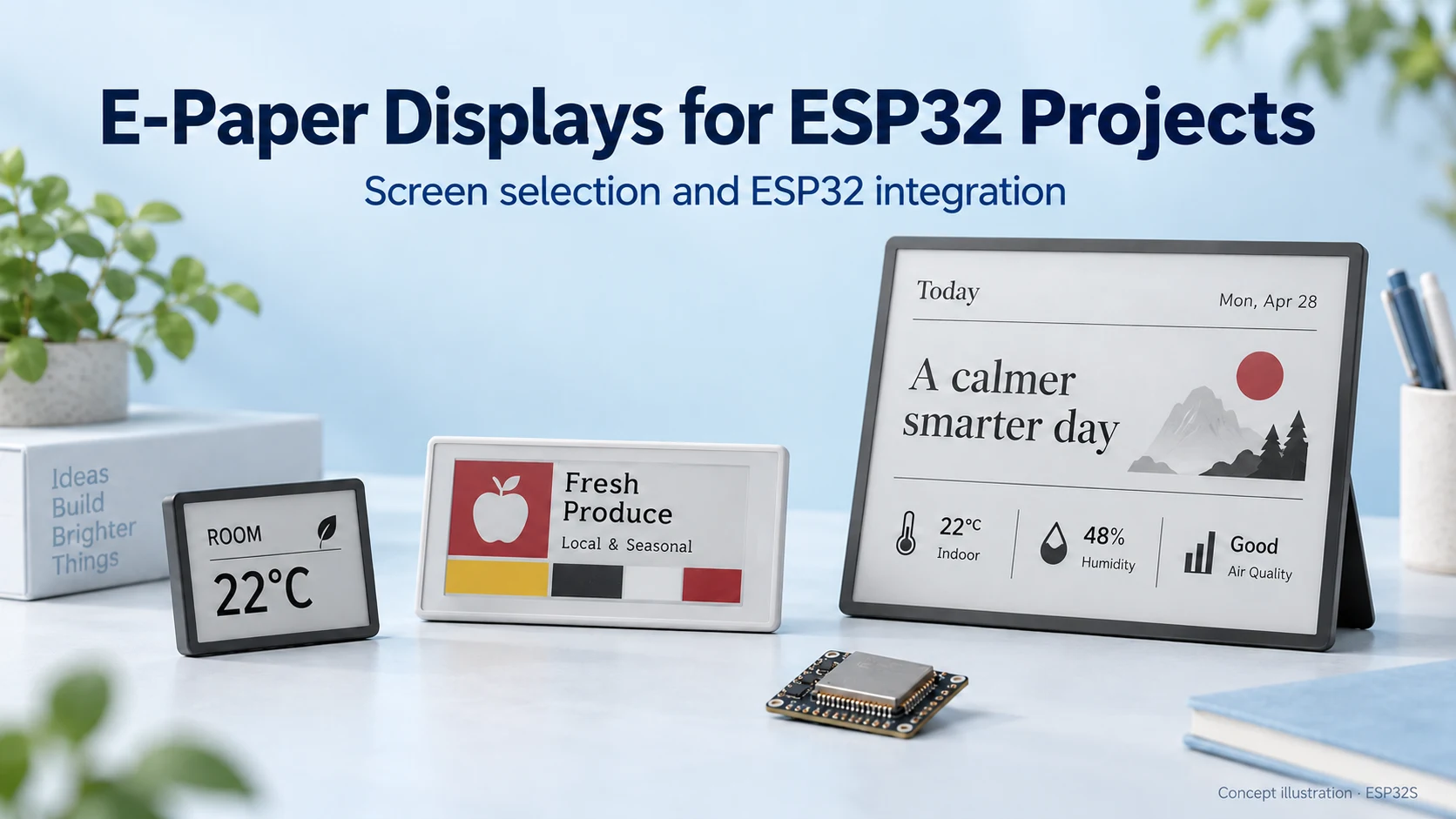
E-Paper Displays for ESP32: How to Choose the Right Screen
Choose an e-paper display for your ESP32 project: compare screen types, raw panels and modules, refresh modes, memory needs and power considerations.
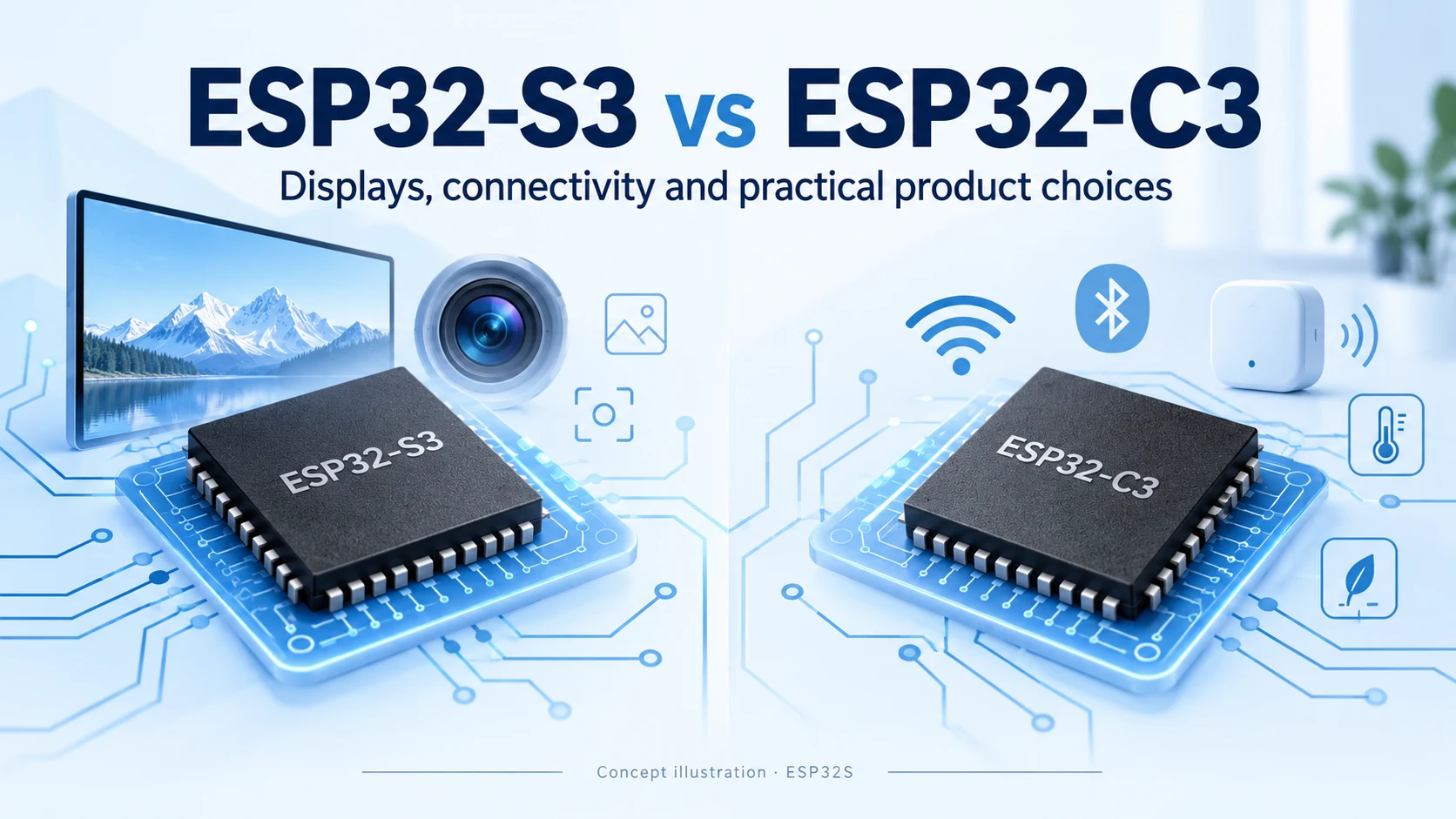
ESP32-S3 and ESP32-C3 both combine Wi-Fi and Bluetooth LE, but they target different system requirements. S3 offers more processing and peripheral resources for interfaces, cameras and signal processing. C3 is a useful starting point for a focused connected controller. The better choice depends on what the complete product needs to do.
Reviewed October 15, 2026. This is a documentation-based engineering comparison, not a measured performance, range or battery-life benchmark.
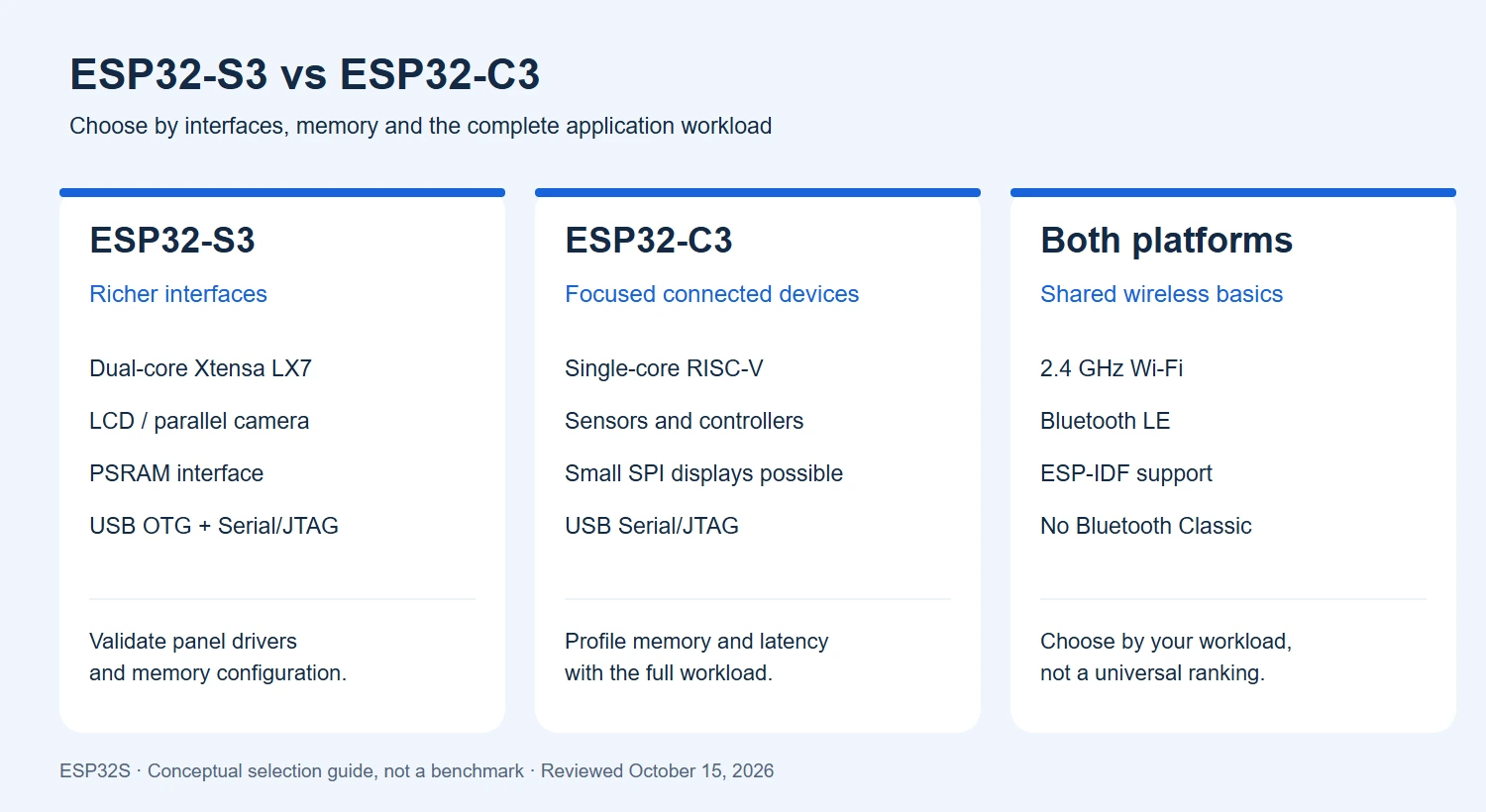
| Feature | ESP32-S3 | ESP32-C3 |
|---|---|---|
| CPU | Dual-core Xtensa LX7, up to 240 MHz | Single-core RISC-V, up to 160 MHz |
| Internal main SRAM | 512 KB | 400 KB |
| Wi-Fi | 2.4 GHz 802.11 b/g/n | 2.4 GHz 802.11 b/g/n |
| Bluetooth | Bluetooth 5 LE | Bluetooth 5 LE |
| Programmable GPIOs | Up to 45 at chip level | Up to 22 at chip level |
| External RAM | Supported PSRAM interface; capacity depends on part/module | No supported external PSRAM interface |
| LCD / camera | Dedicated LCD and parallel DVP camera interfaces | No equivalent dedicated LCD/camera peripheral; SPI displays remain an option |
| USB | Full-speed USB OTG and USB Serial/JTAG | USB Serial/JTAG, not general-purpose USB OTG |
Sources: ESP32-S3 datasheet, ESP32-C3 datasheet, and the official S3 and C3 product overviews. Internal SRAM totals are not free application heap. Flash, reserved pins and memory configurations depend on the exact ordering code.
S3 uses two Xtensa LX7 cores; C3 uses one RISC-V core. S3 also provides vector instructions that software such as ESP-DSP and ESP-NN can use for selected signal-processing and neural-network operations. Those instructions are not a separate NPU or a basis for inventing a TOPS rating. See the S3 product overview.
Our practical recommendation is to profile the actual application. Separate tasks may benefit from two cores, while a serialized driver, slow peripheral or memory bottleneck can still dominate response time. Compare firmware built with representative settings, rather than multiplying core count by clock speed to create a performance score.
For a touchscreen product, begin with the panel interface, resolution, color depth and update behavior. S3’s dedicated LCD/camera hardware and PSRAM support make it a stronger candidate for a richer HMI or parallel camera design. These capabilities do not imply MIPI DSI/CSI support, nor do they guarantee that any panel or sensor will work without a suitable driver.
C3 can still be appropriate for a small SPI display that updates modest amounts of information. Estimate the transfer time and rendering memory before moving to a larger processor. For example, a 240 × 240 RGB565 image occupies 115,200 bytes (112.5 KiB) as a full framebuffer. Partial rendering may reduce the buffer requirement, but the GUI, networking and application still need memory.
For a larger 800 × 480 RGB565 display, one full framebuffer uses 768,000 bytes (750 KiB), before other allocations. This illustrates why selecting an S3 module with suitable PSRAM can matter more than the chip name alone. It is a storage calculation, not a guarantee of a particular frame rate. Our 5-inch S3 display guide covers a board-specific starting point.
Both chips support 2.4 GHz Wi-Fi and Bluetooth LE. Neither provides 5 GHz Wi-Fi, Wi-Fi 6, Bluetooth Classic or an integrated IEEE 802.15.4 radio for Thread/Zigbee. A Bluetooth LE feature should not be described as support for a Classic Bluetooth audio profile. Check the radio capabilities in the linked datasheets before selecting a protocol.
For a Wi-Fi sensor that uses BLE during setup, either platform may meet the connectivity requirement. The deciding factors can instead be firmware size, sensors, update strategy and power behavior. Radio range must be evaluated using the actual antenna, enclosure and installation; choosing S3 over C3 alone is not a reliable range prediction.
S3 includes full-speed USB OTG as well as USB Serial/JTAG. C3 provides USB Serial/JTAG for the supported programming, console and debugging workflow, rather than arbitrary USB host/device applications. A board may also use a separate USB-to-UART bridge. Consult the board schematic and the S3 / C3 peripheral documentation.
If you need a USB peripheral or host function, first prove a suitable driver and example on the intended SDK release. S3 having two controller functions does not mean both can always use the same internal PHY simultaneously. Check routing, PHY sharing and power requirements before finalizing the connector design.
Record flash and PSRAM separately. Flash holds firmware and assets; RAM holds runtime state and buffers. Do not assume every S3 board includes PSRAM, or that a large flash chip increases the available heap. Measure memory with Wi-Fi, BLE, the UI and the application operating together.
For a battery-powered device, compare energy per representative duty cycle, including wakeup, network connection, active processing and sleep. Regulators, indicator LEDs and sensors can dominate board-level sleep current. We do not claim that either chip always produces longer battery life.
For production cost, compare actual module quotations, PCB area, external components, development effort and test requirements at the intended volume. A universal price ranking would be misleading without a specific bill of materials and current quotations.
Both platforms are supported by ESP-IDF, but their executable binaries are not interchangeable. Application logic may be portable after rebuilding for the correct target and checking API support. Direct register access, architecture-specific code, peripheral drivers and board pin assignments require closer review. See Espressif’s C3 software overview and S3 software overview.
Treat a hardware change as a controlled migration: map every signal, select the exact memory configuration, build the correct target, and test boot, reconnection, OTA recovery and factory flashing. The chips and modules are not automatically pin-compatible.
For other platforms, read our ESP8266 / ESP8285 vs ESP32-C3 guide or ESP32-S31 vs ESP32-P4 vs ESP32-S3 comparison. Visit the ESP32S Wiki for board tutorials.
Need to turn a prototype into a custom product? Explore our PCB design service and contact ESP32S about firmware development and production flashing.
Sources checked October 15, 2026. Selection recommendations are editorial engineering guidance. Illustrations are conceptual; no comparative hardware benchmark was performed.
Choose an e-paper display for your ESP32 project: compare screen types, raw panels and modules, refresh modes, memory needs and power considerations.
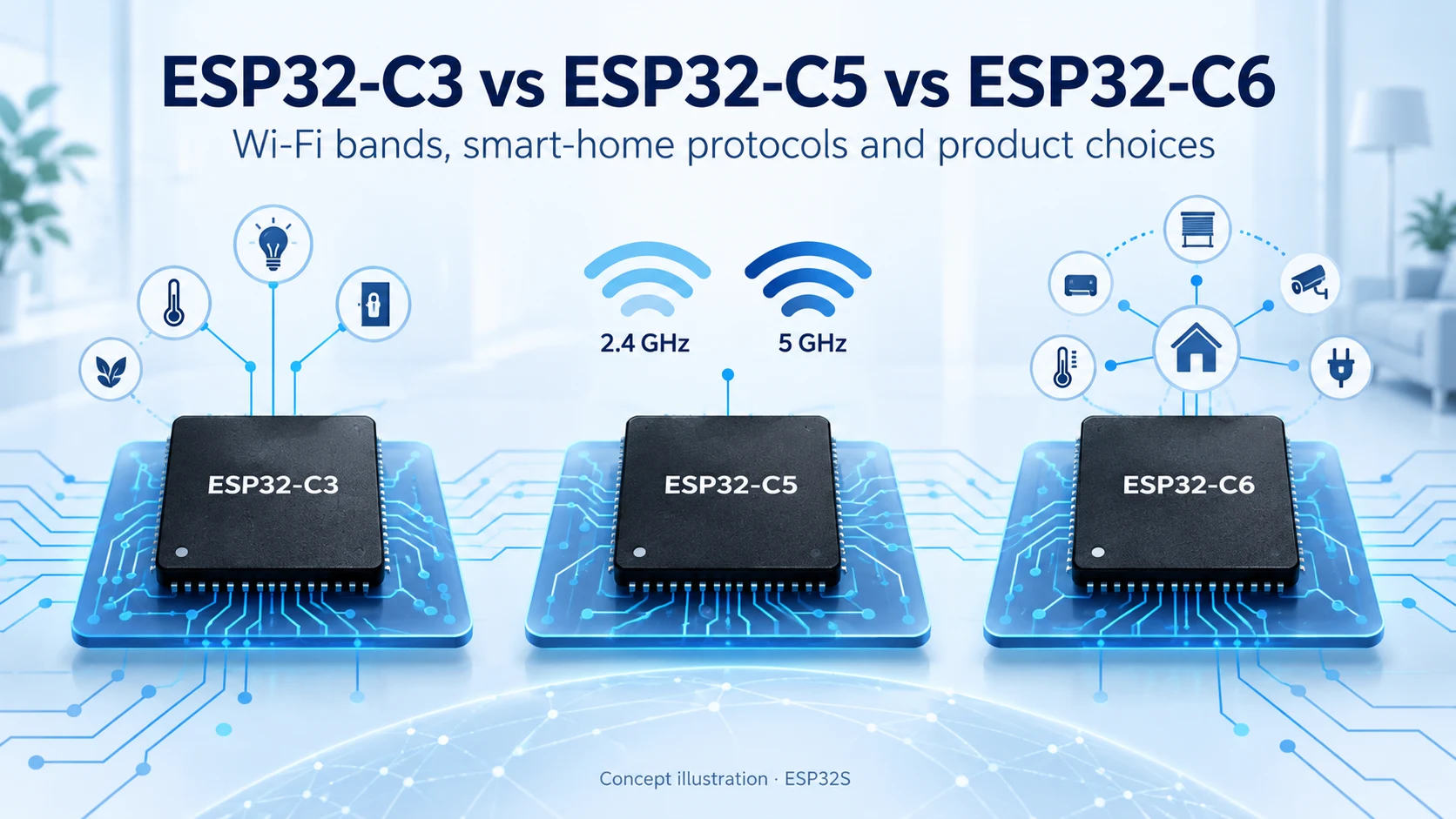
Compare ESP32-C3, ESP32-C5 and ESP32-C6 for Wi-Fi bands, Bluetooth LE, Thread, Zigbee, memory and Matter product design. Find the right connectivity for your project.
Compare ESP8266, ESP8285 and ESP32-C3 for Wi-Fi, Bluetooth LE, flash, security and migration. A practical guide for existing designs and new connected products.
Compare ESP32-S31, ESP32-P4 and ESP32-S3 for connectivity, displays, cameras and memory planning. Learn the key hardware differences and practical selection criteria.
Most people meet us through the store. They buy an ESP32-C3 Supermini board or a camera module, it ships, and
Every ESP32 product starts on a dev board. That is the right way to start — you get a working
No account yet?
Create an Account