
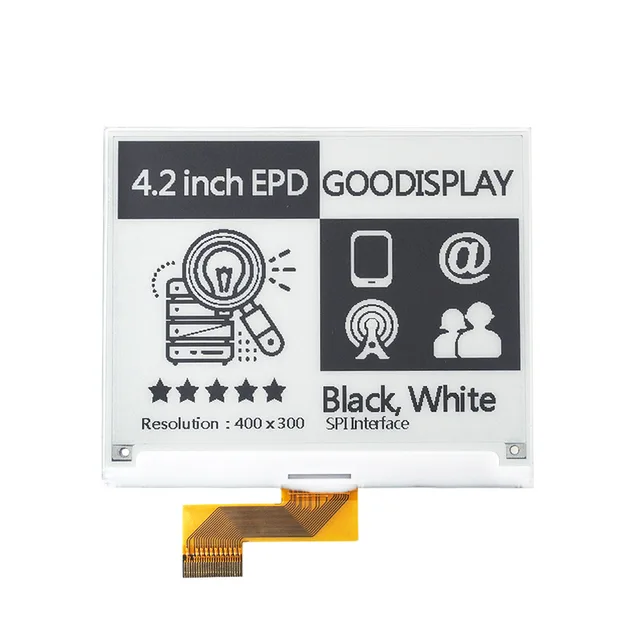
ESP32 E-Paper Partial Refresh: Full Updates & Ghosting Fixes
Compare full, fast and partial e-paper updates. Diagnose residual digits, initialization after wake and panel-specific driver requirements.
A CYD display driver should be selected from the actual board and LCD documentation, not from the USB connector or PCB color. ILI9341 and ST7789 are different LCD controllers. Both can appear in ESP32 display projects, but they are not interchangeable configuration names.
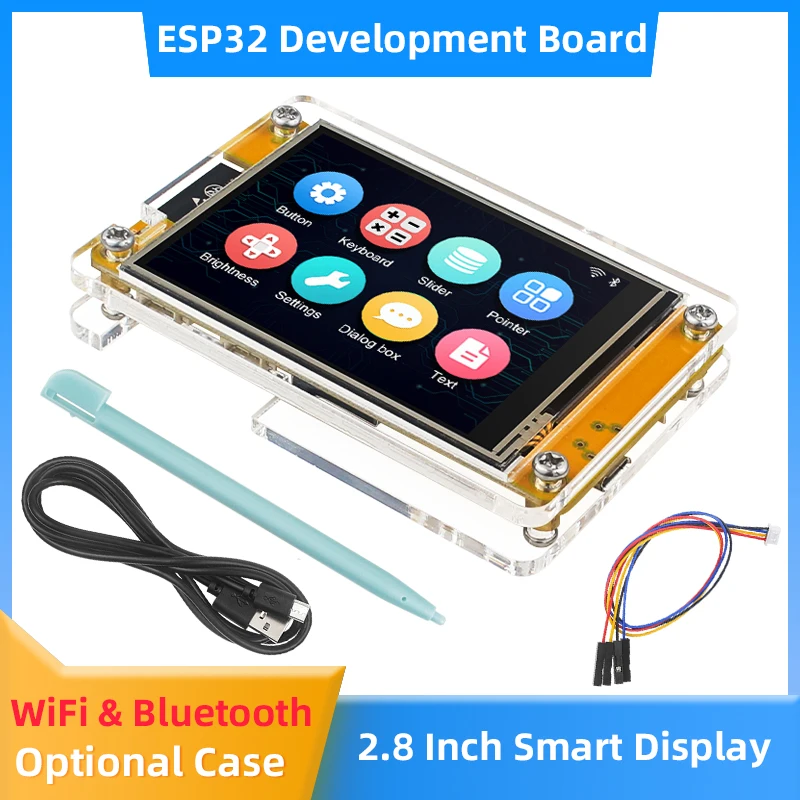
The familiar ESP32-2432S028R reference is associated with an ILI9341 configuration. That reference does not prove that every product advertised as CYD contains the same LCD.
| Configuration item | What to do | Common mistake |
|---|---|---|
| LCD initialization | Use the initialization for the confirmed controller | Changing the marketing name does not change the hardware |
| Resolution and offsets | Match the panel and controller setup | Do not infer these from the diagonal alone |
| SPI and control pins | Use the actual board wiring | Changing the driver symbol does not fix wrong wiring |
| Color and inversion | Check the panel-specific settings after basic output works | A color problem alone does not prove a different controller |
| Touch input | Identify and configure its own controller | The LCD driver does not identify the touch chip |
Record the full model string and take a clear back-of-board photo. Check whether it is a classic ESP32 SPI screen, a different processor family or an RGB panel. A 4.3-inch or 5-inch RGB display may need a completely different graphics path rather than either of these SPI-controller setups.
Use the ESP32-2432S028R Wiki for the 2.8-inch reference, or the CYD buying guide to compare product families.
For TFT_eSPI, inspect the selected setup and use the library's Read_User_Setup diagnostic example to report the build configuration. This reports what the software was compiled to use; it is not a universal hardware auto-detection result.
Do not enable competing setup files or mix display pins from one board with touch pins from another. Keep project-owned settings under version control and record the library version alongside them. For project organization, use the CYD PlatformIO/LVGL workflow.
Retain a copy of a working factory demonstration or its documented recovery files before replacing firmware, when available.
| Symptom | Checks before replacing the LCD |
|---|---|
| White or blank screen | Driver, SPI/control wiring, reset, backlight and power |
| Image shifted or clipped | Panel dimensions, offsets and rotation |
| Incorrect colors | Color-order/inversion settings and the matching panel setup |
| Display works but touch fails | Touch driver, bus and coordinate mapping |
| Works until other peripherals are added | Shared pins, chip-select handling and power |
Compare the exact product option, board marking, display interface and available example. Buy by the documented combination rather than hoping that a screen with the same dimensions will accept your existing binary.
See 2.8-inch CYD options, 4.3-inch touch variants and the 5-inch ESP32-S3 RGB board. These are separate product families with their own setup requirements.
No. A USB connector identifies a mechanical interface, not the LCD controller.
No. Whether a readable ID is available depends on the module wiring and interface. Use the schematic and matching documentation.
No. Rotation is an orientation setting within the selected display implementation.
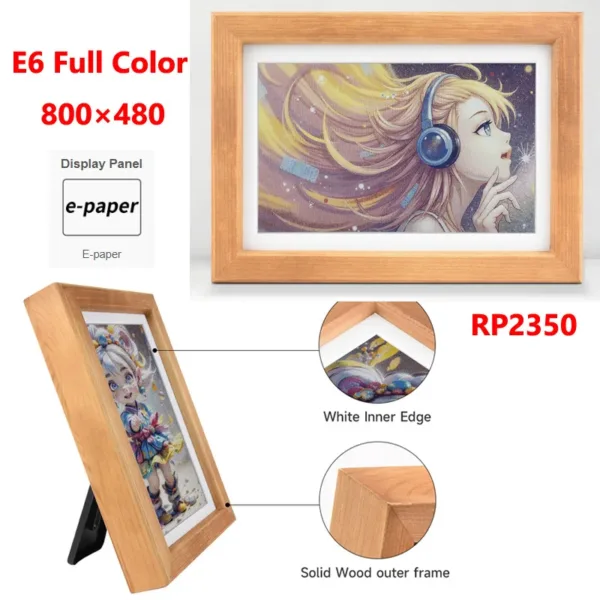
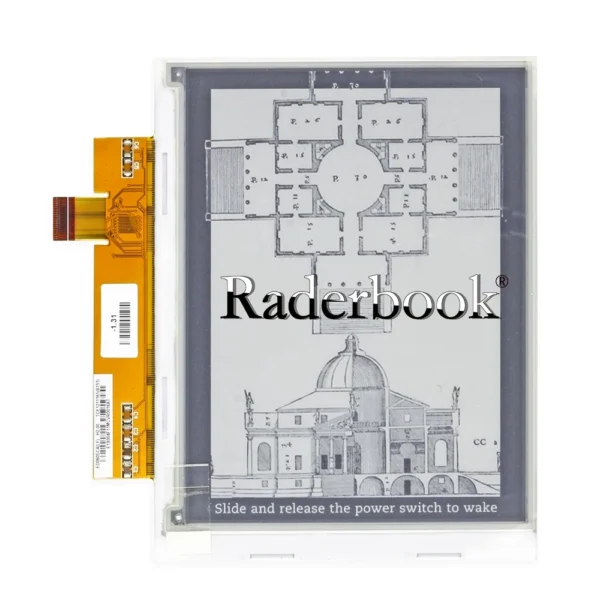
Compare full, fast and partial e-paper updates. Diagnose residual digits, initialization after wake and panel-specific driver requirements.
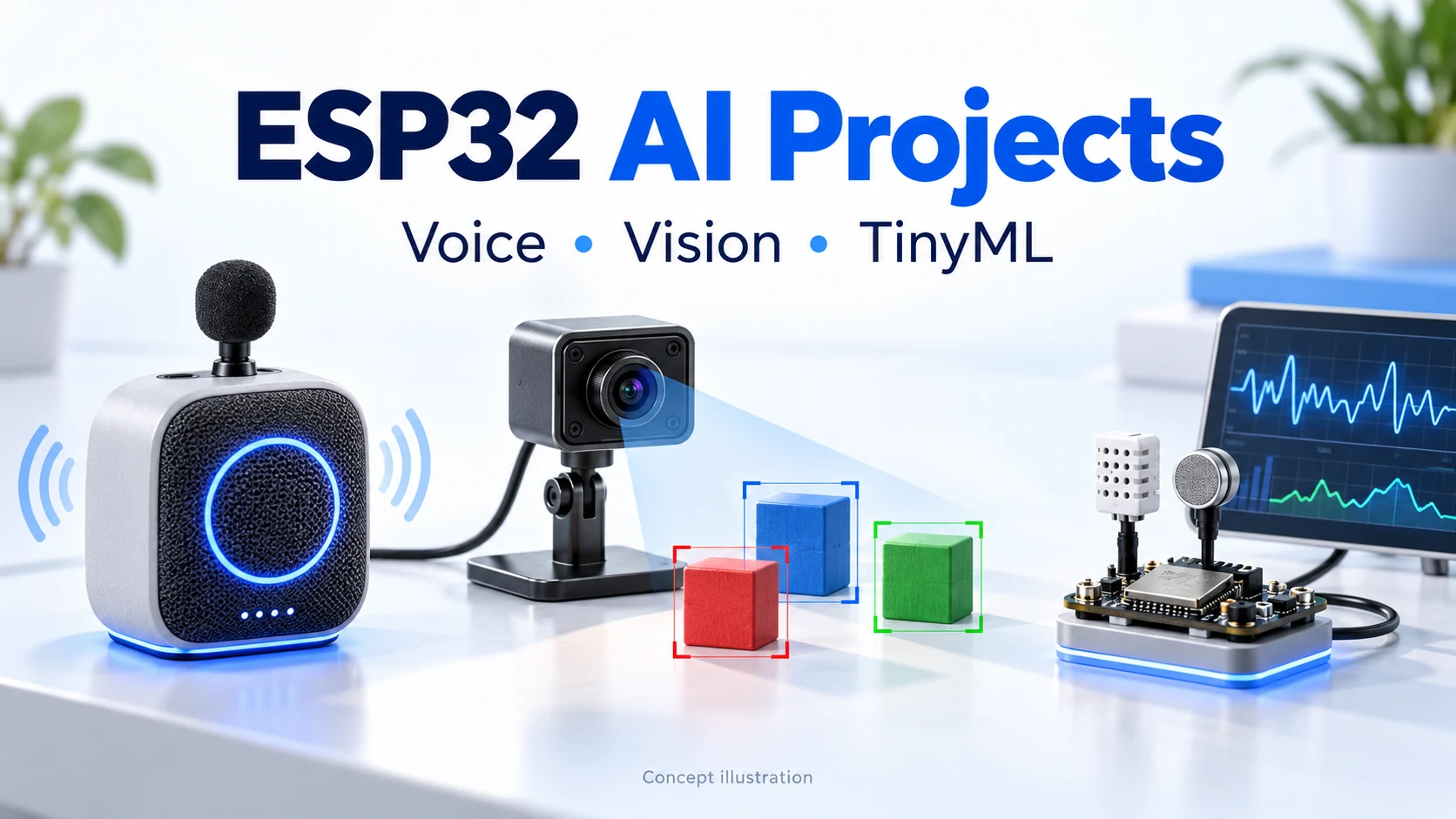
Explore XiaoZhi, ElatoAI, ESPHome, ESP-SR, ESP-WHO, ESP-Detection, Edge Impulse and SenseCraft AI. Compare hardware, local inference and backend requirements before your first build.
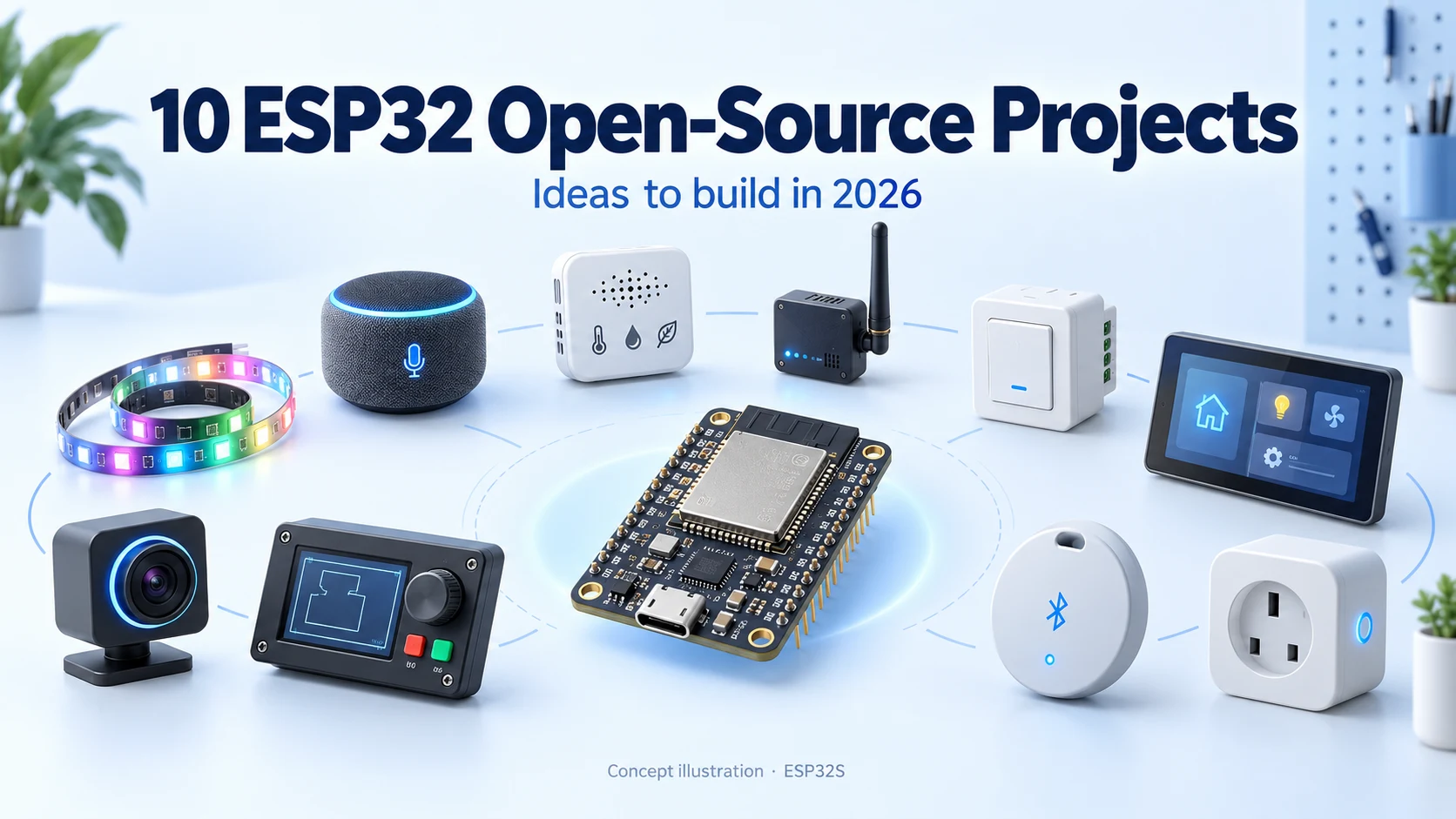
Discover ten active ESP32 open-source projects for 2026, from XiaoZhi AI and WLED to ESPHome, Meshtastic and touchscreen control. Includes GitHub popularity, hardware considerations and first-build ideas.
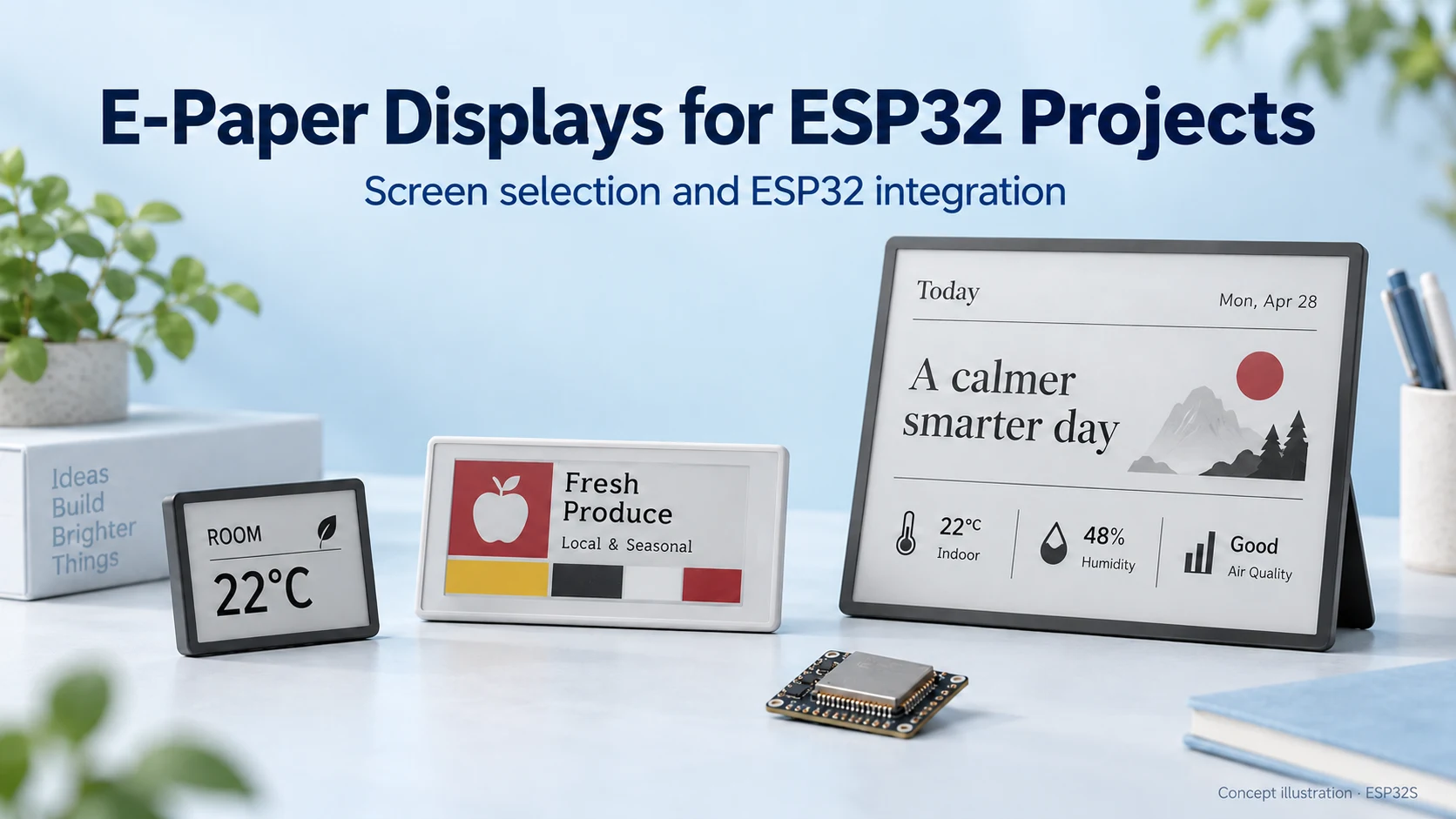
Choose an e-paper display for your ESP32 project: compare screen types, raw panels and modules, refresh modes, memory needs and power considerations.
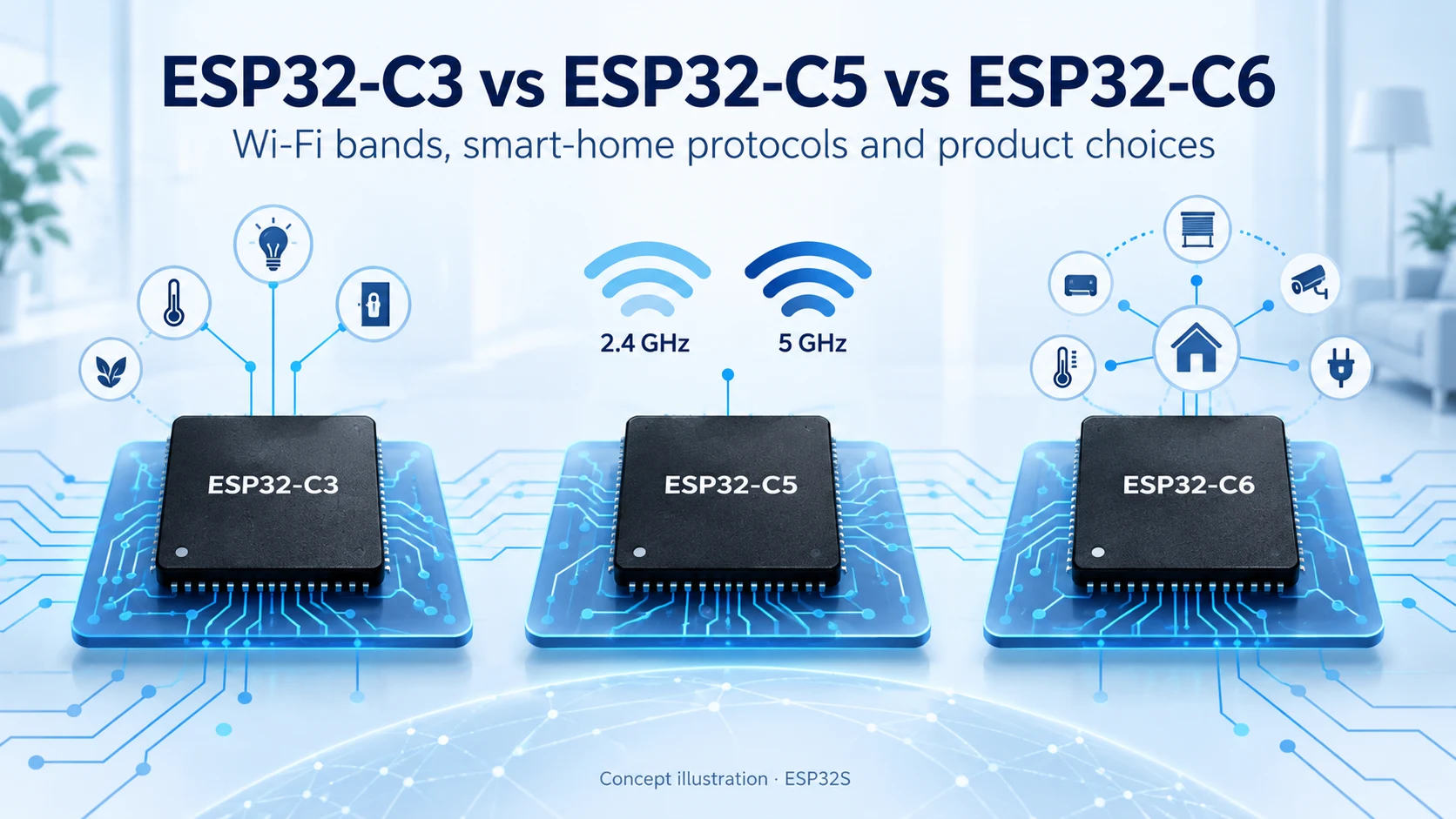
Compare ESP32-C3, ESP32-C5 and ESP32-C6 for Wi-Fi bands, Bluetooth LE, Thread, Zigbee, memory and Matter product design. Find the right connectivity for your project.
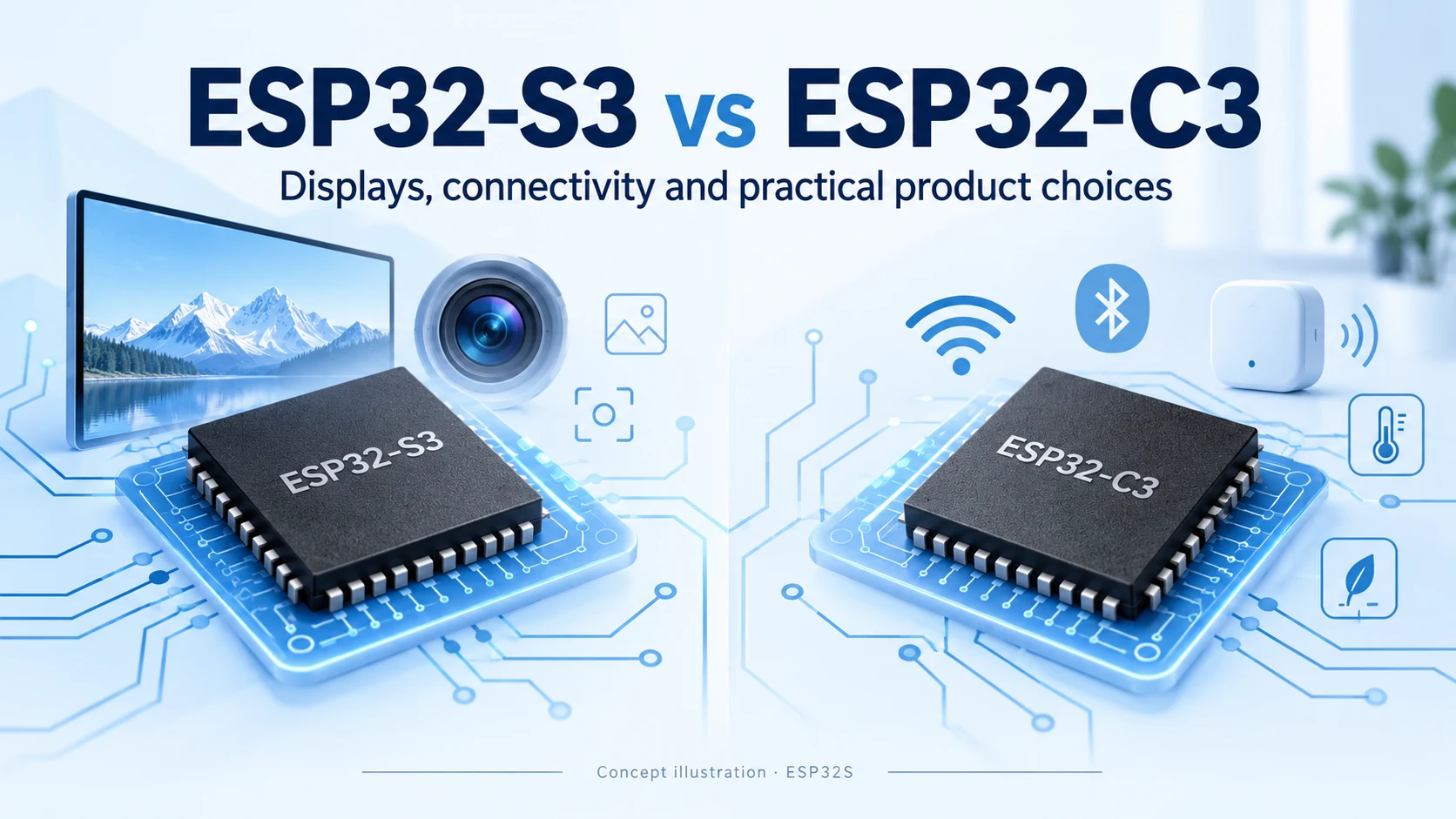
Compare ESP32-S3 and ESP32-C3 for CPU, memory, displays, cameras, USB and wireless connectivity. Practical advice for choosing your next connected product platform.