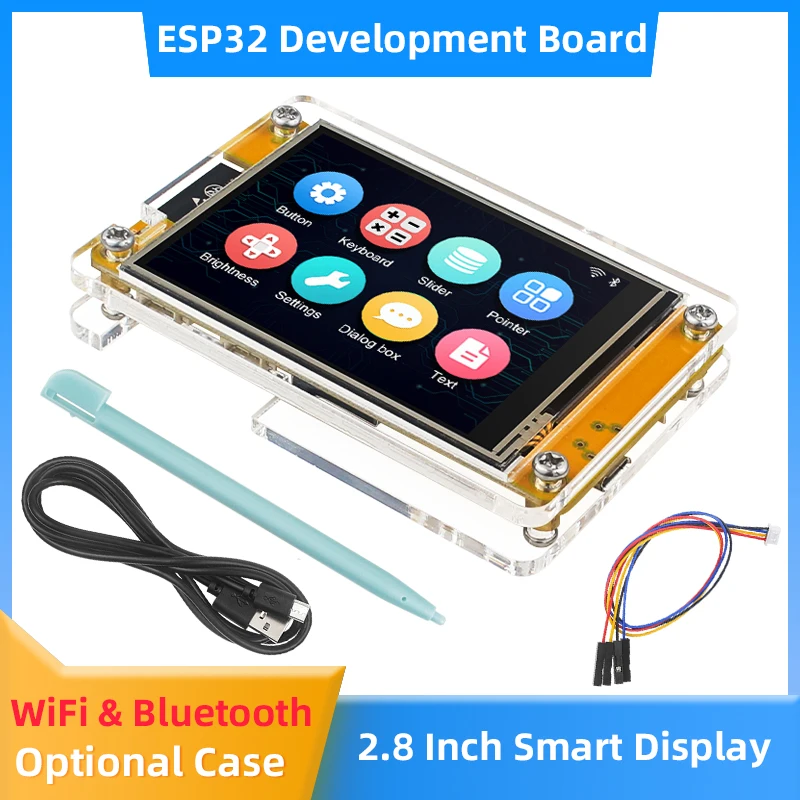
ST7796 identifies the LCD controller. It does not identify the touchscreen controller. This guide starts with a separate SPI LCD module and a classic ESP32 development board; an integrated CYD or ESP32-S3 display board needs its own schematic and pin mapping.
Identify the two controllers first
Confirm the LCD is ST7796 and the module uses SPI rather than an RGB or parallel interface. Then read the touch-controller marking or supplier documentation. A capacitive controller commonly uses I2C; its address, reset and interrupt requirements depend on the exact part.
TOUCH_CS and XPT2046 settings do not configure an I2C capacitive controller. XPT2046 is a resistive-touch controller and belongs to a different setup. Do not copy resistive-touch definitions into a capacitive example.
Example SPI wiring for a separate LCD
Power off before wiring. The following pins are an example for a classic ESP32 DevKit with these GPIOs available, not a universal ST7796 pinout. ESP32 GPIO uses 3.3V logic. Supply the display at the voltage stated by the module documentation; a board that accepts 5V power is not automatically 5V tolerant on signals.
| LCD signal |
Example ESP32 GPIO |
| SCK |
18 |
| SDI / MOSI |
23 |
| SDO / MISO, if exposed and required |
19 |
| LCD_CS |
27 |
| LCD_DC / RS |
26 |
| LCD_RST |
25 |
| GND |
Common ground |
| VCC / LED / BL |
Follow the module supply and backlight circuit documentation |
Backlight pins may need a control circuit. Do not assume an unknown LED pin can be powered directly from a GPIO.
Select one TFT_eSPI configuration
Install TFT_eSPI and create one board-specific setup using the project’s configuration mechanism. Select only that setup; leave competing driver selections disabled. For the example wiring above, the essential display definitions are:
// Example ONLY: classic ESP32 DevKit + separate 3.3V-logic SPI LCD.
// Put these in ONE selected TFT_eSPI setup; match the actual module first.
#define ST7796_DRIVER
#define TFT_MOSI 23
#define TFT_MISO 19
#define TFT_SCLK 18
#define TFT_CS   27
#define TFT_DC   26
#define TFT_RST  25
#define LOAD_GLCD
#define SPI_FREQUENCY 20000000
The pin definitions must be visible when the library itself is compiled. Adding them only below the library include in an Arduino sketch will not configure an independently compiled library. Use TFT_eSPI’s Read_User_Setup diagnostic to inspect what was compiled; it does not detect the physical controller.
Run a display-only check
#include <TFT_eSPI.h>
TFT_eSPI tft;
void setup() {
  Serial.begin(115200);
  tft.init();
  tft.setRotation(1);
  tft.fillScreen(TFT_BLACK);
  tft.setTextColor(TFT_WHITE, TFT_BLACK);
  tft.setTextSize(2);
  tft.setCursor(12, 12);
  tft.println("ST7796 display check");
  tft.drawRect(4, 4, tft.width() - 8, tft.height() - 8, TFT_GREEN);
}
void loop() {}
This source is a reference example, not a physical-unit test report. A visible border and legible text are the expected result after the supply, backlight and setup match the module. Check rotation and documented inversion/color-order requirements if the image is rotated or colors are wrong.
Add capacitive touch after the LCD works
- Identify the touch-controller model and its documented I2C address.
- Choose free SDA/SCL pins from the actual host-board schematic; connect reset/interrupt only as required by that controller.
- Use the matching touch driver and first print coordinates without a GUI.
- Map the coordinates into the current LCD rotation exactly once. Register that input path with the LVGL version used by the project.
A successful I2C scan establishes an address response, not the identity of an unknown controller. Use CYD PlatformIO & LVGL workflow for the integrated-board workflow and the display-driver identification guide if the LCD model is uncertain.
Common problems
| Problem |
Check |
| White or unchanging LCD |
Driver selection, SPI pins, reset, chip select, power and backlight |
| LCD works, touch does not |
Separate touch-controller driver, I2C wiring, address and initialization |
| Touch is mirrored |
Rotation and axis mapping; avoid applying the transform twice |
| Build reports LVGL type errors |
Use one LVGL major version and its matching port/example |
References
Example build check
The diagnostic sketch above compiled for esp32:esp32:esp32 with ESP32 Arduino core 3.3.0 and TFT_eSPI source revision 16e37595040e. The compiled configuration matches this page’s example. This confirms the build, not physical display or touch behavior.