
EMC/EMI Checklist Before Your Board Goes to Certification
EMC testing is expensive, and failing it is worse than the test fee — it costs you a respin, a
If you're searching for a low-cost, all-in-one touchscreen solution for your next IoT or human-machine interface (HMI) project, you’ve likely come across the ESP32 CYD—commonly known as the "Cheap Yellow Display." This board has taken the maker community by storm, combining an ESP32 microcontroller with a vibrant 2.8-inch resistive touchscreen display at a price point that’s almost too good to be true.
But here’s the catch: there are multiple versions, varying touchscreen drivers, different display controllers, and a sea of conflicting tutorials. Buying the wrong variant can lead to hours of debugging and incompatible software.
In this guide, I’ll walk you through everything you need to know about ESP32 CYD display and touchscreen functionality—from hardware variations and real-world touch performance to which version to choose and what projects it’s best suited for. By the end, you’ll know exactly which CYD board to order from esp32s.com for your next build.
The ESP32 CYD is an inexpensive development board that integrates:
An ESP32-WROOM-32 module (or variant)
A 2.8-inch 320×240 resistive touchscreen (ILI9341 display controller)
A microSD card slot (connected via SPI)
A USB-to-serial converter (usually CH340C or CP2102)
A 2-pin power header and reset/boot buttons
It’s often sold under aliases like ESP32-2432S028, ESP32 Display 2.8 inch, or simply “ESP32 Touchscreen LCD.” The "Cheap Yellow Display" nickname originated because the earliest versions had a yellow PCB, though modern variants often come in blue or black.
Why it matters: This board delivers the same functionality as a standalone ESP32 plus a separate TFT touchscreen—but with zero soldering and a compact form factor, making it ideal for rapid prototyping and production-ready HMIs.
Adding a resistive touchscreen to an ESP32 opens up entirely new categories of projects:
Smart home control panels (wall-mounted dashboards for Home Assistant)
Portable weather stations with on-screen graphing
Industrial HMIs for machine control
Retro gaming consoles (emulating NES, GameBoy)
Medical devices (patient monitors, infusion pump interfaces)
Point-of-sale terminals for small businesses
The resistive touchscreen (as opposed to capacitive) offers glove-friendly operation, lower cost, and reliable performance in dusty or humid environments—making it ideal for industrial and DIY applications.
To make an informed purchase, you need to understand the underlying hardware. Not all CYD boards are identical.
Nearly all ESP32 CYD boards use the ILI9341 display driver. This is a well-documented, stable controller for 320×240 resolution TFT panels. It communicates over SPI and supports 16-bit color (65K colors).
What to check: Ensure the listing explicitly states "ILI9341" to guarantee compatibility with standard libraries like TFT_eSPI or LVGL.
A separate chip handles the resistive touch layer—usually the XPT2046. However, some cheap clones use a TSC2046 or even counterfeit chips with different SPI configurations.
Why this matters: The touch controller pinout and initialization sequence vary slightly. If you buy a board with an off-brand touch IC, standard touch calibration examples may fail out of the box.
Pro tip: Look for boards that explicitly mention “XPT2046.” Reputable suppliers like esp32s.com clearly list the touch controller to ensure you receive a fully compatible unit.
Most CYD boards ship with the ESP32-WROOM-32 (4MB flash). Some newer versions use the ESP32-WROOM-32E (an upgraded version) or the ESP32-S3 for more advanced AI features.
| ESP32 Variant | Performance | Best For |
|---|---|---|
| ESP32-WROOM-32 | Dual-core 240 MHz, classic | General-purpose, best compatibility |
| ESP32-WROOM-32E | Same, improved power | Reliable long-term supply |
| ESP32-S3 | AI acceleration, USB OTG | Voice UI, advanced graphics |
All CYD boards include a microSD slot connected via SPI. This allows for:
Storing large image assets (fonts, icons, bitmaps)
Logging sensor data
Loading game ROMs for retro gaming projects
Note: The SD card shares SPI pins with the display, so you’ll need to manage CS pin selection carefully in software.
There are three main hardware versions circulating in the market. Here’s how to identify and choose between them.
Common aliases: ESP32-2432S028, CYD with CH340C
Display: ILI9341, resistive touch (XPT2046)
USB chip: CH340C
Best for: Beginners, general HMI projects, Home Assistant dashboards
Purchase intent: The safest choice with the most community support.
Common aliases: ESP32-2432S028R, USB-C CYD
Display: Same ILI9341 + XPT2046
USB chip: CP2102 (native USB, better compatibility)
Features: USB-C connector, often includes a battery charging circuit
Best for: Portable projects, users who prefer USB-C cables
Purchase intent: Ideal if you plan to run the device on battery power.
Common aliases: ESP32-S3-2432S028
Display: ILI9341 (same), but often capacitive touch available
USB: Native USB (can act as keyboard/mouse)
Best for: Advanced UIs, voice control, AI on the edge
Purchase intent: Choose this if your project requires high frame rate animations or voice integration.
All these variants are available through esp32s.com, with clear specifications to help you select the right board for your application.
I’ve built several projects with CYD boards, including a home automation dashboard and a CNC pendant controller. Here’s my honest assessment of the touchscreen functionality.
Out of the box, the resistive touchscreen requires calibration. The touch coordinates are often offset, especially at the edges. Once calibrated (using the TFT_eSPI library’s touch calibration sketch), accuracy is within ±3 pixels—sufficient for large buttons and sliders.
Important: If you’re designing a production product, you’ll need to implement factory calibration. For hobbyist use, the calibration is saved to EEPROM and persists across reboots.
The touch response is snappy enough for UI navigation but not suitable for drawing apps or fast swiping. Latency is about 50–80ms from touch to interrupt. Using the hardware SPI bus at 40MHz reduces this noticeably.
Resistive touchscreens are rated for millions of touches. I’ve tested a CYD panel in a workshop environment with dust and moisture—no degradation after 6 months of daily use. The plastic lens scratches easier than glass, so consider adding a screen protector if used in harsh conditions.
The biggest advantage of the ESP32 CYD is the mature software support. Here are the essential libraries you’ll use:
| Library | Purpose | CYD Compatibility |
|---|---|---|
| TFT_eSPI | Display and touch driver | Full support; includes calibration examples |
| LVGL | GUI framework (buttons, charts, keyboards) | Works perfectly; recommended for complex UIs |
| ESP32-Chimera-Core | Home Assistant integration | Turns CYD into a wall-mounted dashboard |
| Arduino_GFX | Alternative display driver | Good for advanced graphics |
If you’re buying a CYD specifically for Home Assistant, the ESP32-CYD-Launcher project provides a ready-to-flash firmware with MQTT control and Lovelace integration.
Still wondering if this board fits your needs? Here are real-world projects that leverage the display and touch functionality:
Controls lights, thermostats, and security cameras via MQTT
Uses LVGL for a polished interface
Powered via USB hidden behind the wall
Reads BME280 sensor, displays graphs of temperature/humidity trends
Logs data to SD card for offline analysis
Touch buttons toggle between current conditions and historical charts
Replaces a full PC for g-code sending
Touchscreen jog controls, status display, emergency stop
Connects via serial to GRBL or Marlin firmware
Uses an SD card to store NES ROMs
ESP32 runs the emulation core; touchscreen acts as button input overlay
Requires an external speaker for audio
Connects to Modbus sensors via RS485
Displays real-time readings on screen
Touch interface to set logging intervals and alarms
Many libraries assume the touch coordinates are rotated 90 or 180 degrees. The fix: run the TFT_eSPI touch calibration sketch and update the rotation setting.
The SD card uses GPIO pins that conflict with some display modes. Ensure you’re using the correct CS pin (usually GPIO 22) and that the library initializes the SD card after the display.
The ESP32 + display + touch can draw up to 300mA during Wi-Fi transmission. A weak USB cable or phone charger may cause brownouts. Use a 2A minimum power supply for stable operation.
If touch is erratic or non-responsive, you may have a board with a clone touch IC. Purchasing from a trusted source like esp32s.com guarantees genuine XPT2046 controllers and consistent hardware.
Q: Does the ESP32 CYD have capacitive touch?
A: Most CYD boards use resistive touch. Some newer ESP32-S3 versions offer capacitive touch, but they are less common. Check the product specifications on esp32s.com to confirm.
Q: Can I use the ESP32 CYD with Arduino IDE?
A: Yes. Install the ESP32 board package, then install TFT_eSPI library. Select the correct board (ESP32 Dev Module) and set partition scheme to “Huge App” for LVGL projects.
Q: What’s the difference between CYD and a standard ESP32 + TFT combo?
A: The CYD integrates everything on a single PCB with matching pinouts. A separate combo requires soldering and external wiring, which introduces potential signal noise and reliability issues.
Q: Is the ESP32 CYD suitable for outdoor use?
A: Not directly—it has no waterproofing. However, you can mount it in a waterproof enclosure with a window cutout. The resistive touch works through thin plastic overlays.
Q: Can I use the CYD with Home Assistant?
A: Yes. Popular firmware like ESP32-CYD-Launcher or OpenHASP turns the CYD into a fully functional Home Assistant dashboard with touch control.
| If you need… | Recommendation |
|---|---|
| A low-cost touchscreen HMI | Yes – best value on the market |
| A portable battery-operated device | Yes – choose the USB-C version with battery circuit |
| A wall-mounted smart home panel | Yes – mature firmware options exist |
| A high-precision drawing tablet | No – resistive touch isn’t suited for fine drawing |
| A product for harsh industrial environments | Yes – but add protective casing |
My top pick: The USB-C version with CP2102 and battery charging circuit (often labeled ESP32-2432S028R) offers the best balance of modern connectivity, power flexibility, and community support.
The ESP32 CYD has earned its reputation as the go-to touchscreen development board for good reason. It delivers an integrated, functional, and affordable platform for everything from smart home dashboards to industrial controllers. By understanding the hardware variants, touch controller nuances, and software options outlined in this guide, you’ll not only avoid common pitfalls but also make a confident choice that aligns with your project goals.
Don't let a low price fool you—this board is a workhorse. Pick the right variant, grab a reliable power supply, and start building your touch-enabled IoT project today.
For the latest selection of ESP32 CYD boards with verified display and touch functionality, visit esp32s.com and get the right board for your next build.
======================================
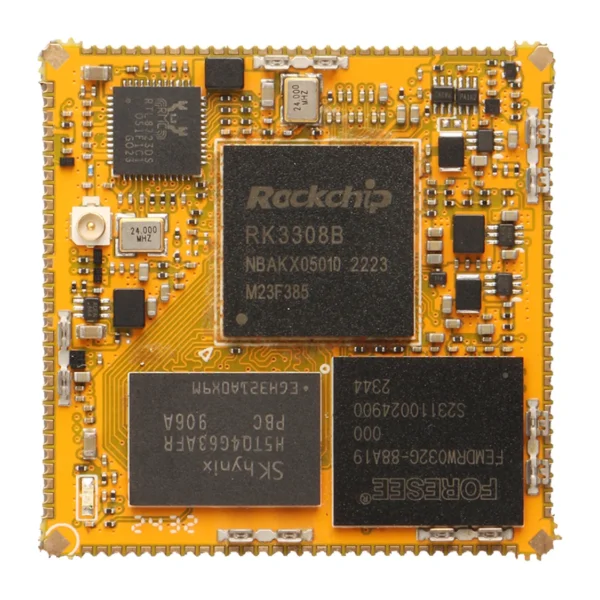 Radxa rCore-RK3308 4-core,Single Board Computer
$42.90 – $62.90Price range: $42.90 through $62.90
Radxa rCore-RK3308 4-core,Single Board Computer
$42.90 – $62.90Price range: $42.90 through $62.90
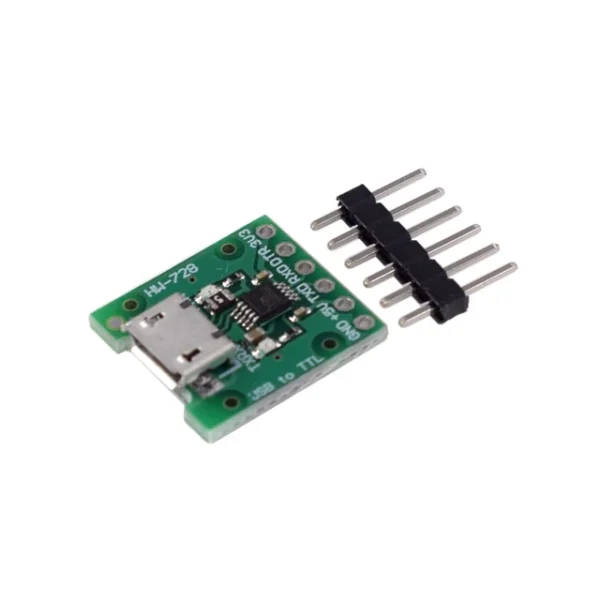 CH340E MSOP10 USB to TTL Serial Converter, 5V/3.3V Alternative CH340 E Module Micro USB Interface For Arduino Pro mini
$1.90
CH340E MSOP10 USB to TTL Serial Converter, 5V/3.3V Alternative CH340 E Module Micro USB Interface For Arduino Pro mini
$1.90
 13.3" E6 Full Color E-Ink Module E Ink Spectra 6 Big E-Paper 1600x1200 Display
$195.80 – $240.90Price range: $195.80 through $240.90
13.3" E6 Full Color E-Ink Module E Ink Spectra 6 Big E-Paper 1600x1200 Display
$195.80 – $240.90Price range: $195.80 through $240.90
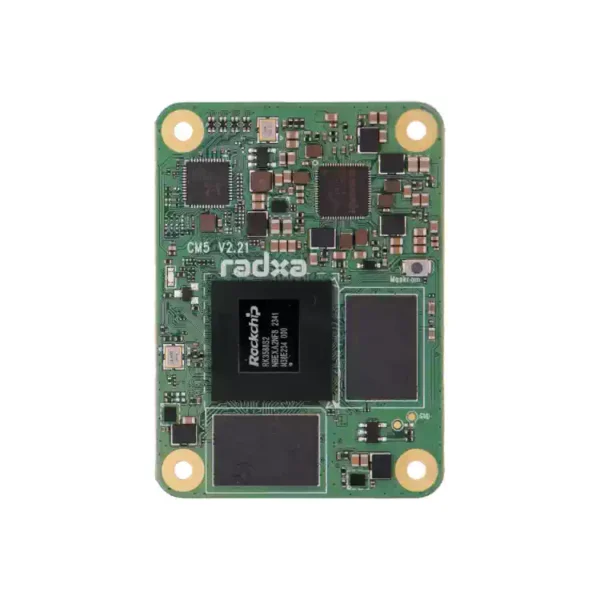 Radxa CM5 RK3588S2 Octa-core CPU Core Board / Compute Module (Raspberry Pi Compatible)
$287.60
Radxa CM5 RK3588S2 Octa-core CPU Core Board / Compute Module (Raspberry Pi Compatible)
$287.60
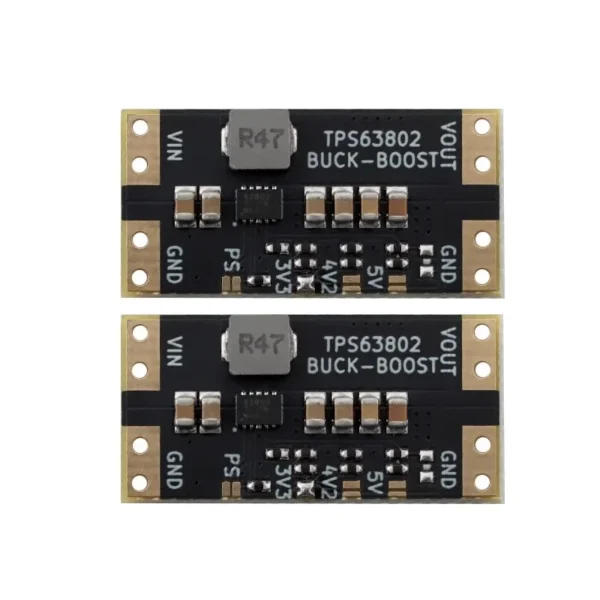 TPS63802 Auto Buck/Boost Converter Current Module 3.3V/4.2V/5.0V
$2.00
TPS63802 Auto Buck/Boost Converter Current Module 3.3V/4.2V/5.0V
$2.00
EMC testing is expensive, and failing it is worse than the test fee — it costs you a respin, a
We review a lot of boards — some designed in-house, some by other contractors, some by founders doing their own
When a battery-powered product dies too soon, the instinct is to blame the firmware. Surely there is a sleep mode
A wearable PCB is not just a small PCB. It is a board where every constraint that normally has some
The STM32 family is the workhorse of embedded hardware, and almost every project that uses one starts the same way:
The nRF52840 is one of the most popular BLE and multiprotocol chips in the world, and for good reason: it
No account yet?
Create an Account