
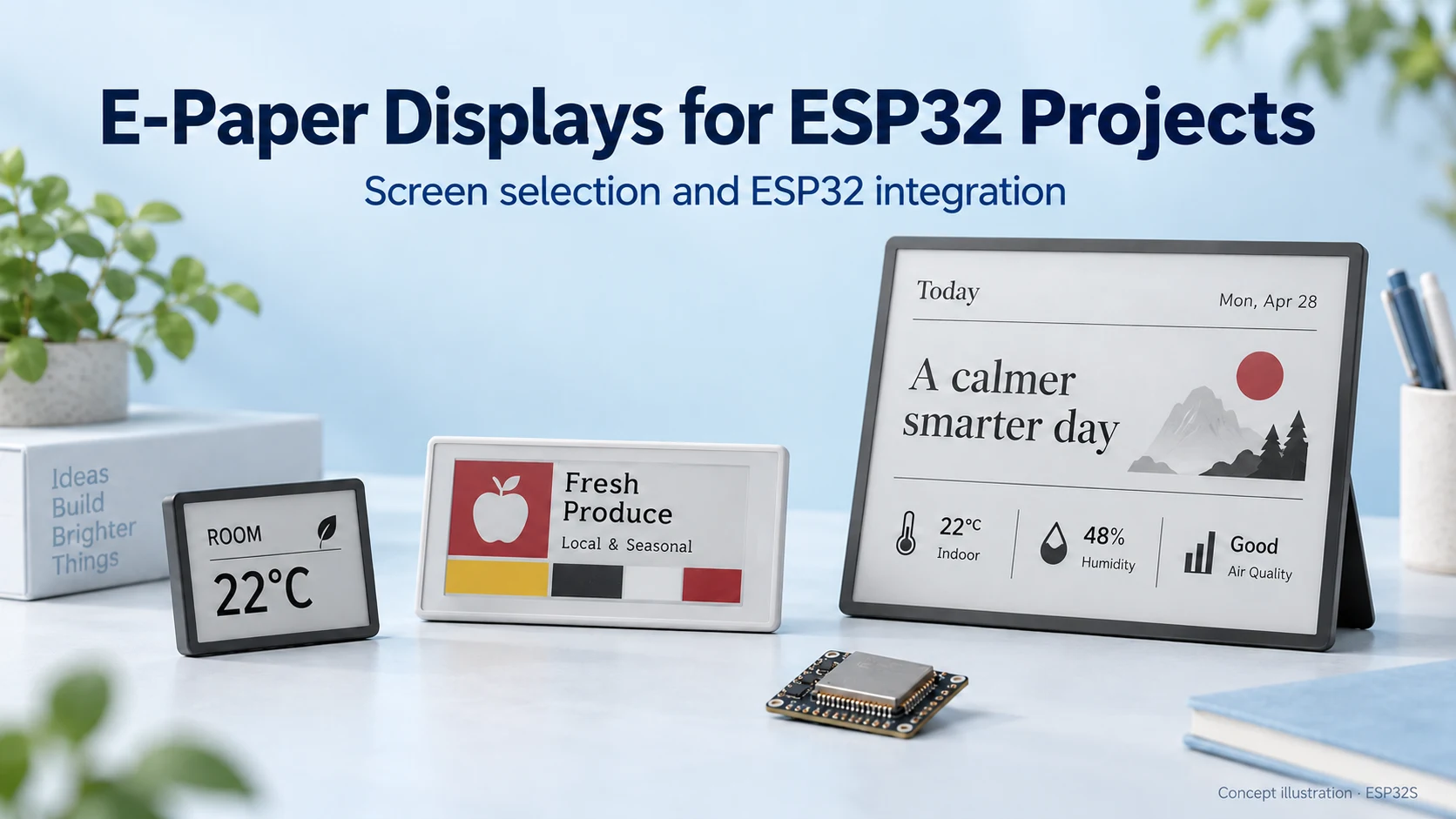
E-Paper Displays for ESP32: How to Choose the Right Screen
Choose an e-paper display for your ESP32 project: compare screen types, raw panels and modules, refresh modes, memory needs and power considerations.
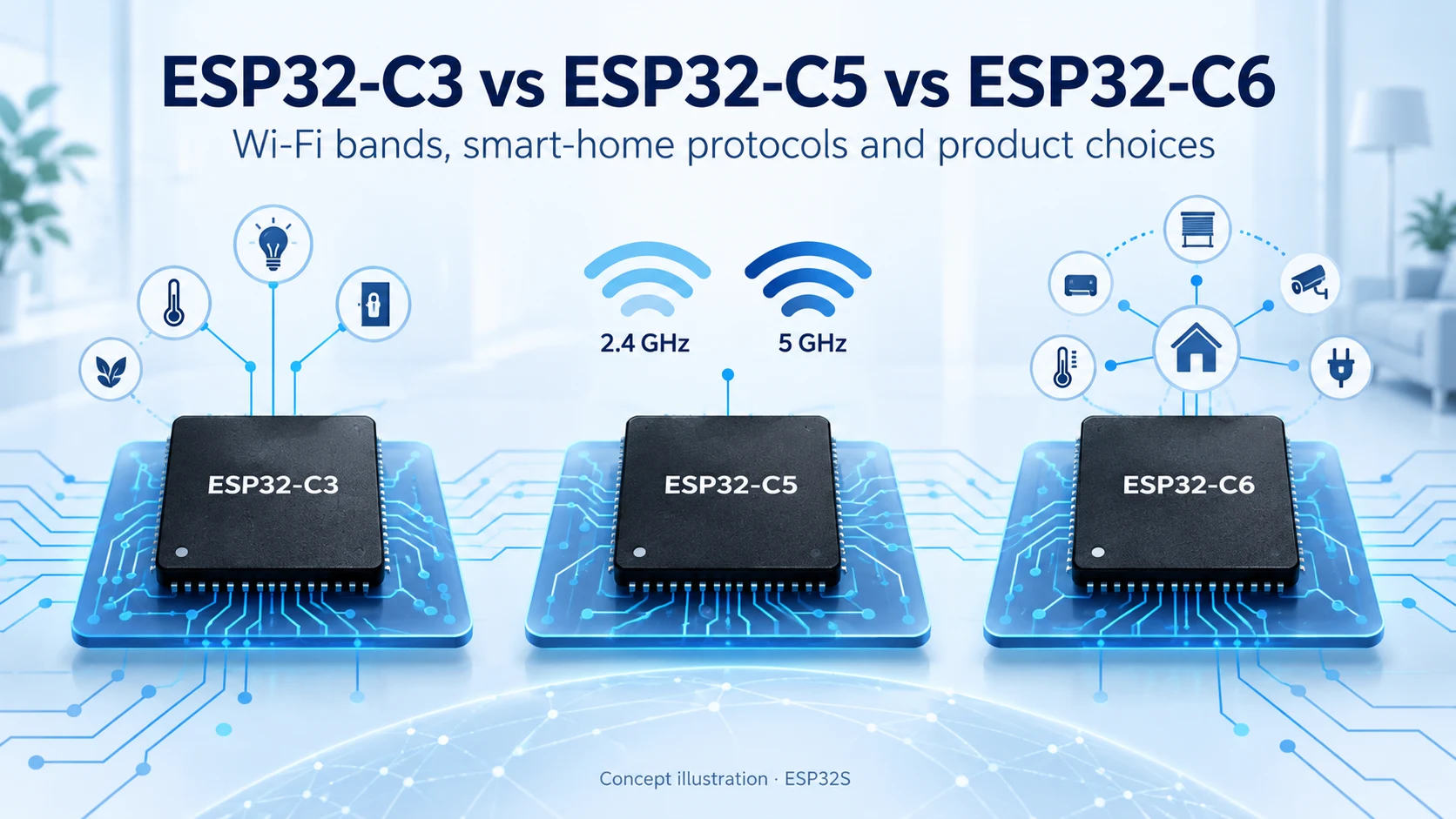
ESP32-C3, ESP32-C5 and ESP32-C6 are not a simple good–better–best sequence. The useful distinction is connectivity: C3 covers straightforward Wi-Fi and Bluetooth LE devices, C5 adds dual-band Wi-Fi 6, and C6 combines 2.4 GHz Wi-Fi 6 with smart-home radio capabilities.
Reviewed October 15, 2026. This guide uses official specifications and engineering analysis. It does not claim measured speed, range or battery-life results.
These are project starting points. C5 also includes IEEE 802.15.4, so C6 is not the only option here for Thread/Zigbee. Choose the exact module, firmware stack and product architecture before committing the PCB.
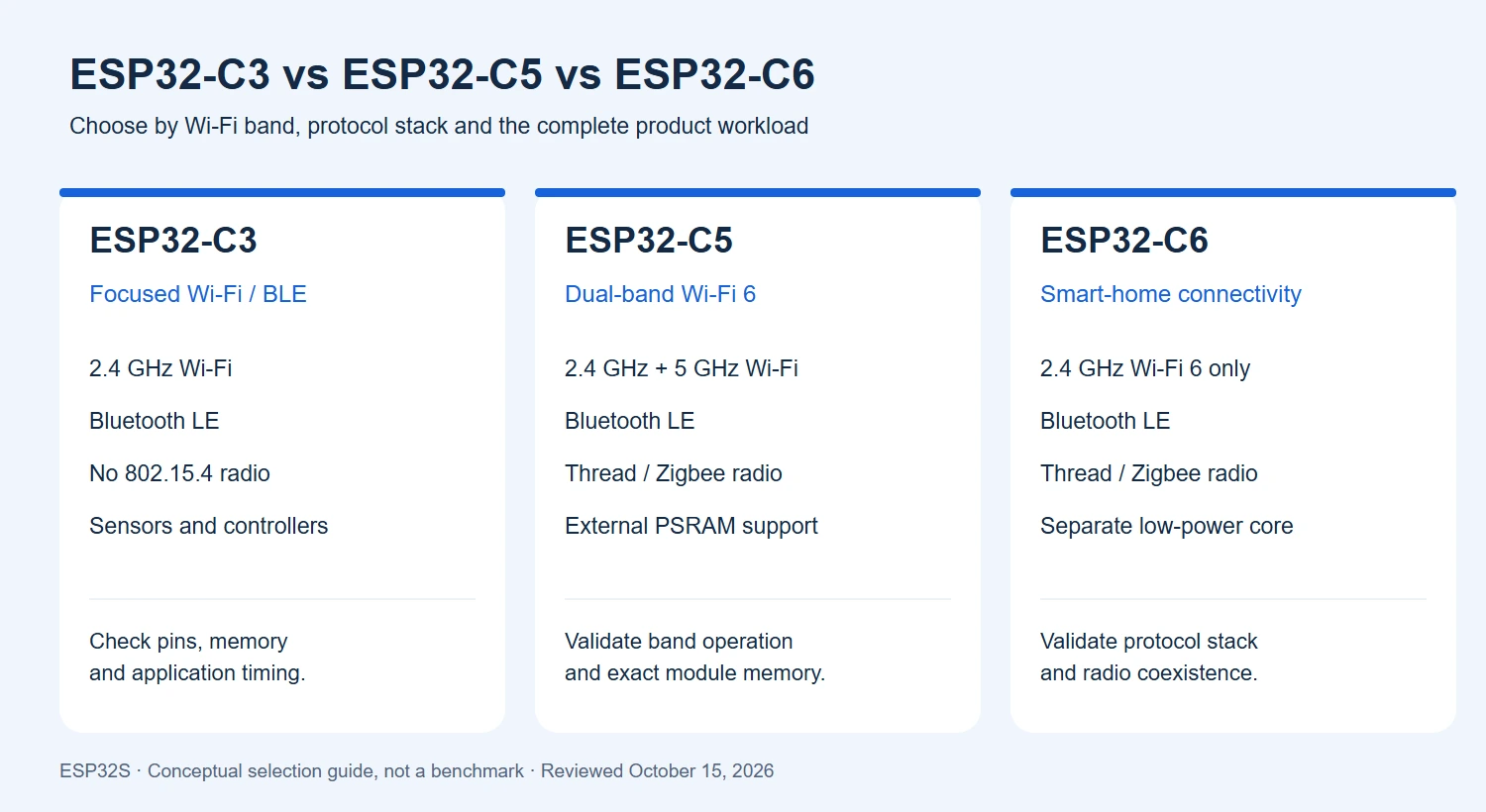
| Feature | ESP32-C3 | ESP32-C5 | ESP32-C6 |
|---|---|---|---|
| Main processor | Single-core RISC-V, up to 160 MHz | Single-core RISC-V, up to 240 MHz | HP RISC-V, up to 160 MHz; separate LP core |
| Wi-Fi generation | 802.11 b/g/n | Wi-Fi 6 (802.11ax), with backward compatibility | Wi-Fi 6 (802.11ax), with b/g/n compatibility |
| Wi-Fi bands | 2.4 GHz | 2.4 GHz and 5 GHz | 2.4 GHz only |
| Bluetooth | Bluetooth 5 LE | Bluetooth 5 LE | Bluetooth 5 LE |
| IEEE 802.15.4 | No integrated radio | Yes; Thread/Zigbee applications | Yes; Thread/Zigbee applications |
| Main internal SRAM | 400 KB | 384 KB | 512 KB HP SRAM |
| External PSRAM | No supported interface | Supported; verify exact implementation | No supported interface |
Specification sources: C3 datasheet, C5 datasheet, C6 datasheet and the official C3, C5 and C6 overviews. SRAM totals are not free application heap. The C6 LP core is not a second interchangeable application core.
C3 combines a 160 MHz RISC-V application processor with 2.4 GHz Wi-Fi and Bluetooth LE. Espressif provides ESP-IDF support and hardware security functions including secure boot, flash encryption, HMAC and a digital signature peripheral. See the official C3 overview.
For a simple controller, the question is whether the intended firmware fits with enough memory and timing margin. Test the real network connection, sensor sampling and output-control workload together. A larger model number is not a reason to redesign an otherwise suitable product. Conversely, native Thread or Zigbee requirements cannot be solved by changing only the C3 firmware: its integrated radios do not include IEEE 802.15.4.
C5’s distinguishing feature in this comparison is support for both 2.4 GHz and 5 GHz Wi-Fi 6. It also integrates Bluetooth LE and IEEE 802.15.4, and supports external PSRAM. These capabilities are documented in the official C5 overview.
Our practical recommendation is to evaluate C5 when a deployment must connect to a 5 GHz network, or when choosing between available bands is important. Dual-band support does not establish simultaneous independent connections on both Wi-Fi bands, nor does it guarantee higher throughput in your application. Validate the intended operating mode in the selected SDK and network environment.
A 5 GHz design also needs appropriate RF hardware, antenna coverage and regulatory configuration. Test inside the actual enclosure and at the installation locations. Do not assume 5 GHz automatically offers better range through walls or that every channel is available in every region.
C6 combines 2.4 GHz Wi-Fi 6, Bluetooth LE and IEEE 802.15.4. Its architecture includes a main RISC-V CPU and a separate low-power RISC-V CPU. Espressif describes Wi-Fi and Thread endpoint applications as well as multi-chip gateway arrangements. See the official C6 overview.
Wi-Fi 6 does not imply 5 GHz support: C6 remains a 2.4 GHz Wi-Fi device. For a smart-home endpoint that does not need 5 GHz, this may be entirely appropriate. If your product must communicate over Thread or Zigbee, prove the actual stack, device role and commissioning flow on the selected firmware release.
Hardware support for several protocols is not a promise that every combination runs concurrently without restrictions. Coexistence scheduling, memory and software support can affect the result. Test the required radio combination while the rest of the product is operating.
Matter is an application-level interoperability standard; it is not another name for a radio. Espressif’s ESP-Matter introduction describes Matter over Wi-Fi and Thread, with Bluetooth LE used for commissioning. Thread uses IEEE 802.15.4, while a Zigbee device uses a different networking stack. A Zigbee product is not automatically a Matter product.
This means a supported C3 design can be considered for Matter over Wi-Fi without containing a Thread radio. C5 and C6 provide the radio foundation for Thread-based designs, but you must still validate the SDK target, device type and memory requirements. Matter certification and the required ecosystem infrastructure remain product-level work; buying a compatible chip does not complete them.
Budget firmware storage, runtime RAM and optional PSRAM separately. A C5 board is not guaranteed to include PSRAM simply because the chip supports it. Identify the exact module and its memory configuration before allocating network buffers, application data or a user interface.
For a battery device, measure energy across a representative wake/connect/transmit/sleep cycle. Include regulators, LEDs, sensors, retries and the access point’s behavior. Wi-Fi 6 features do not by themselves prove a battery-life figure. Likewise, a higher maximum CPU clock is not an application benchmark.
Our starting recommendation is C3 for a focused Wi-Fi/BLE controller, C5 when 5 GHz is required, and C6 for a 2.4 GHz Wi-Fi 6/802.15.4 endpoint. These are not universal cost rankings. Compare actual quotations, firmware effort and production-test requirements for the intended volume.
If your project needs a richer display or camera interface, read our ESP32-S3 vs ESP32-C3 comparison. For legacy Wi-Fi products, see ESP8266 / ESP8285 vs ESP32-C3. Our ESP32S Wiki provides board-specific tutorials.
Need help building a custom connected product? Explore our PCB design service and contact ESP32S about firmware development, hardware migration and production flashing. C3, C5 and C6 are not automatically pin-compatible, and their firmware images are not interchangeable.
Official sources checked October 15, 2026. Recommendations are editorial engineering guidance. Illustrations are conceptual; no comparative hardware benchmark was performed for this article.
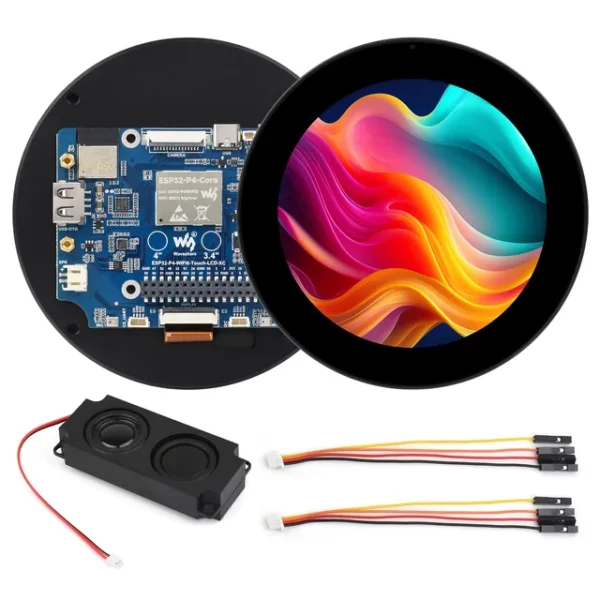
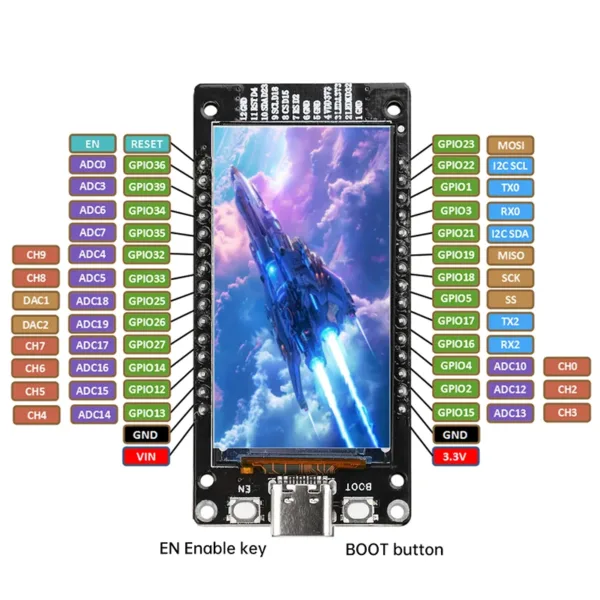

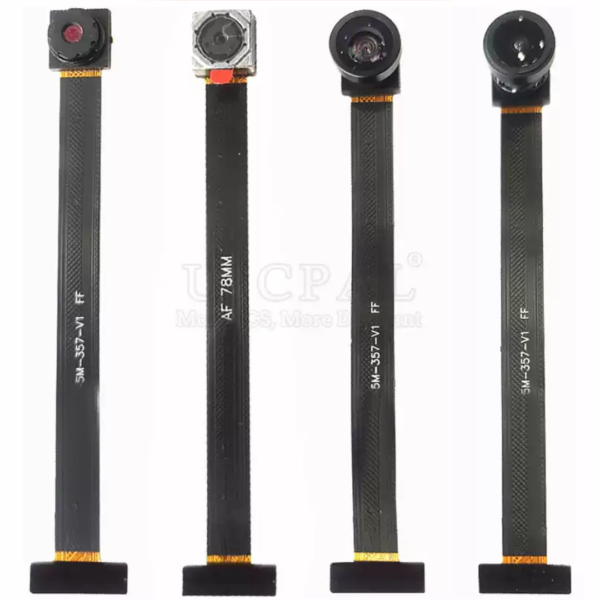
Choose an e-paper display for your ESP32 project: compare screen types, raw panels and modules, refresh modes, memory needs and power considerations.
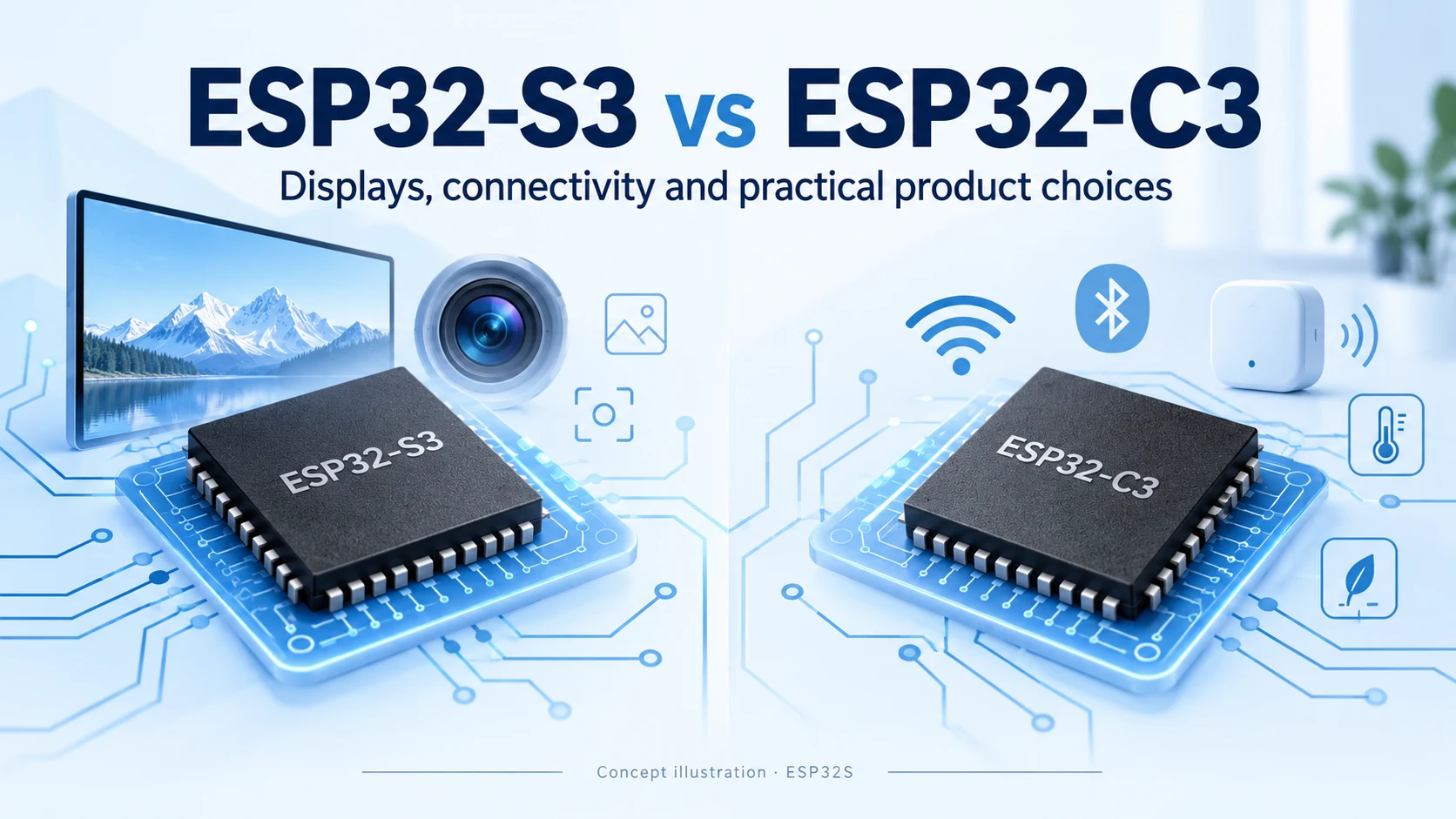
Compare ESP32-S3 and ESP32-C3 for CPU, memory, displays, cameras, USB and wireless connectivity. Practical advice for choosing your next connected product platform.
Compare ESP8266, ESP8285 and ESP32-C3 for Wi-Fi, Bluetooth LE, flash, security and migration. A practical guide for existing designs and new connected products.
Compare ESP32-S31, ESP32-P4 and ESP32-S3 for connectivity, displays, cameras and memory planning. Learn the key hardware differences and practical selection criteria.
Most people meet us through the store. They buy an ESP32-C3 Supermini board or a camera module, it ships, and
Every ESP32 product starts on a dev board. That is the right way to start — you get a working
No account yet?
Create an Account