ESP32 CYD Project Planning: Sensors, Pins & Display Limits
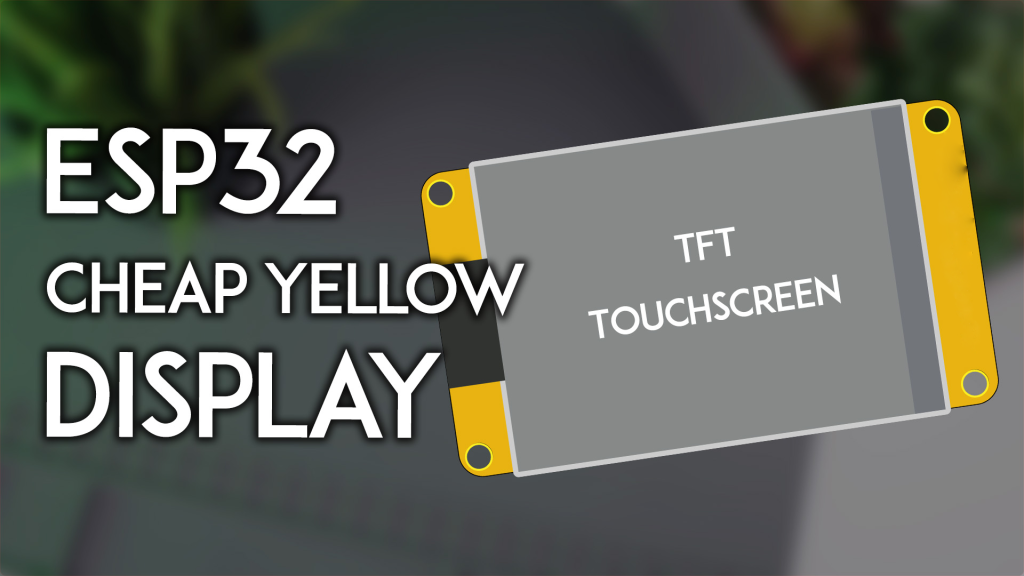
A CYD board combines an ESP32 and display, but many GPIOs are already assigned to the screen, touch and storage. This article helps plan a project; use the first-upload guide for initial connection and the model comparison to select hardware.
Start with the application
| Project | Questions to resolve first |
|---|---|
| Weather or sensor dashboard | Online forecast or local measurement? Which sensor interface and pins? |
| Home-control panel | Required integration, networking and touch type? |
| Portable instrument | Power source, sleep behavior and enclosure? |
| Data logger | Storage bus, update interval and behavior after reset? |
Budget GPIO before connecting parts
On the ESP32-2432S028R reference, GPIO35 is input-only, GPIO21 is used for backlight, and GPIO22 appears on more than one connector. Shared access does not create an extra GPIO. Use the pinout table and the exact board schematic. GPIO assignments from the classic 2.8-inch reference do not apply to every RGB or ESP32-S3 display.
Choose a manageable software path
Begin with a display-only example, then add touch, then one sensor or data source. Keep one supported library/framework version set. LVGL provides UI functions, but the board still needs correct display and input drivers. See the PlatformIO workflow and CYD PlatformIO & LVGL workflow.
Account for practical constraints
- Reserve space for networking, fonts and buffers in addition to application code.
- Check connector pitch and physical clearance before ordering cables or a case.
- Do not infer battery charging or external-memory features from PCB color.
- Plan a recovery method and keep a known-working firmware configuration.
For a focused next project, use the CYD weather-station workflow. If the screen remains white, check the LCD-driver identification guide before changing unrelated application code.
References
Article illustrations