
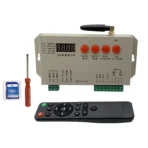
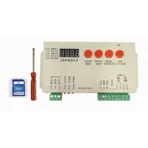
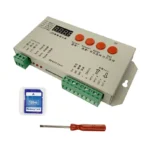

Technical Specifications:
-
Input Voltage: DC 5-24V
-
Operating Temperature: -10℃ to 45℃
-
Rated Power: 2W
-
Output Ports: 1 port, capable of driving up to 2048 pixels (1 chip = 1 pixel)
-
Control Range: 1 - 2048 pixels
-
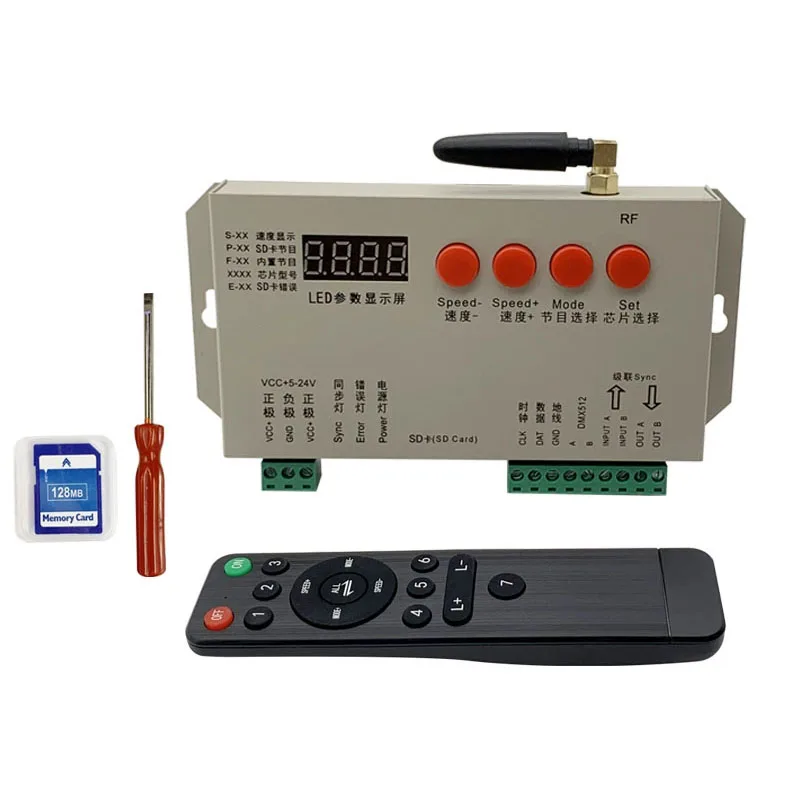
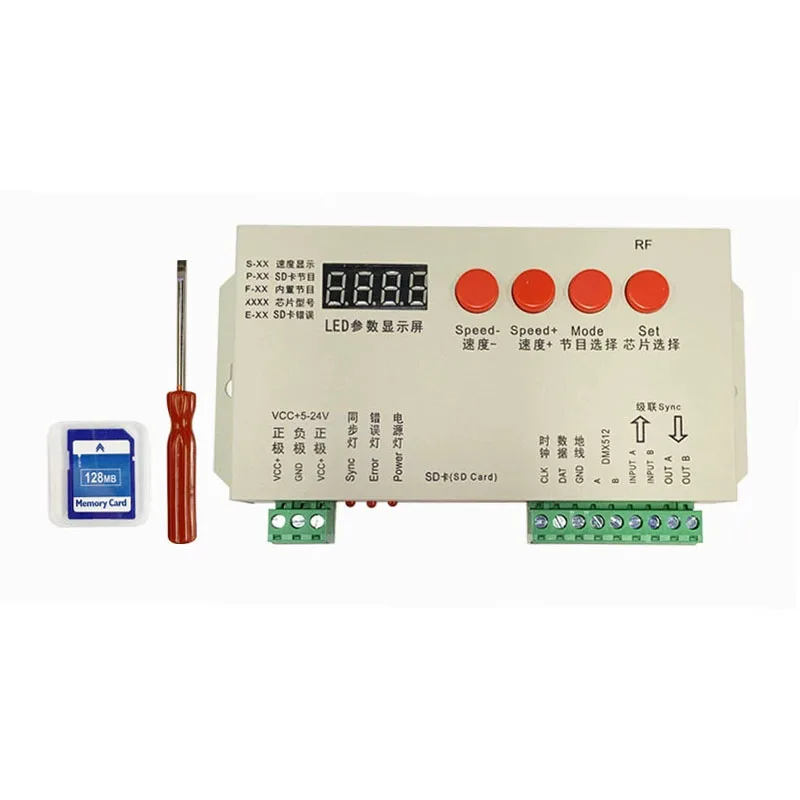
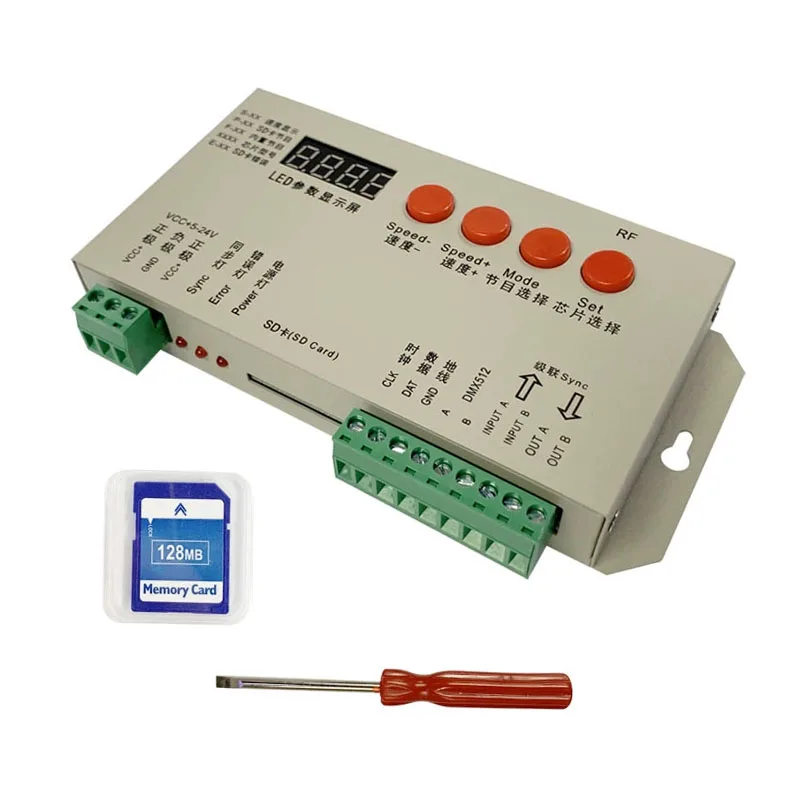
SD Card Support: Includes a standard 128MB SD card (FAT/FAT32 format). Supports *.led effect files. Larger capacity cards are compatible for more storage.
-
Multi-Unit Synchronization: Yes (requires SD card)
-
Gray Scale & Correction: 32-level to 65536-level grayscale control with software Gamma correction.
-
Compatibility: Supports various standard and custom LED lighting arrangements. Compatible with both single-wire and dual-wire ICs (CLK line not required for single-wire ICs).
-
Dimensions: 158 x 79 x 25 mm
-
Weight: 0.3 kg
Operating Modes:
1. Operation WITHOUT SD Card:
-
Power on the controller and lights.
-
The display shows "F-XX". The controller has 97 built-in effect modes (F-01 to F-96, and F-A1 for sequence play).
-
Use the "Mode" button to cycle through effects.
-
Adjust speed with "Speed→" and "Speed+" buttons (S-01 slowest, S-19 fastest).
-
Chip selection is unavailable; automatically works with 1903 protocol-compatible lights.
-
Built-in programs support a maximum of 1024 pixels per port.
2. Operation WITH SD Card (Required for Synchronization):
-
Insert the SD card (standard 128MB holds approx. 30 effects; use larger cards for more).
-
Power on the controller and lights.
-
Speed Adjustment (S-XX): Use "Speed→" and "Speed+" buttons. S-01 is slowest, S-19 is fastest. Note: Maximum sync speed for multiple controllers is S-16.
-
Effect Selection (P-XX): Use the "Mode" button to select from effects on the SD card (P-01 to P-22, and A-01 for sequence play).
-
Chip Selection: Press the "Set" button to configure the chip type when the SD card is inserted.
-
All settings are automatically saved after 8 seconds of inactivity (or restart the power).
-
For synchronized multi-controller operation, control only the first master controller. Ensure every controller has an identical SD card with the same effect files.
Troubleshooting Common Issues:
-
Problem 1: Controller's ERROR light flashes after power-on, lights show no effect.
-
Solution 1:
-
SD card is empty or lacks valid *.led files.
-
*.led files are incompatible. Regenerate effects using the correct controller model (T-1000-UCS1903 or K-1000) in the software.
-
SD card was not formatted to FAT/FAT32 before file transfer.
-
Test with a different SD card to rule out card failure.
-
-
-
Problem 2: Controller power indicator is on, but lights show no effect.
-
Solution 2:
-
Check signal wire connections between the controller and lights.
-
For TTL signals, ensure the controller GND and light GND are connected (common ground).
-
Verify the chip type selected when creating the *.led file matches the chips used in the lights.
-
-
Product Wiring Diagram