
EMC/EMI Checklist Before Your Board Goes to Certification
EMC testing is expensive, and failing it is worse than the test fee — it costs you a respin, a
Micropython ESP32 opens up a world of possibilities for embedded systems programming that is efficient, straightforward, and powerful. If you’ve ever dreamed of harnessing the capabilities of the ESP32 board to build IoT projects or automation systems, then this guide will help you understand how to leverage asynchronous programming in your applications effectively.
Before diving into async programming, let's briefly cover what Micropython and the ESP32 are. Micropython is a lean implementation of Python 3 designed for microcontrollers and embedded systems. The ESP32, on the other hand, is a versatile microcontroller with built-in Wi-Fi and Bluetooth capabilities, making it suitable for IoT projects.
Combining these two technologies allows for rapid development and execution of applications in a more readable manner compared to traditional C/C++ programming. The asynchronous features in Micropython for the ESP32 can help manage various tasks simultaneously, which is particularly useful for network applications.
Before you can dive into async programming, you need to set up your environment properly. Here’s a simplified step-by-step guide to install Micropython on your ESP32 board:
1. Download Micropython Firmware: Start by downloading the latest firmware for the ESP32 from the official Micropython website.
2. Install a Flashing Tool: Use a tool like `esptool.py` to flash the firmware onto your ESP32 board. Install it using pip:
```
pip install esptool
```
3. Flash the ESP32: Connect your ESP32 to your computer via USB and run:
```
esptool.py --chip esp32 --port /dev/ttyUSB0 erase_flash
esptool.py --chip esp32 --port /dev/ttyUSB0 write_flash -z 0x1000 ```
Replace `` with the directory of your downloaded firmware file.
4. Access the REPL: After flashing, use a serial terminal (like PuTTY or minicom) to connect to the ESP32’s REPL (Read-Evaluate-Print Loop) to start coding directly.
Now that your ESP32 is set up with Micropython, let’s delve into async programming. Asynchronous programming allows for multitasking, enabling your ESP32 to perform non-blocking I/O, which is crucial when dealing with network requests, sensor readings, or when waiting for hardware responses.
To utilize async features in your projects, you’ll primarily rely on the `uasyncio` module. Here's how to get started:
You need to import `uasyncio` at the beginning of your script to start working with async functions:
```python
import uasyncio as asyncio
```
Next, define your async functions using the `async def` syntax. Here’s an example of a simple LED blink program that runs in an asynchronous loop:
```python
from machine import Pin
import uasyncio as asyncio
led = Pin(2, Pin.OUT)
async def blink():
while True:
led.on()
await asyncio.sleep(1)
led.off()
await asyncio.sleep(1)
async def main():
asyncio.create_task(blink())
asyncio.run(main())
```
The `await asyncio.sleep(1)` command allows the program to yield control and perform other tasks while waiting for the LED to change state, promoting efficient use of resources.
To showcase how async programming can enhance your projects, let's explore building a simple HTTP server using `uasyncio`. By leveraging non-blocking calls, you can handle multiple client requests effortlessly:
```python
import uasyncio as asyncio
import usocket as socket
async def handle_client(client):
request = client.recv(1024)
response = 'HTTP/1.1 200 OKnnHello, World!'
client.send(response)
client.close()
async def start_server():
server = socket.socket()
server.bind(('0.0.0.0', 80))
server.listen(5)
while True:
client, _ = server.accept()
asyncio.create_task(handle_client(client))
async def main():
await start_server()
asyncio.run(main())
```
With this simple server, your ESP32 can respond to HTTP requests asynchronously, allowing it to manage multiple connections without blocking.
Micropython ESP32 and its async capabilities make it a remarkable tool for developers looking to streamline their embedded system projects. The ease of programming with Python combined with the multitasking capabilities of async I/O can dramatically enhance the functionality of your applications.
Whether you're building IoT devices, automation systems, or simple educational projects, mastering async programming within Micropython will surely set you on the path to creating more efficient, responsive, and sophisticated applications. Happy coding!
======================================
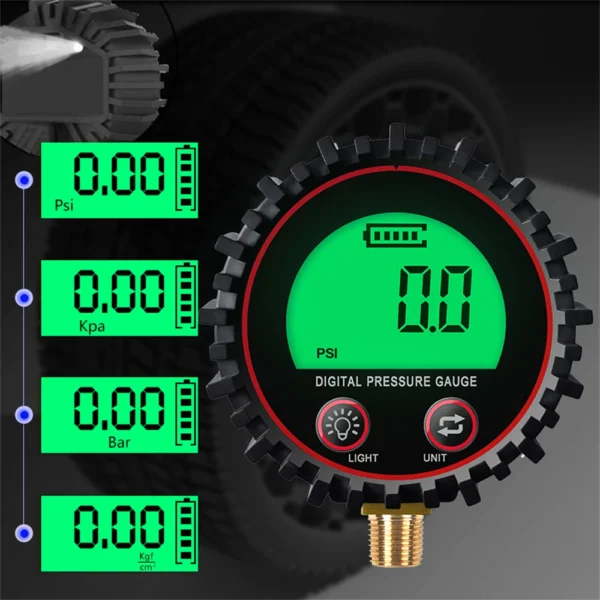 M11 1/4 1/8 Digital Car Tire Air Pressure Inflator Gauge LCD Display LED Backlight Vehicle Tester Inflation Monitoring
$10.90
M11 1/4 1/8 Digital Car Tire Air Pressure Inflator Gauge LCD Display LED Backlight Vehicle Tester Inflation Monitoring
$10.90
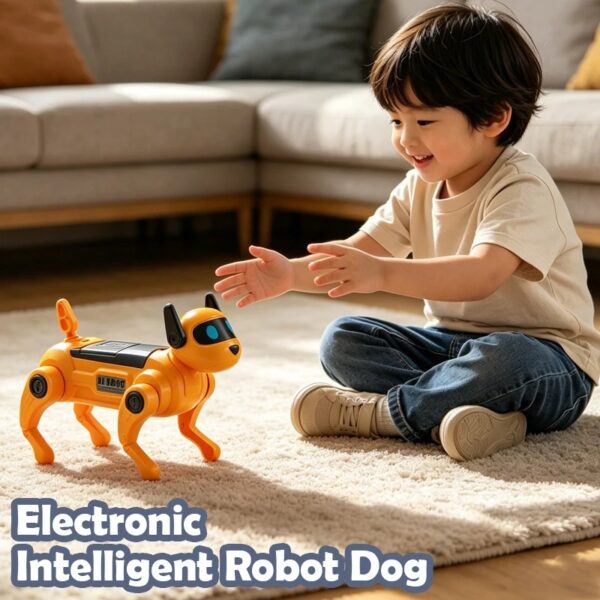 AI Robot Dog DIY Assembly Voice Science Experiment Kit Electronic Toy Dog Educational Toys for Kids Gifts
$6.90
AI Robot Dog DIY Assembly Voice Science Experiment Kit Electronic Toy Dog Educational Toys for Kids Gifts
$6.90
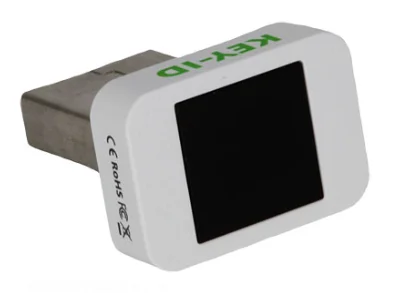 Key-id Hello + FIDO2 fingerprint USB security key Identifies the fingerprint ESP32
$38.90
Key-id Hello + FIDO2 fingerprint USB security key Identifies the fingerprint ESP32
$38.90
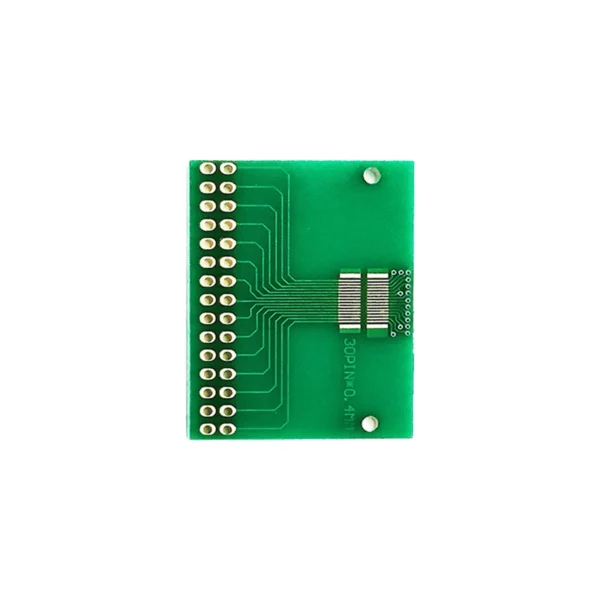 Double row 30pin pitch 0.4mm docking LCM, TFT LCD universal board adapter board test board
$1.00
Double row 30pin pitch 0.4mm docking LCM, TFT LCD universal board adapter board test board
$1.00
 2.13inch E-Paper HAT+, HAT+ Standard, Partial Refresh Support, E-Ink Display for Raspberry Pi
$16.50
2.13inch E-Paper HAT+, HAT+ Standard, Partial Refresh Support, E-Ink Display for Raspberry Pi
$16.50
EMC testing is expensive, and failing it is worse than the test fee — it costs you a respin, a
We review a lot of boards — some designed in-house, some by other contractors, some by founders doing their own
When a battery-powered product dies too soon, the instinct is to blame the firmware. Surely there is a sleep mode
A wearable PCB is not just a small PCB. It is a board where every constraint that normally has some
The STM32 family is the workhorse of embedded hardware, and almost every project that uses one starts the same way:
The nRF52840 is one of the most popular BLE and multiprotocol chips in the world, and for good reason: it
No account yet?
Create an Account