
EMC/EMI Checklist Before Your Board Goes to Certification
EMC testing is expensive, and failing it is worse than the test fee — it costs you a respin, a
When it comes to building IoT projects, the ESP32 Ethernet functionality enables developers to harness the power of wired networks for stable and efficient communication. The ESP32 microcontroller, widely popular among hobbyists and professionals alike, offers integrated Wi-Fi but can also be enhanced with Ethernet capabilities, particularly when using the W5500 Ethernet module. In this guide, we will explore how to effortlessly set up wired connectivity with the ESP32 and provide you with the information needed to get started.
The ESP32 is a versatile and powerful microcontroller that supports both Bluetooth and Wi-Fi connectivity. What many may not realize is that it can also connect to a wired network, providing an advantage in scenarios where Wi-Fi signals are weak or unreliable. Using an Ethernet module like the W5500, you can create robust, wired connections that ensure seamless data transfer and lower latency.
The W5500 is a dedicated Ethernet controller that communicates with microcontrollers via the SPI interface. This compact module allows the ESP32 to connect to a wired network easily, making it suitable for a wide range of applications such as IoT devices, sensors, and home automation systems.
To create an ESP32 wired network, you will need the following components:
- ESP32 Development Board: Select a development board suited to your project. Most ESP32 boards should work seamlessly with the W5500.
- W5500 Ethernet Module: This can often be found in breakout board form, which makes connections easier.
- Jumper Wires: To connect the W5500 to the ESP32.
- Power Supply: Ensure you have a suitable power source for your ESP32.
Begin by connecting the W5500 module to the ESP32 using jumper wires. The typical wiring goes as follows:
- VCC (W5500) → 3.3V (ESP32)
- GND (W5500) → GND (ESP32)
- SCK (W5500) → GPIO 18 (ESP32)
- MISO (W5500) → GPIO 19 (ESP32)
- MOSI (W5500) → GPIO 23 (ESP32)
- CS (W5500) → GPIO 5 (ESP32)
Make sure all connections are secure before powering on the devices.
To communicate with the W5500, you need to install the appropriate libraries. The most commonly used libraries are:
- Ethernet Library: This library is a modified version suitable for the W5500 and can be found in the Arduino IDE Library Manager.
To install the library:
1. Open the Arduino IDE.
2. Go to Sketch > Include Library > Manage Libraries.
3. Search for “Ethernet” and install the W5500 compatible library.
Once the hardware is set up and the libraries installed, you'll want to upload a sample sketch. Here’s a simple example to get you started:
```cpp
#include
#include
byte mac[] = { 0xDE, 0xAD, 0xBE, 0xEF, 0xFE, 0xED };
EthernetServer server(80);
void setup() {
Serial.begin(115200);
Ethernet.begin(mac);
server.begin();
Serial.println("Server is ready.");
}
void loop() {
EthernetClient client = server.available();
if (client) {
// Handle incoming client request
Serial.println("Client connected.");
// Add your client handling code here
client.stop();
}
}
```
After uploading the code to your ESP32, open the Serial Monitor. You should see the message "Server is ready." This indicates your ESP32 has successfully connected to the network.
To test the connection, you can access the ESP32 server via a web browser by typing in the local IP address displayed in the Serial Monitor. If set up correctly, your browser should connect to the server, allowing you to expand functionalities such as serving web pages or sending data.
When working with network connectivity, you may encounter a few common issues:
- Wrong IP Address: Ensure that your static IP configuration (if used) doesn’t conflict with other devices on your network.
- Configuring SPI Pins: Double-check that you’ve connected the W5500 pins correctly to the ESP32 GPIOs.
- Library Compatibility: Make sure you’re using the correct version of the Ethernet library compatible with your board and W5500.
The ESP32 Ethernet module offers an excellent option for developers looking to implement wired connectivity in their projects. With the integration of the W5500 Ethernet controller, you can enjoy stable and reliable connections that enhance the performance of your applications. Following this guide should equip you with the knowledge to successfully set up and troubleshoot your ESP32 wired network projects. Get started today and unlock new possibilities for your IoT endeavors!
======================================
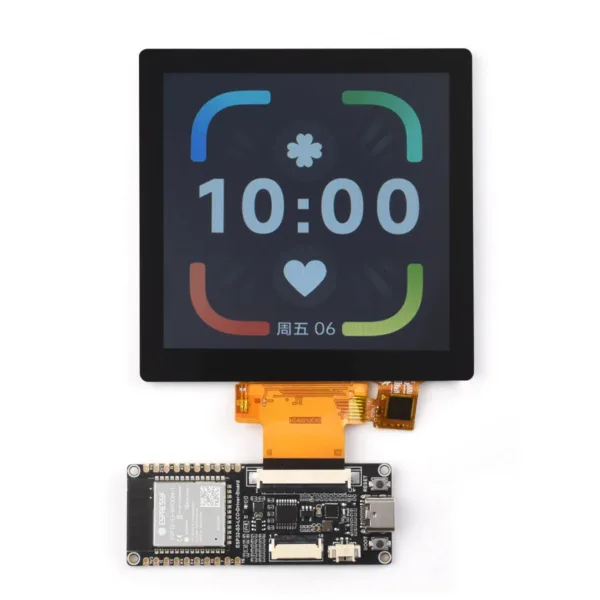 ESP32-S3 RGB LCD Driver Board 2.1inch 2.8inch 4.0inch RGB Round Touch Display Module WiFi & Bluetooth HMI LVGL GUI Development
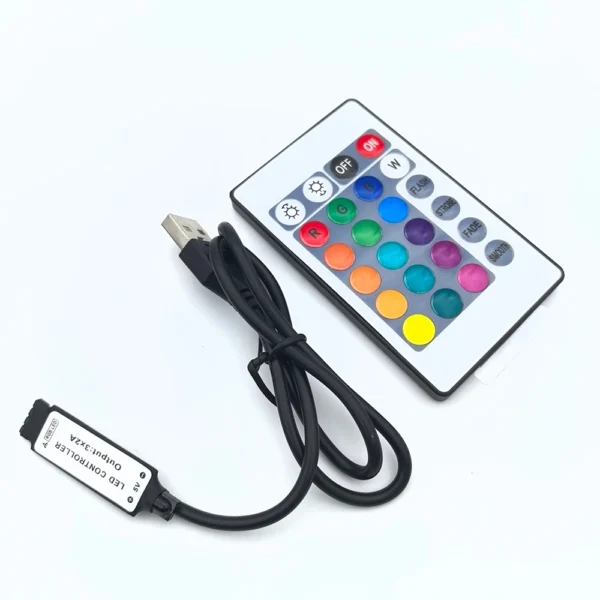 USB 5V mini 24key 4Pin RGB LED Strip Light RF Controller Control Cable Remote Dimmer for 5050 3528 2835 led Strip
$8.50
USB 5V mini 24key 4Pin RGB LED Strip Light RF Controller Control Cable Remote Dimmer for 5050 3528 2835 led Strip
$8.50
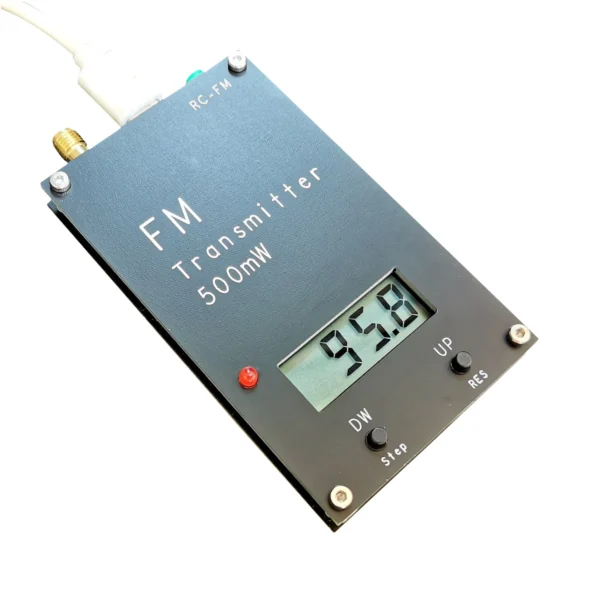 2KM 0.5W Stereo FM transmitter 76-108Mhz Shortwave Signal Stereo Station FM Broadcast . School .Car Parking Lot . Church Radio
$27.90
2KM 0.5W Stereo FM transmitter 76-108Mhz Shortwave Signal Stereo Station FM Broadcast . School .Car Parking Lot . Church Radio
$27.90
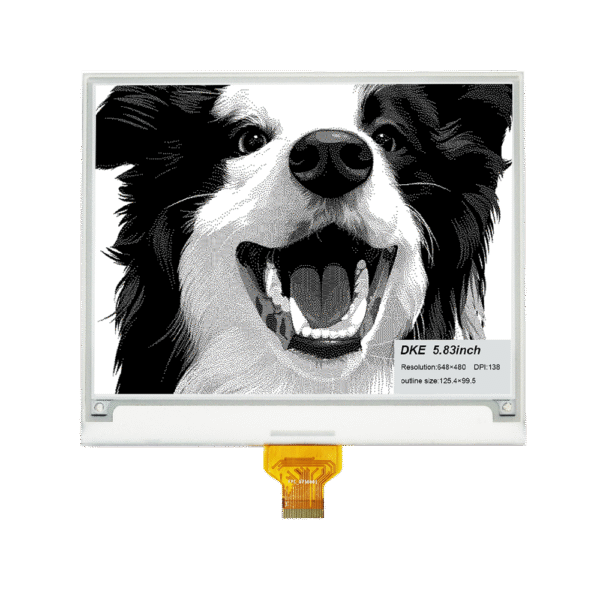 5.83 Inch Black White Epaper Display
$23.50
5.83 Inch Black White Epaper Display
$23.50
 Radxa 25W PoE+ HAT for Radxa X4
$59.80
Radxa 25W PoE+ HAT for Radxa X4
$59.80
EMC testing is expensive, and failing it is worse than the test fee — it costs you a respin, a
We review a lot of boards — some designed in-house, some by other contractors, some by founders doing their own
When a battery-powered product dies too soon, the instinct is to blame the firmware. Surely there is a sleep mode
A wearable PCB is not just a small PCB. It is a board where every constraint that normally has some
The STM32 family is the workhorse of embedded hardware, and almost every project that uses one starts the same way:
The nRF52840 is one of the most popular BLE and multiprotocol chips in the world, and for good reason: it
No account yet?
Create an Account