
EMC/EMI Checklist Before Your Board Goes to Certification
EMC testing is expensive, and failing it is worse than the test fee — it costs you a respin, a
ESP32 CAN Bus is a revolutionary technology that facilitates seamless communication between devices, particularly essential in industrial settings. The ESP32, a versatile microcontroller with built-in Wi-Fi and Bluetooth capabilities, takes advantage of the Controller Area Network (CAN) protocol, ensuring a robust and reliable way of transmitting data. This tutorial will guide you through the essentials of using the ESP32 with CAN Bus, breaking down its advantages, setup process, and practical applications.
Before diving into the details of the ESP32 CAN Bus tutorial, it’s crucial to understand what the CAN Bus and ESP32 are.
What is CAN Bus?
CAN Bus is a vehicle bus standard designed to facilitate communication among multiple microcontrollers without a host computer. Originally developed for automotive applications, CAN Bus enables various devices to communicate efficiently and reliably, making it a perfect choice for industrial automation and control systems.
Why Use ESP32?
The ESP32 is an ideal choice for implementing CAN Bus due to its processing power, GPIO options, and low energy consumption. Its dual-core processor, integrated Wi-Fi, and Bluetooth functionalities allow for multifunctional applications, making it an excellent asset in industrial communication.
Before proceeding, gather the following components:
- ESP32 development board
- CAN transceiver module (like MCP2515)
- Jumper wires
- Optional: A breadboard for easy connections
To connect the ESP32 to the CAN transceiver, follow these steps:
1. MCP2515 CAN Transceiver: Connect the following pins:
- VCC (5V) to 5V on ESP32
- GND to GND
- CS (Chip Select) to GPIO 5
- SCK (Serial Clock) to GPIO 18
- SI (Data In) to GPIO 23
- SO (Data Out) to GPIO 19
- INT (Interrupt) to GPIO 4
Once wired, your setup should resemble the following configuration:
```
ESP32 MCP2515
------------------------
5V --------- VCC
GND --------- GND
GPIO 5 --------- CS
GPIO 18 -------- SCK
GPIO 23 -------- SI
GPIO 19 -------- SO
GPIO 4 --------- INT
```
To program the ESP32 for CAN Bus communication, you must install the necessary libraries. In the Arduino IDE, navigate to Sketch > Include Library > Manage Libraries. Search for and install:
- MCP_CAN: This library is specifically for CAN Bus operations.
- SPI: Often bundled with Arduino IDE, it’s essential for SPI communications with the MCP2515.
Once you have your hardware set up and libraries installed, it’s time to write your first piece of code. Here’s a basic example that demonstrates sending and receiving CAN messages.
```cpp
#include
#include
MCP_CAN CAN(5); // Set CS pin to GPIO 5
void setup() {
Serial.begin(115200);
if (CAN.begin(CAN_500KBPS) == 0) {
Serial.println("CAN BUS Ready!");
} else {
Serial.println("CAN BUS Failed!");
while (1);
}
CAN.setMode(MCP_STDEXT); // Enable standard and extended mode
}
void loop() {
// Sending a sample CAN message
byte data[8] = {0, 1, 2, 3, 4, 5, 6, 7};
CAN.sendMsgBuf(0x100, 0, 8, data);
Serial.println("Message Sent!");
delay(1000); // Send message every second
}
```
In this code, you’re initializing the CAN Bus and sending a CAN message every second. This basic setup gives you the foundation for more advanced applications, such as error handling and message filtering.
The ESP32 CAN Bus unlocks numerous possibilities in industrial communication:
1. Machine-to-Machine Communication: Using CAN Bus, devices such as sensors, actuators, and controllers can share data effectively.
2. Real-Time Monitoring: With the ESP32’s connectivity, monitored data can be sent to cloud platforms for further analysis or control.
3. Robust Network: The CAN Bus protocol ensures message priority, reducing the likelihood of data collisions, which is crucial in industrial environments.
By following this ESP32 CAN Bus tutorial, you've gained insights into setting up a reliable communications system suitable for industrial applications. The fusion of ESP32 technology with the CAN Bus protocol not only enhances device interoperability but also lays the groundwork for future innovation in industrial communication systems. Understanding these foundational aspects will undoubtedly propel your projects into new horizons of efficiency and reliability.
======================================
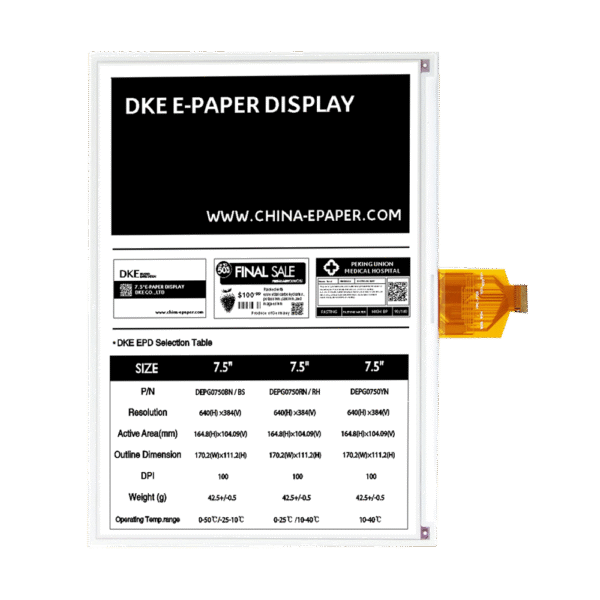 10.2 Inch Black White Epaper Display
$68.57
10.2 Inch Black White Epaper Display
$68.57
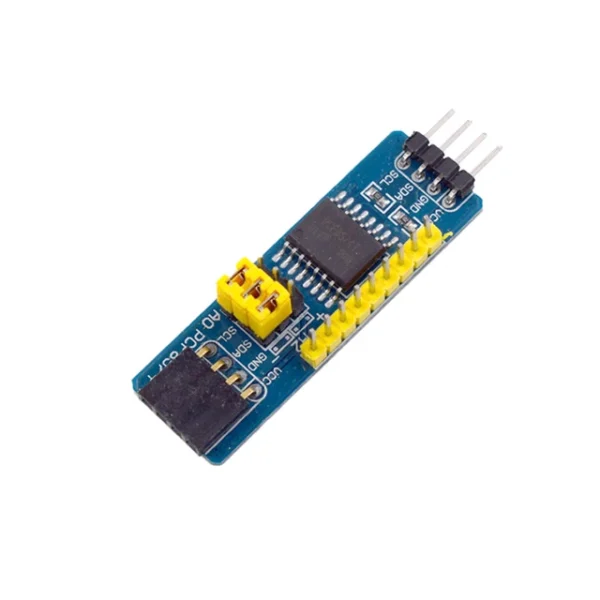 PCF8574 I2C Interface 8bit IO MCU Expansion Board I/O Expander I2C Bus Evaluation Development Module AVR STM8 C8051F For Arduino
$1.90
PCF8574 I2C Interface 8bit IO MCU Expansion Board I/O Expander I2C Bus Evaluation Development Module AVR STM8 C8051F For Arduino
$1.90
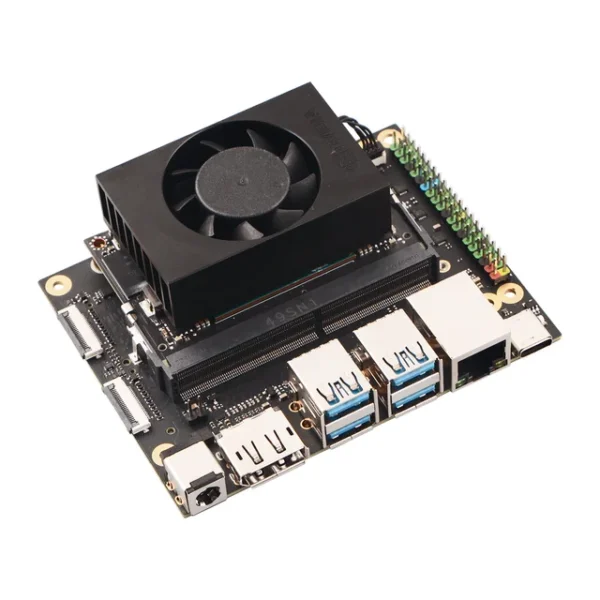 Radxa C200 Orin Developer Kit/Jetson Orin NX 8GB /Super Mode 117 TOPS / Edge AI
$819.70
Radxa C200 Orin Developer Kit/Jetson Orin NX 8GB /Super Mode 117 TOPS / Edge AI
$819.70
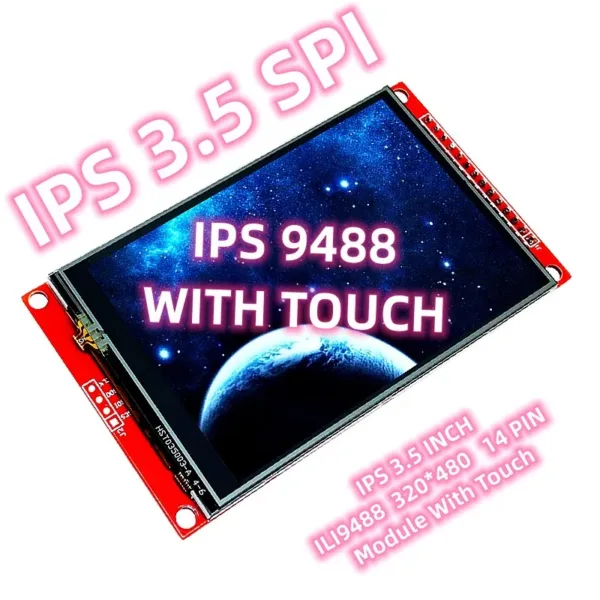 3.5 Inch IPS SPI With Touch Display ILI9488 ESP32 Full View Angle 14 PIN 320*480
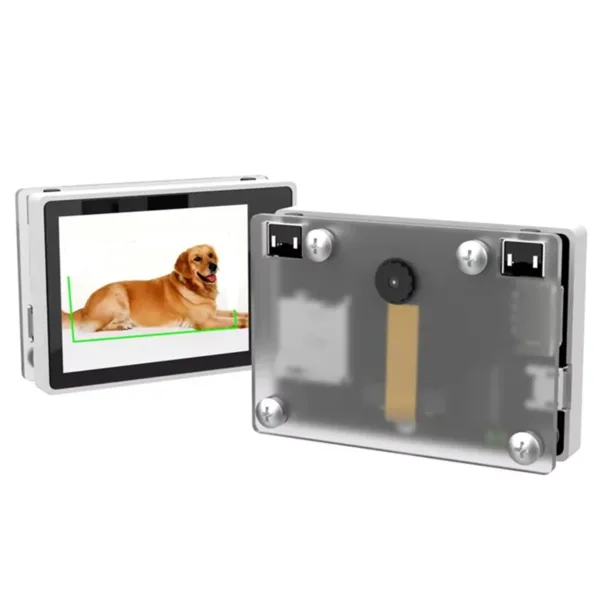 K210 Visual Recognition Module with 2MP Camera OV2640 and 2.0-Inch LCD Capacitive Touch Screen for DIY Robot Car Kit
EMC testing is expensive, and failing it is worse than the test fee — it costs you a respin, a
We review a lot of boards — some designed in-house, some by other contractors, some by founders doing their own
When a battery-powered product dies too soon, the instinct is to blame the firmware. Surely there is a sleep mode
A wearable PCB is not just a small PCB. It is a board where every constraint that normally has some
The STM32 family is the workhorse of embedded hardware, and almost every project that uses one starts the same way:
The nRF52840 is one of the most popular BLE and multiprotocol chips in the world, and for good reason: it
No account yet?
Create an Account