
EMC/EMI Checklist Before Your Board Goes to Certification
EMC testing is expensive, and failing it is worse than the test fee — it costs you a respin, a
ESP-IDF, or the Espressif IoT Development Framework, is a robust and versatile toolset designed for the development of applications for Espressif's renowned ESP32 chip series. Developers worldwide recognize its flexibility and power, making it a framework of choice for IoT projects involving smart gadgets, sensors, and more. In this guide, you'll discover how to get started with ease, focusing on downloading, installing, and setting it up for your upcoming projects.
Embarking on your journey with this framework begins with understanding its core. ESP-IDF provides a comprehensive set of API libraries and tools tailored for efficient development. It supports common coding languages like C/C++ and offers a seamless development workflow through its integration with popular IDEs.
Before diving into projects, it is important to establish a solid foundation by correctly setting up the environment. The key steps include obtaining the ESP-IDF and configuring your system to recognize and utilize it effectively.
To initiate the process, you'll need to download the framework from the official Espressif website or GitHub repository. The platform supports various operating systems, including Windows, macOS, and Linux, ensuring that developers can work in a familiar environment regardless of their preferred OS.
Steps for Downloading ESP-IDF:
1. Visit the Official Site: Navigate to Espressif’s official documentation page or directly to their GitHub repository.
2. Select the Version: Choose the latest stable release for a smooth experience. Ensure compatibility with your development board or chip version.
3. Download the Framework: Obtain the necessary files. Typically, a ZIP file or direct repository clone link is provided for ease of access.
4. Extract or Clone: If you downloaded a ZIP file, extract it to your desired directory. Alternatively, clone the repository using Git if you prefer to keep it updated with the latest changes effortlessly.
After downloading, the next crucial step is setting up your system to accommodate the ESP-IDF. This involves configuring environment variables and ensuring dependencies are correctly installed. The process may vary slightly depending on your operating system, but the core principles remain consistent.
Windows Setup:
- Install Tools: Utilize the ESP-IDF Tools Setup wizard provided by Espressif for an automated installation process. This tool ensures all necessary compilers and dependencies are installed.
- Configure Variables: Follow the prompts to set up environment variables which link to the IDF_PATH, ensuring that your command line interface recognizes the commands related to ESP-IDF.
macOS and Linux Setup:
- Requirements: Begin by installing essential development tools. For macOS, Xcode command line tools are necessary, while package managers like Homebrew (macOS) or apt-get (Linux) simplify the dependency installation.
- Manual Configuration: Unlike Windows, macOS and Linux setups may require manual configuration. Set environment variables within your terminal’s profile script for easy access.
With the setup complete, you're ready to craft your first ESP-IDF project. Utilizing example projects offered within the framework is a great way to ensure everything is configured correctly. These examples showcase fundamental capabilities, providing a solid groundwork for more complex endeavors.
Starting an Example Project:
- Navigate to Example Directory: Within your ESP-IDF directory, locate the ‘examples’ folder. Choose a project that aligns with your initial learning goals.
- Compile and Flash: Utilize the idf.py tool provided by ESP-IDF to compile and flash your project to the ESP32 board. Commands like `idf.py build` and `idf.py flash` streamline the development process.
Mastering ESP-IDF opens a world of possibilities in IoT application development. From efficient coding to robust deployment practices, knowing your way around the framework saves time and boosts productivity. Once the initial installation hurdles are crossed, the ESP-IDF environment becomes a reliable companion in your development journey, supporting creative solutions and innovative designs. Engage with the thriving community and explore endless opportunities with your newfound ESP-IDF skills.
======================================
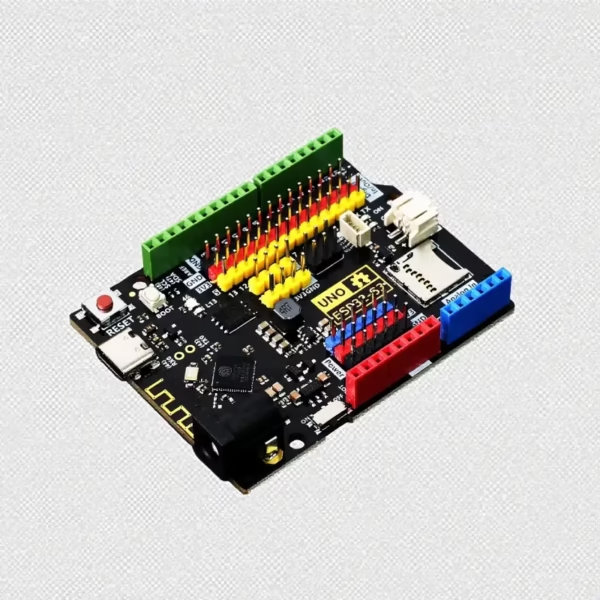 ESP32-S3 Development Board, Arduino UNO Compatible
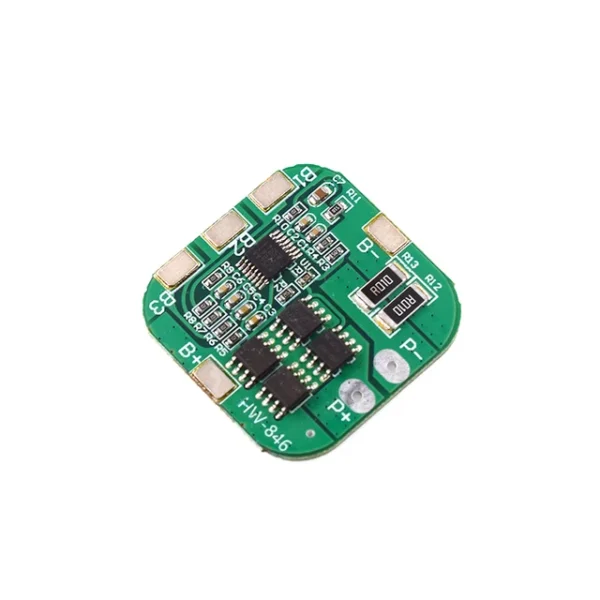 4S 14.8V / 16.8V 20A Peak li-ion 4 BMS PCM Battery Protection Board Bms Pcm For lithium LicoO2 Limn2O4 18650 li Battery
$3.20
4S 14.8V / 16.8V 20A Peak li-ion 4 BMS PCM Battery Protection Board Bms Pcm For lithium LicoO2 Limn2O4 18650 li Battery
$3.20
 AI Robot Dog DIY Assembly Voice Science Experiment Kit Electronic Toy Dog Educational Toys for Kids Gifts
$6.90
AI Robot Dog DIY Assembly Voice Science Experiment Kit Electronic Toy Dog Educational Toys for Kids Gifts
$6.90
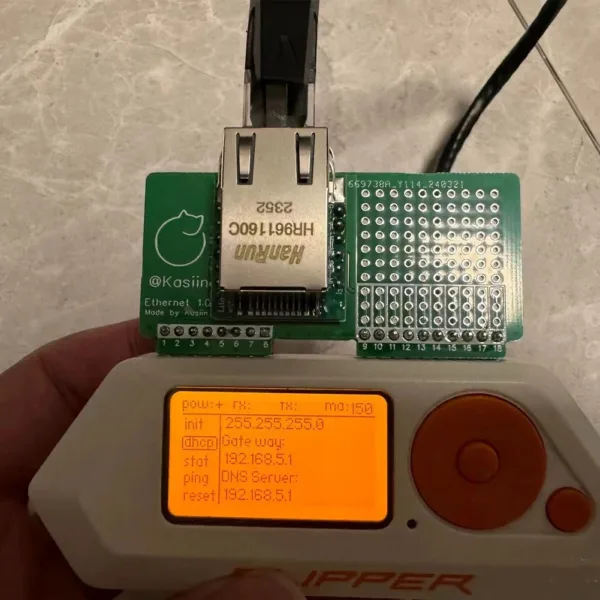 For Flipper Zero Wired Network Test Module Development Board WiFi Devboard for Flipper Zero Attachment Accessory
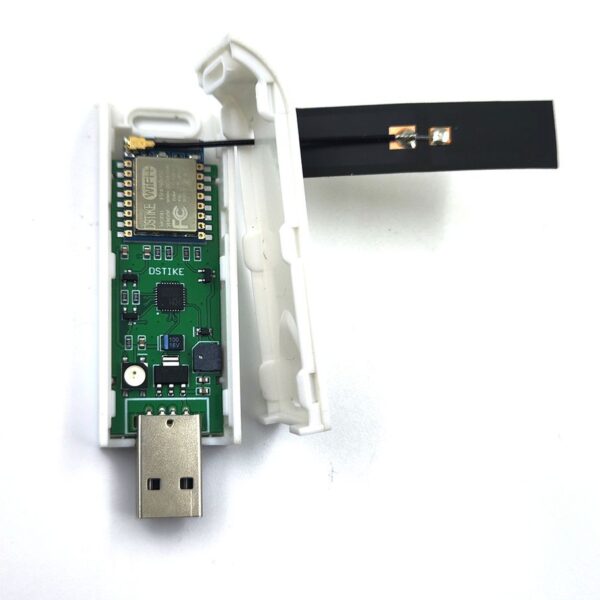 Deauth Detector V3 2.4G Wi-Fi Attack Detection
$11.80
Deauth Detector V3 2.4G Wi-Fi Attack Detection
$11.80
EMC testing is expensive, and failing it is worse than the test fee — it costs you a respin, a
We review a lot of boards — some designed in-house, some by other contractors, some by founders doing their own
When a battery-powered product dies too soon, the instinct is to blame the firmware. Surely there is a sleep mode
A wearable PCB is not just a small PCB. It is a board where every constraint that normally has some
The STM32 family is the workhorse of embedded hardware, and almost every project that uses one starts the same way:
The nRF52840 is one of the most popular BLE and multiprotocol chips in the world, and for good reason: it
No account yet?
Create an Account