
EMC/EMI Checklist Before Your Board Goes to Certification
EMC testing is expensive, and failing it is worse than the test fee — it costs you a respin, a
The ESP32-C3 USB data transfer capabilities are among the most exciting features for enthusiasts and developers alike. This tiny, powerful microcontroller, the ESP32-C3, offers remarkable versatility in handling various tasks with ease. From smart home automation to IoT projects, learning to transfer data via USB can streamline processes and enhance project efficiency.
The ESP32-C3 is a low-cost, energy-efficient microcontroller that boasts built-in Wi-Fi and Bluetooth capabilities. It runs on a RISC-V single-core processor, making it a robust option for a myriad of applications. The microcontroller's USB functionality allows developers to easily transfer data, update firmware, and communicate with other devices, thus serving as a cornerstone for many tech projects.
To begin using the ESP32-C3 USB data transfer feature, several prerequisites are needed. Ensure you have the following items on hand:
1. ESP32-C3 Development Board: Look for boards like the esp32c3 super mini, which are compact yet fully functional.
2. USB-C Cable: You'll need a cable to connect your ESP32-C3 to a computer or another USB host device.
3. Compatible Software: Download and install ESP-IDF, the official development framework for ESP32 chips, if you haven't already.
Once the essentials are gathered, you're ready to dive into the process.
For a seamless experience, setting up the development environment correctly is crucial. Here's a simplified guide to ensure smooth operation:
1. Install ESP-IDF: Head over to the official website and follow the installation instructions tailored to your operating system. Make sure all necessary dependencies and Python packages are in place.
2. Connect Your Hardware: Use the USB-C cable to connect the ESP32-C3 to your computer. Ensure a stable connection to facilitate reliable data transfer.
3. Configuration: Open your terminal or command prompt and configure the device using the `idf.py menuconfig` command. Adjust the settings as necessary to enable USB functionalities.
With your environment set, it's time to get hands-on with coding. You'll want to craft a program that effectively manages USB data transfer:
1. Writing a Basic USB Communication Program
- Start by including necessary headers and libraries in your code.
- Initiate USB communication by setting up parameters and establishing connections using the ESP-IDF SDK.
- Write functions to read from and write to the USB, enabling smooth data transfer between the ESP32-C3 and other devices.
2. Compiling and Flashing
- Compile your code using the `idf.py build` command.
- Flash it onto the ESP32-C3 by executing `idf.py flash`. This uploads your program directly to the board.
Once programmed, it's crucial to test your setup to ensure everything works as expected. Here’s how you can verify successful data transfer:
1. Monitoring USB Communication
- Utilize a serial monitor to observe data being transferred. This step helps identify any transmission issues or bottlenecks.
2. Troubleshooting Common Issues
- Check connections and ensure the USB cable is functioning properly if any problems arise.
- Verify that the correct drivers are installed, especially on Windows machines, as missing drivers can hinder communication.
The esp32c3 super mini board is not limited to simple data operations. Its capabilities allow for complex applications, such as integrating with sensors and actuators, handling intricate data loads, and even hosting web servers over USB.
Mastering ESP32-C3 USB data transfer unlocks a world of possibilities for tech enthusiasts. By following this guide, you can efficiently set up your development environment, program your device, and implement seamless data communication across various platforms. Whether you're embarking on a new project or enhancing existing ones, the ESP32-C3's integration capabilities empower you to innovate and create with ease.
======================================
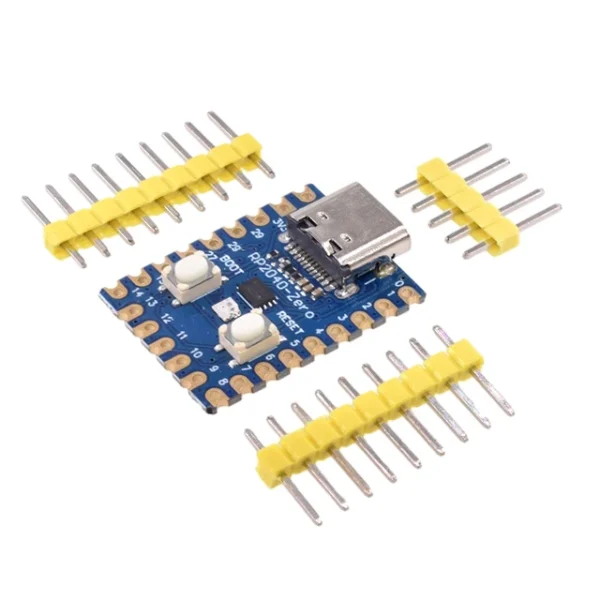 RP2040-Zero RP2040 for Raspberry Pi Microcontroller PICO Development Board Module Dual-core Cortex M0+ Processor 2MB Flash
$3.20 – $3.50Price range: $3.20 through $3.50
RP2040-Zero RP2040 for Raspberry Pi Microcontroller PICO Development Board Module Dual-core Cortex M0+ Processor 2MB Flash
$3.20 – $3.50Price range: $3.20 through $3.50
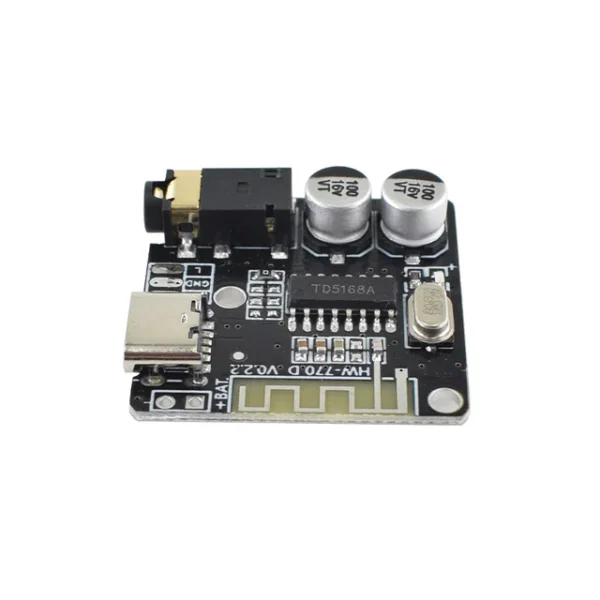 Mini Bluetooth-compatible Decoder Board Audio Receiver BT5.0 PRO MP3 Lossless Player Wireless Stereo Music Amplifier Module
$2.10
Mini Bluetooth-compatible Decoder Board Audio Receiver BT5.0 PRO MP3 Lossless Player Wireless Stereo Music Amplifier Module
$2.10
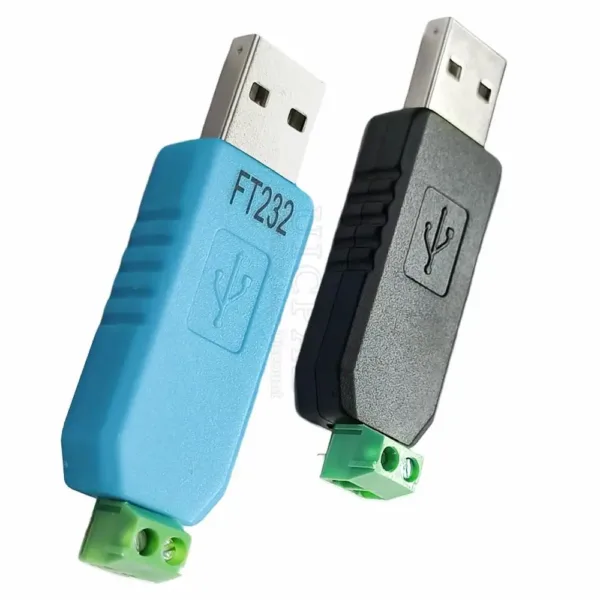 USB CH340 to RS485 Convertor Module PL2303 to 485 FT232 to RS485 USB Tool Conversion Adapter for Win 7 8 XP
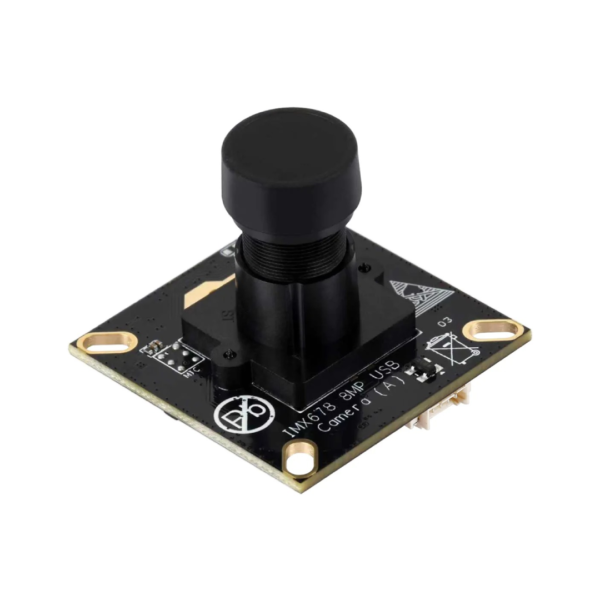 IMX678 8MP M12 USB Camera Module, IMX678 Sensor Chip, USB2.0 Port, Better Sensitivity In Low-Light Condition
$63.90
IMX678 8MP M12 USB Camera Module, IMX678 Sensor Chip, USB2.0 Port, Better Sensitivity In Low-Light Condition
$63.90
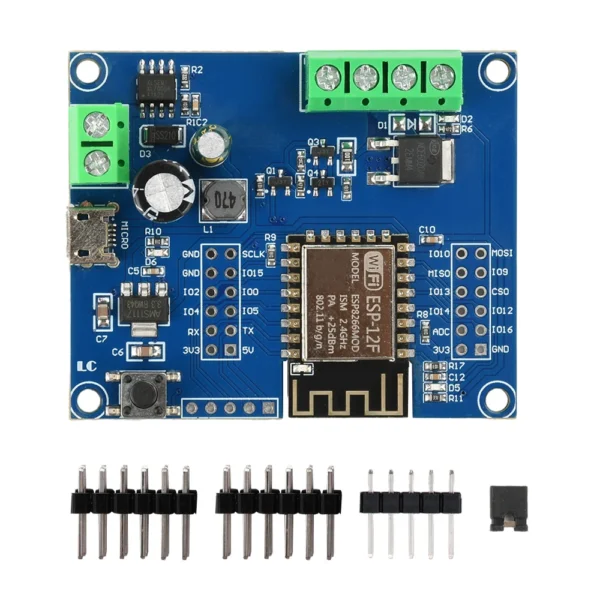 DC 5-80V ESP8266 WIFI Single Relay MOS Switch Control Module ESP-12F Development Board Micro USB Interface
$6.90
DC 5-80V ESP8266 WIFI Single Relay MOS Switch Control Module ESP-12F Development Board Micro USB Interface
$6.90
EMC testing is expensive, and failing it is worse than the test fee — it costs you a respin, a
We review a lot of boards — some designed in-house, some by other contractors, some by founders doing their own
When a battery-powered product dies too soon, the instinct is to blame the firmware. Surely there is a sleep mode
A wearable PCB is not just a small PCB. It is a board where every constraint that normally has some
The STM32 family is the workhorse of embedded hardware, and almost every project that uses one starts the same way:
The nRF52840 is one of the most popular BLE and multiprotocol chips in the world, and for good reason: it
No account yet?
Create an Account